Webapp Parts & Types

Auth & Onboarding

webmobiledesktop

Sign-up, sign-in, verification, welcome flows. Underrated for design impact. This is the first product touchpoint.

  • Variation 01

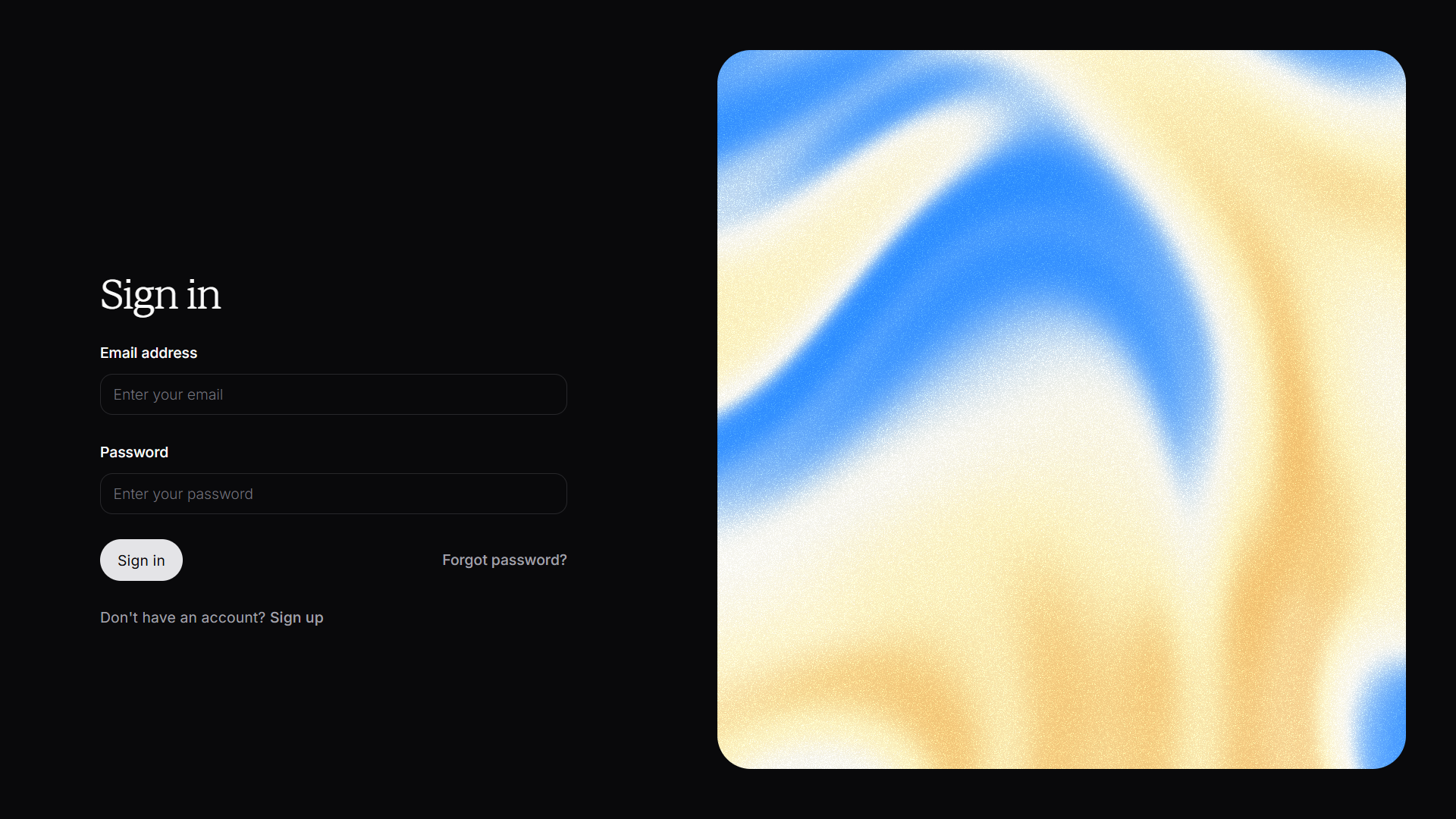
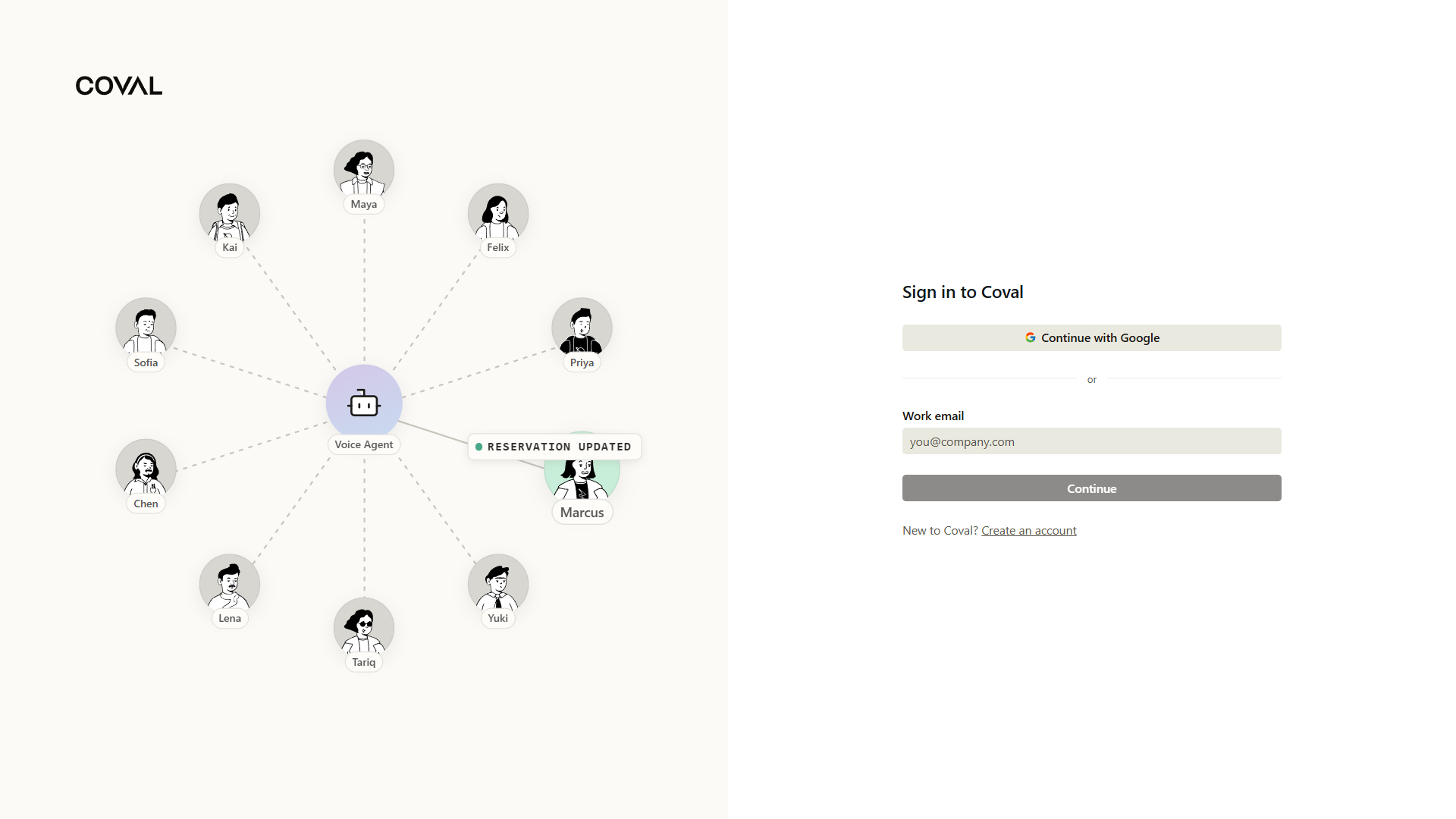
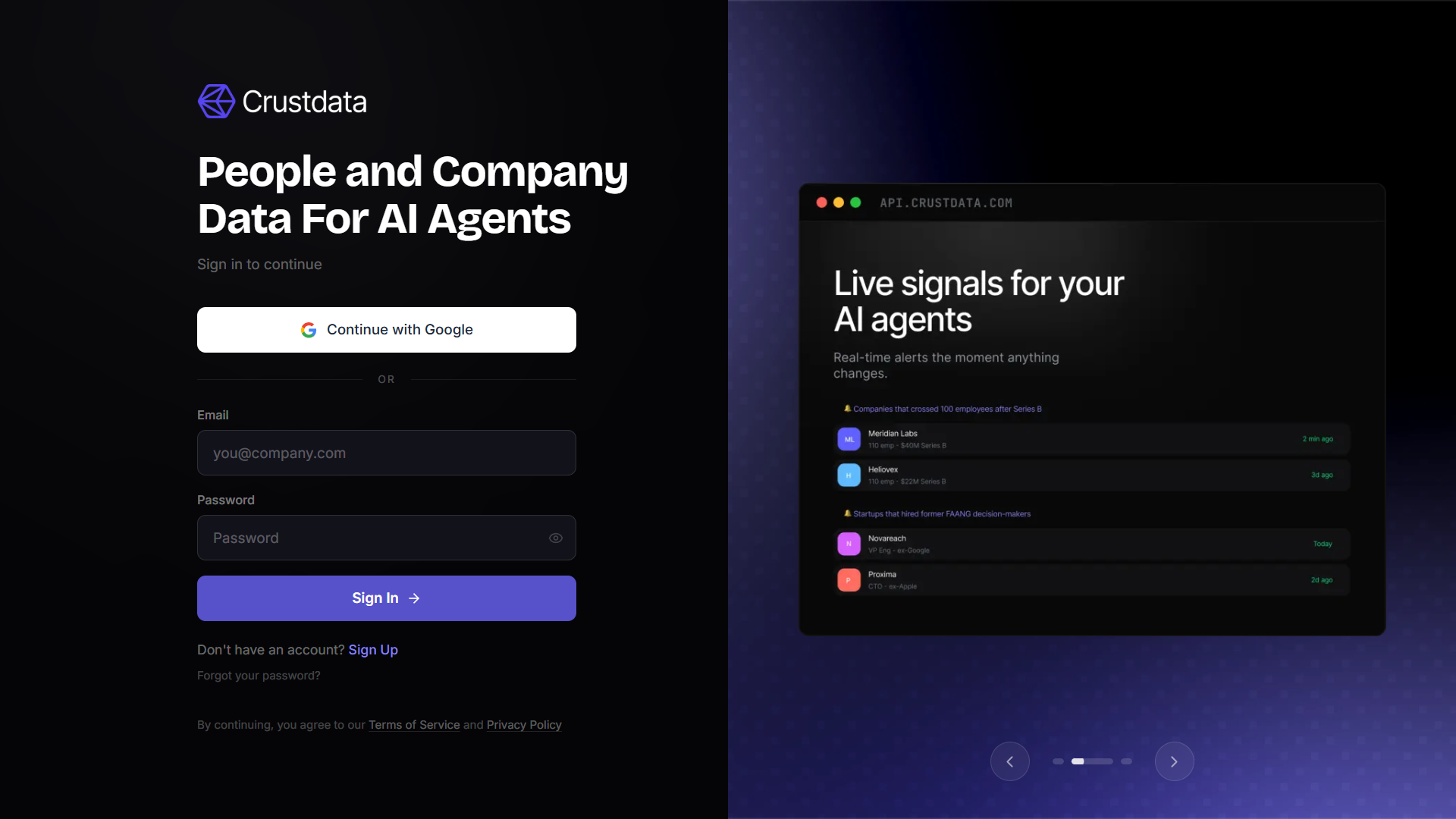
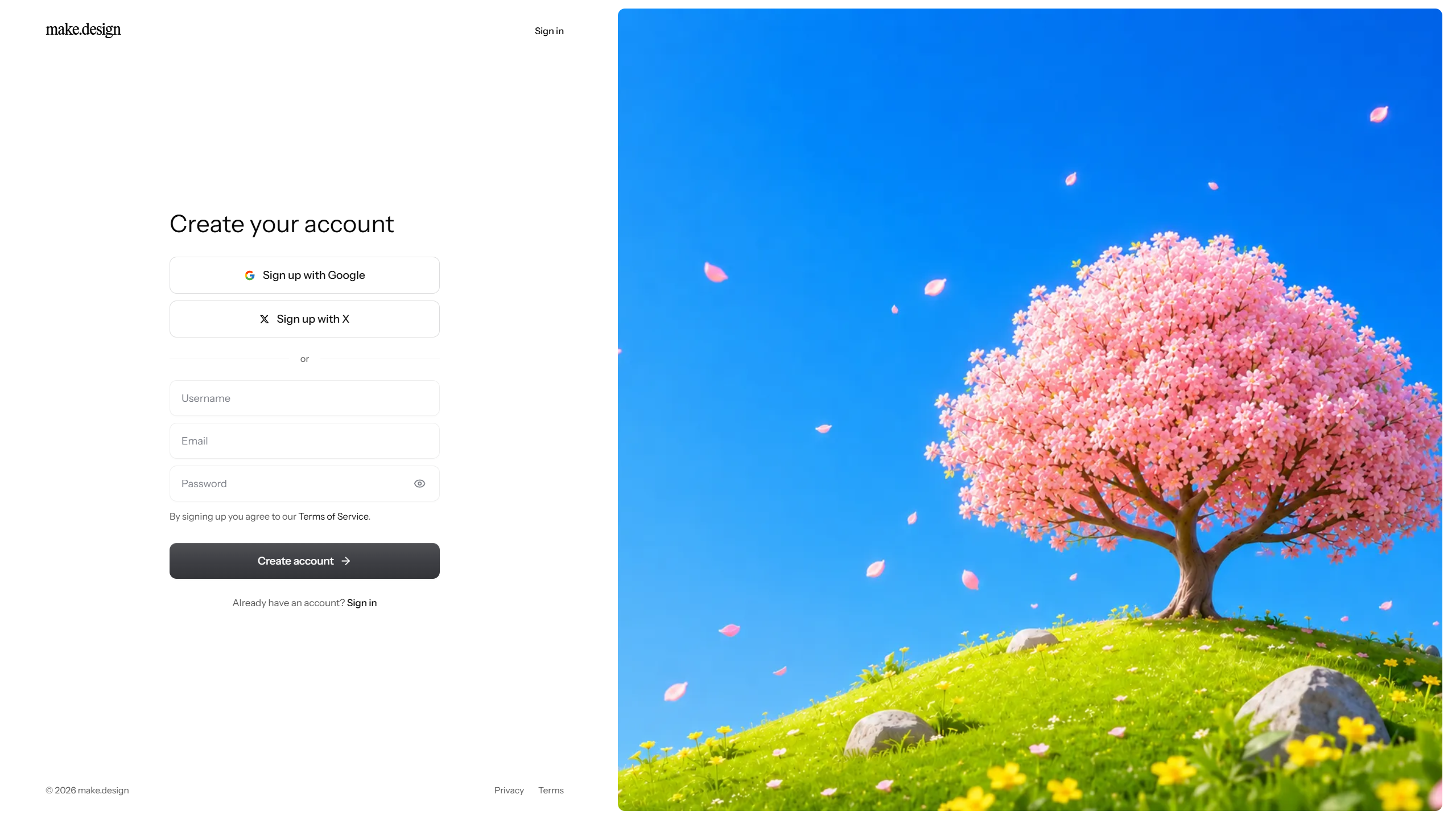
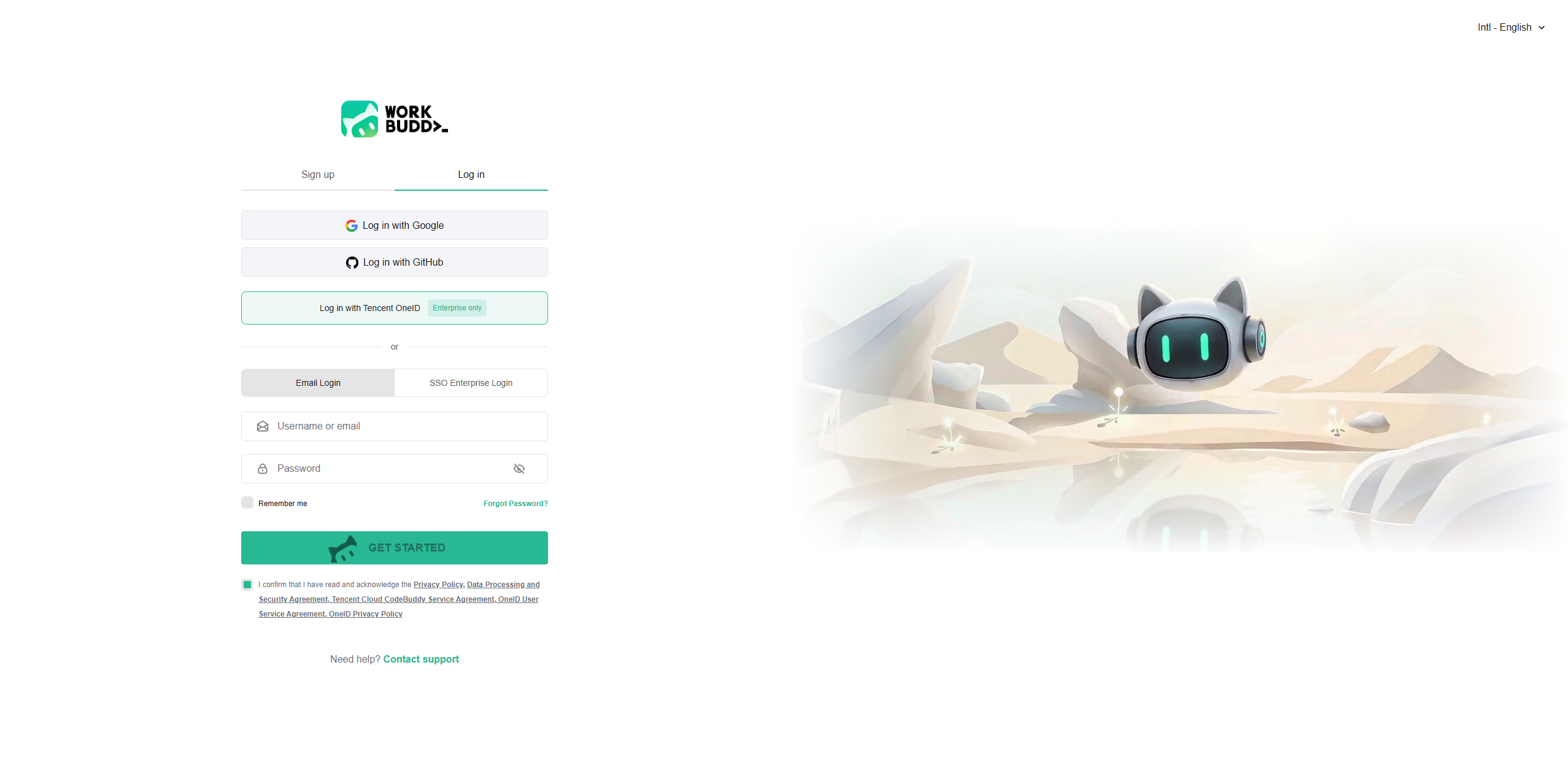
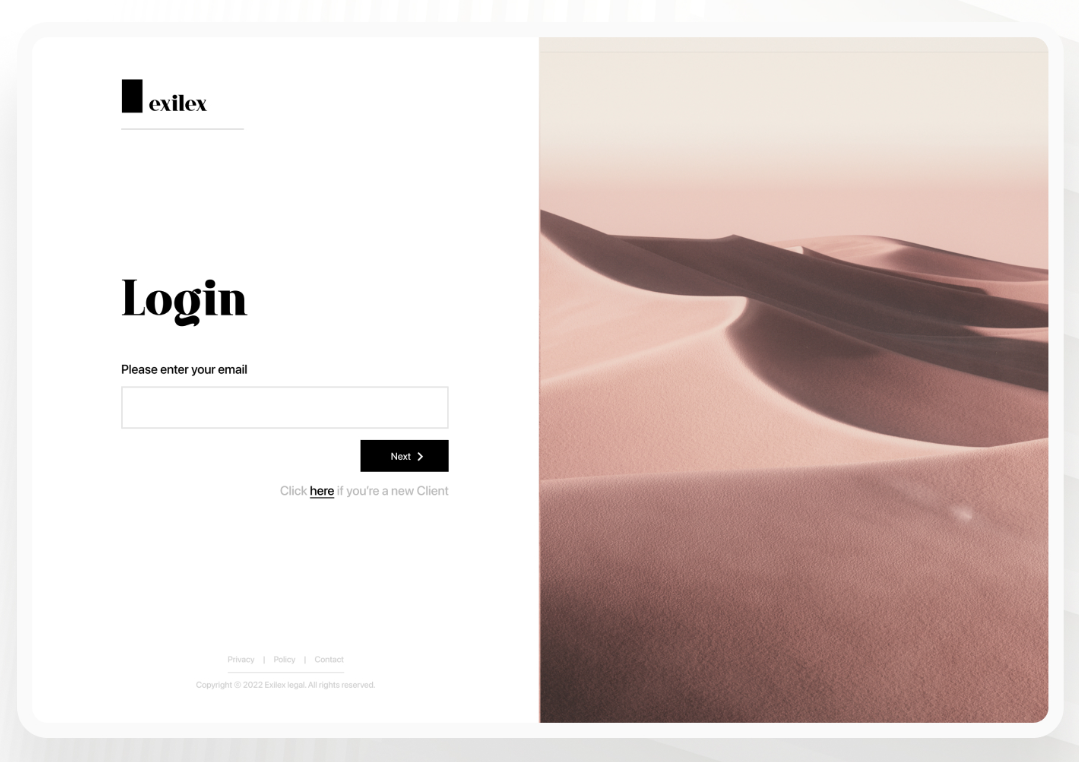
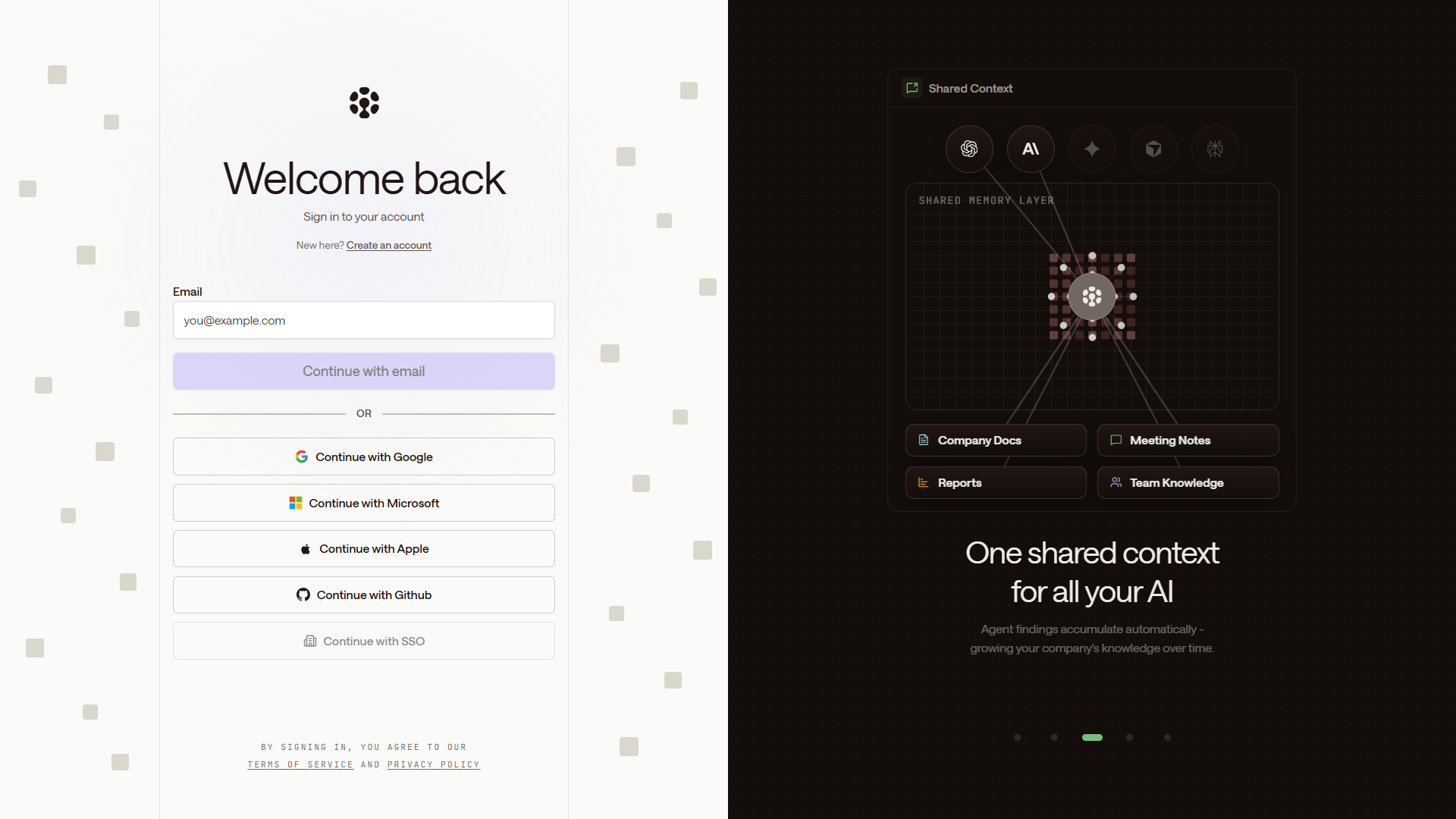
    Split Auth Page

    aka Magazine Login

    Screenshot of linear.applinear.app

    Form on one side, brand imagery or testimonial on the other.

    When to use

    Polished consumer or B2B products. Strong brand moment for free.

    Anatomy

    • Two-column layout, 50/50
    • Left: logo top, form center, footer links bottom
    • Right: brand artwork, customer quote, or muted gradient

    How the industry does it

    1 examples · credited

    Prompt

    Build a split sign-in page. Two equal columns. Left column (form side): logo top-left, form vertically centered with max-width 360px. Email input, password input or "Send magic link" button, OAuth providers (Google, GitHub) as a stack of full-width ghost buttons with provider icons left-aligned. A divider with "or continue with" text. Below the form: "New here? Create an account →" link. Right column: muted dark image or generative gradient with a customer quote overlaid at the bottom, white type at 80% opacity. Whole layout responsive. Right column hides under 1024px.

    Polish & tuning

    2 of 4 unlocked

    Motion

    Ease-out for entrance, ease-in-out for state. 200ms hover, 400–600ms layout. Stagger children at 30–60ms so groups feel intentional, not synchronized.

    Spacing

    Pick one scale (4 or 8) and don't mix. Section padding 96–128px desktop, 48–64px mobile. Headline sits ~24px above the subhead; subhead ~32px above the CTA cluster.
    Pro

    Unlock the rest of the tuning notes.

    Buy Pro
  • Variation 02

    Onboarding Checklist

    aka Getting Started Card · Activation Card

    Screenshot of linear.applinear.app

    A persistent dismissible card that walks the user through first-run setup.

    When to use

    Products with a non-trivial setup. The single best activation tool you can build.

    Anatomy

    • Floating card bottom-right
    • Header: progress ring + 'X of Y done'
    • Collapsible step list, each step has primary action
    • Dismiss + minimize controls

    Prompt

    Preview · Pro to copy
    Pro

    Unlock the full prompt.

    Buy Pro

    Polish & tuning

    2 of 4 unlocked

    Motion

    Ease-out for entrance, ease-in-out for state. 200ms hover, 400–600ms layout. Stagger children at 30–60ms so groups feel intentional, not synchronized.

    Spacing

    Pick one scale (4 or 8) and don't mix. Section padding 96–128px desktop, 48–64px mobile. Headline sits ~24px above the subhead; subhead ~32px above the CTA cluster.
    Pro

    Unlock the rest of the tuning notes.

    Buy Pro
  • Variation 03

    Centered Auth Card

    aka Boxed Login · Modal-Style Auth

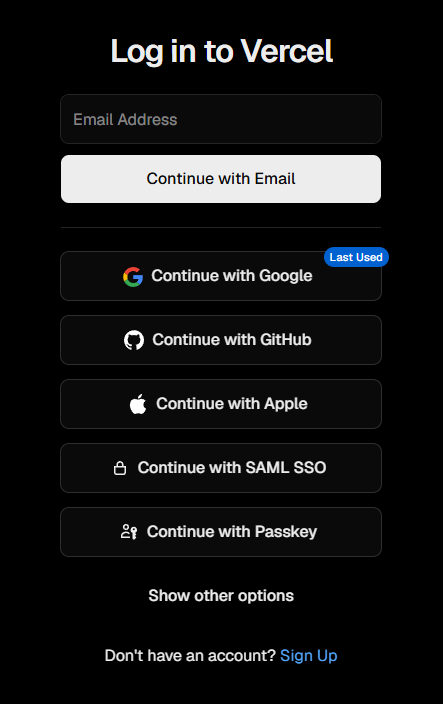
    Screenshot of vercel.comvercel.com

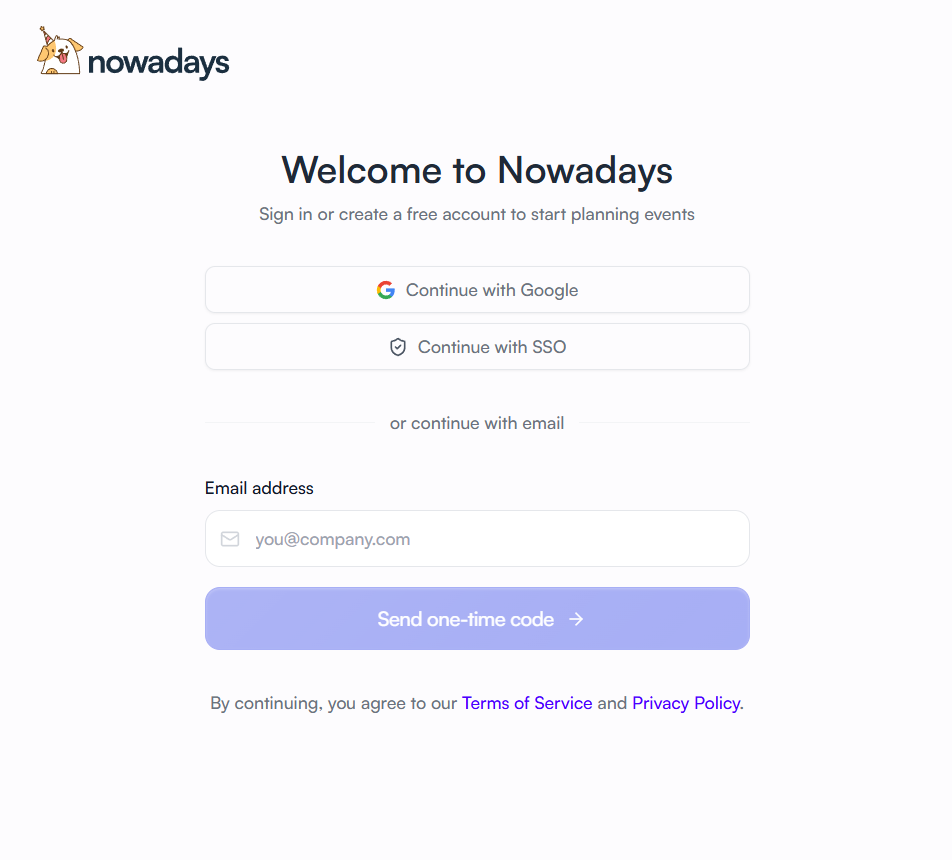
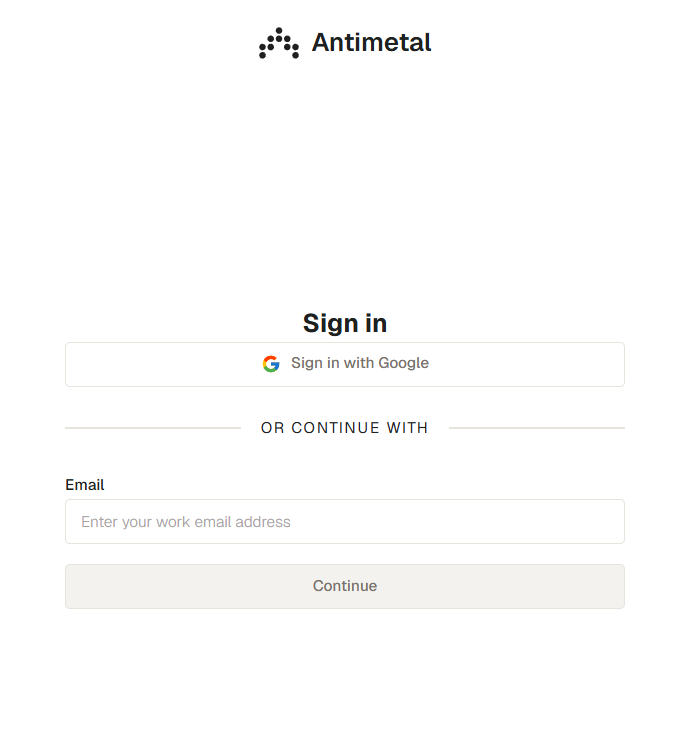
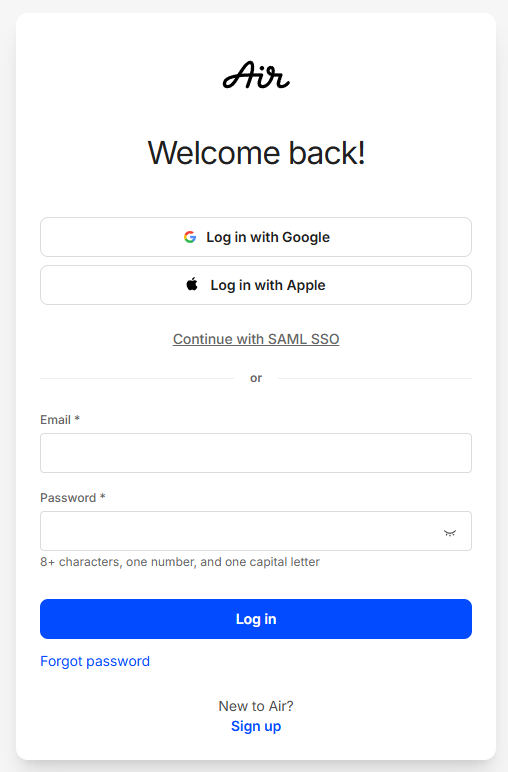
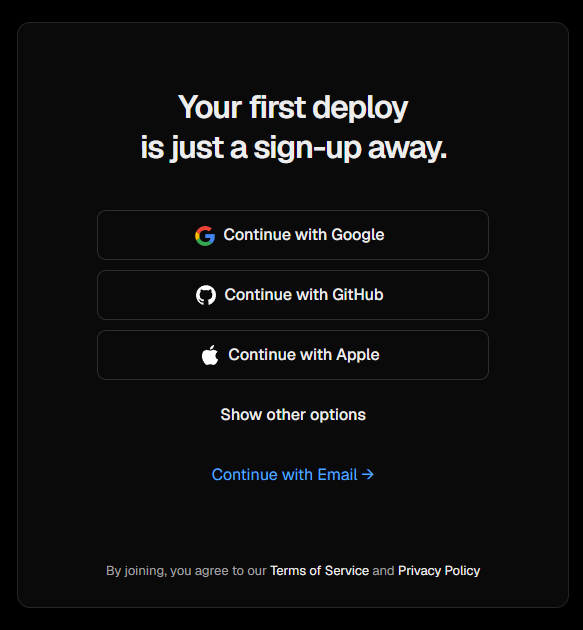
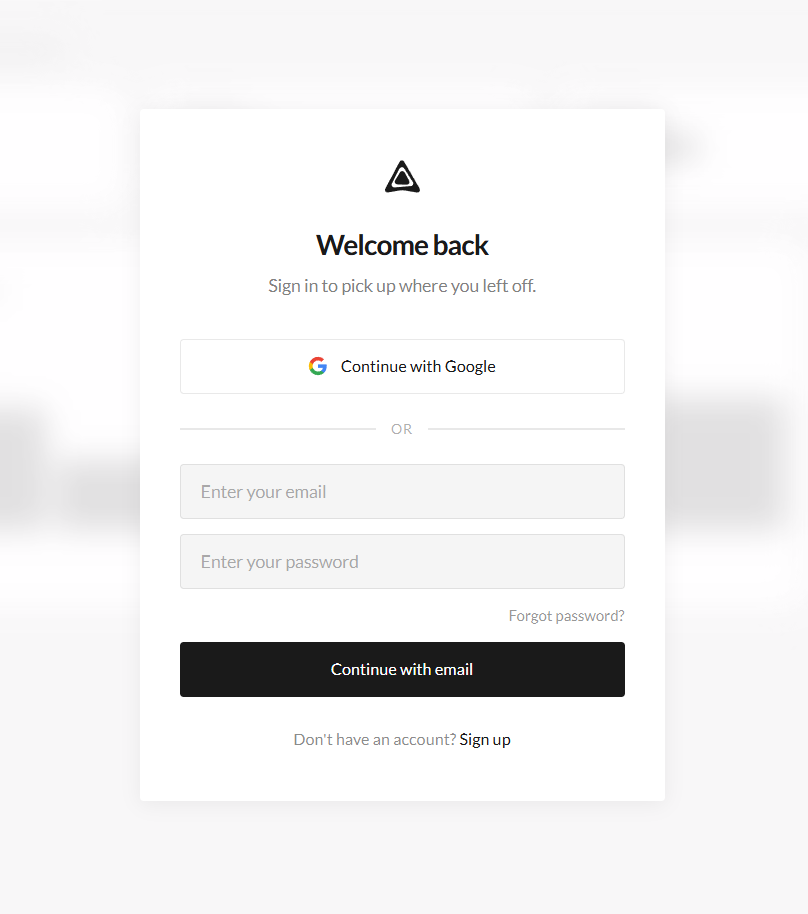
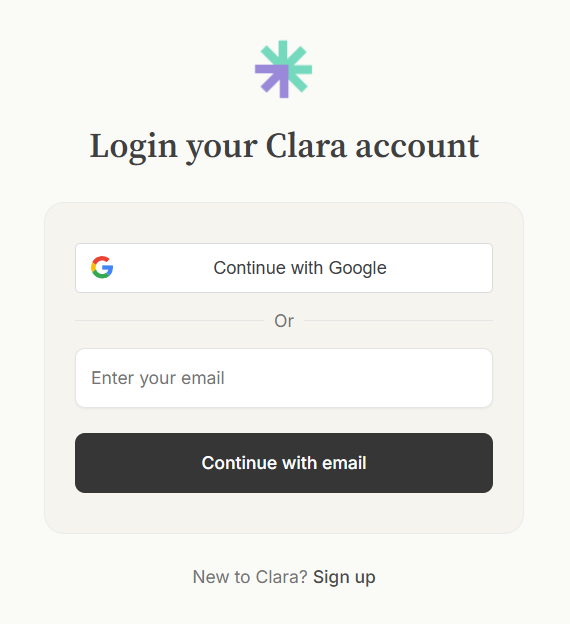
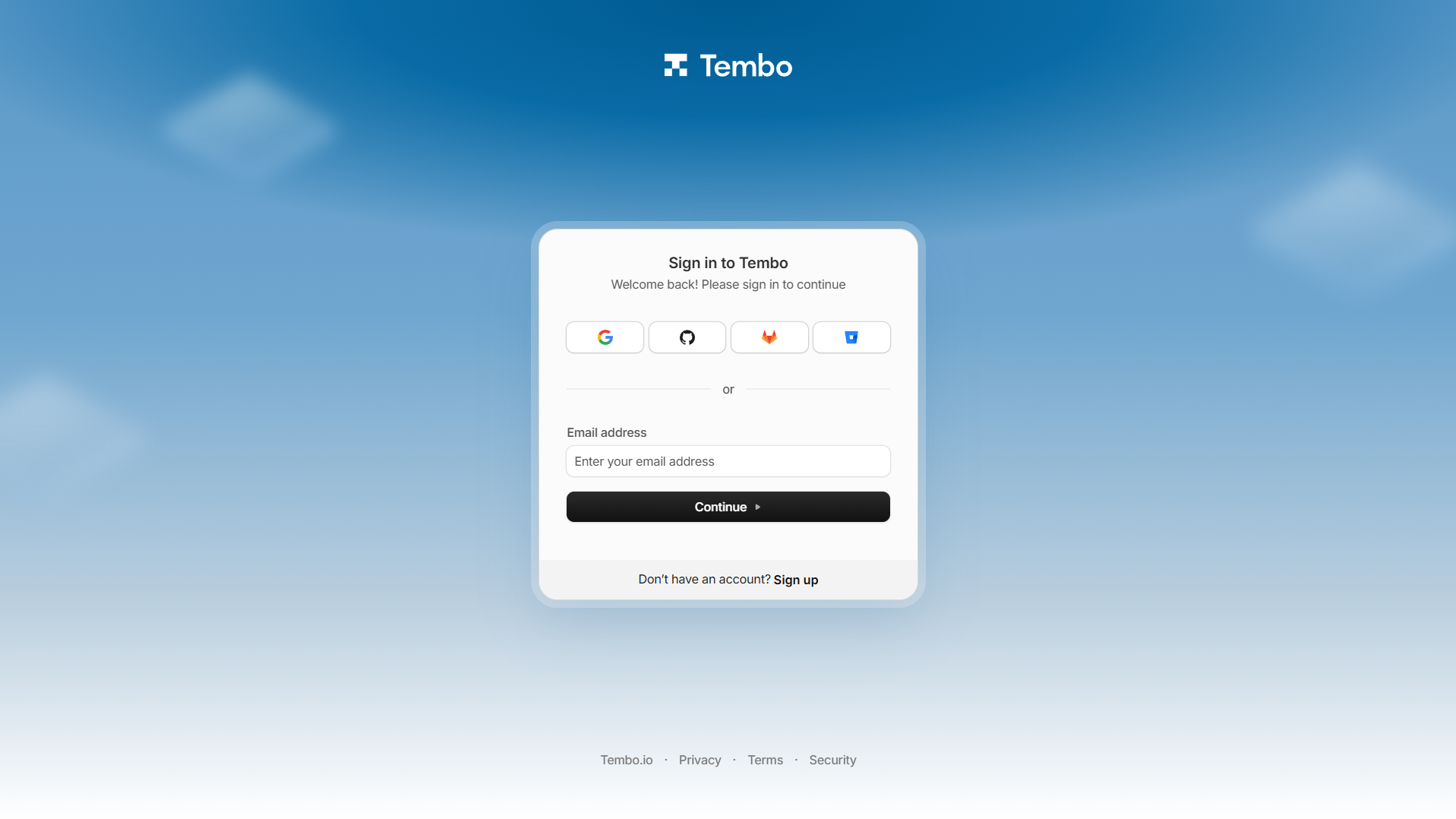
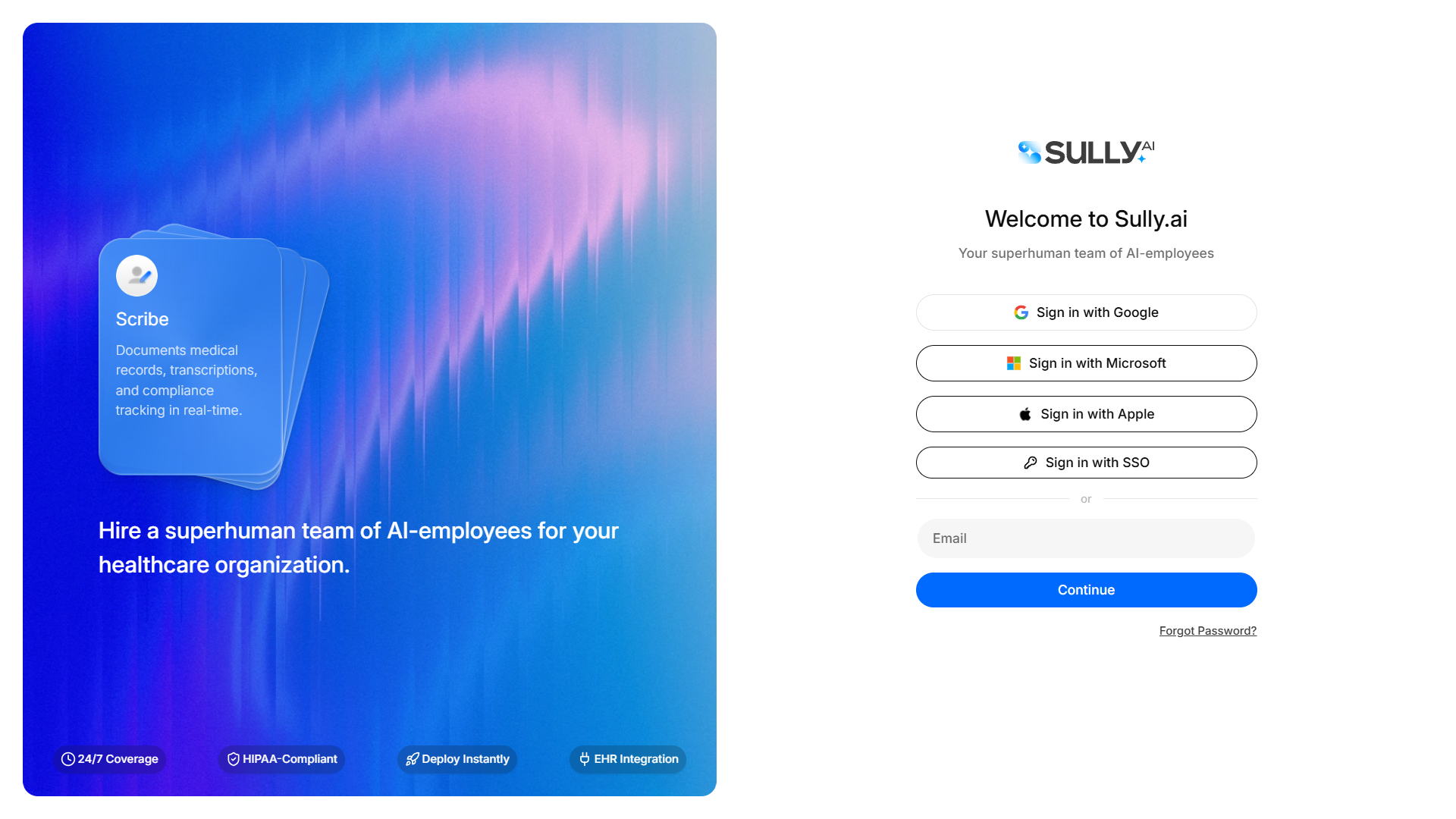
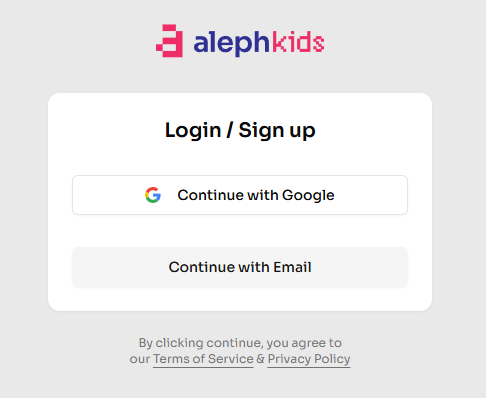
    A single 400px card centered on a quiet page - wordmark, form, OAuth, footer. The fastest pattern to ship.

    When to use

    Almost every B2B app on day one. Upgrade to split-auth when you have brand imagery worth showing.

    Anatomy

    • Page-centered card, max-width 400px
    • Wordmark top, headline below
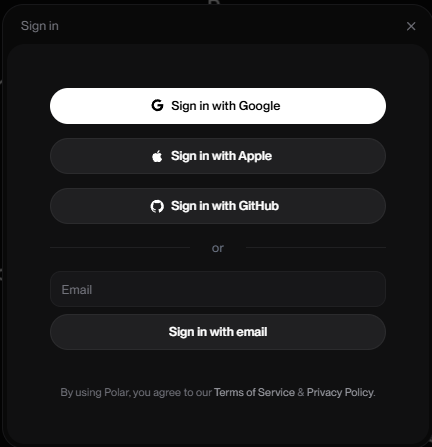
    • OAuth buttons stacked above an 'or' divider
    • Email input + continue button
    • Footer: sign-up link + legal

    Prompt

    Build a centered auth card. The card is 400px wide, rounded-2xl, padding 32px, vertically centered in the viewport. Top: small wordmark. Below: 22px headline 'Sign in to Acme'. OAuth: 3 full-width ghost buttons (Google, GitHub, Apple) with leading icons, stacked. A divider with 'or' text. Then an email input and a primary 'Continue with email' button. Footer line in 13px muted: 'New here? Create an account →'. Below that, tiny 11px legal text linking Terms and Privacy.

    Polish & tuning

    2 of 4 unlocked

    Motion

    Ease-out for entrance, ease-in-out for state. 200ms hover, 400–600ms layout. Stagger children at 30–60ms so groups feel intentional, not synchronized.

    Spacing

    Pick one scale (4 or 8) and don't mix. Section padding 96–128px desktop, 48–64px mobile. Headline sits ~24px above the subhead; subhead ~32px above the CTA cluster.
    Pro

    Unlock the rest of the tuning notes.

    Buy Pro
  • Variation 05

    Passkey Prompt

    aka WebAuthn Prompt · Touch ID Sign-In

    Screenshot of github.comgithub.com

    A sign-in card that asks the user to authenticate with a passkey (biometric or device-bound key) instead of a password.

    When to use

    Modern consumer + B2B apps. Default for security-conscious products. Always provide a fallback.

    Anatomy

    • Card with fingerprint / passkey icon
    • Primary 'Continue with passkey' button
    • Email input pre-filled if known
    • Fallback: 'Use a password instead' link

    Prompt

    Preview · Pro to copy
    Pro

    Unlock the full prompt.

    Buy Pro

    Polish & tuning

    2 of 4 unlocked

    Motion

    Ease-out for entrance, ease-in-out for state. 200ms hover, 400–600ms layout. Stagger children at 30–60ms so groups feel intentional, not synchronized.

    Spacing

    Pick one scale (4 or 8) and don't mix. Section padding 96–128px desktop, 48–64px mobile. Headline sits ~24px above the subhead; subhead ~32px above the CTA cluster.
    Pro

    Unlock the rest of the tuning notes.

    Buy Pro
  • Variation 06

    Email Verification Card

    aka Confirm Email · Verify Address

    Screenshot of linear.applinear.app

    Post-signup card that confirms the user verified their email. Large icon, single 'Continue' CTA.

    When to use

    Right after signup or when the user clicks the verification link. Make it feel like the door opening.

    Anatomy

    • Big success icon at the top
    • Headline confirming verification
    • One-line follow-up text
    • Single primary CTA: 'Continue to dashboard'

    Prompt

    Build an email verification success card. Centered card, max-width 440px, padding 40px. Top: a 56px filled check-circle icon in the accent color. Headline: 'Email verified' at 28px. Subtext (14px muted): 'Welcome to Acme - let's get you set up.' Primary button: full-width 'Continue to dashboard'. No additional links or distractions. On render, focus the primary button so Enter immediately continues.

    Polish & tuning

    2 of 4 unlocked

    Motion

    Ease-out for entrance, ease-in-out for state. 200ms hover, 400–600ms layout. Stagger children at 30–60ms so groups feel intentional, not synchronized.

    Spacing

    Pick one scale (4 or 8) and don't mix. Section padding 96–128px desktop, 48–64px mobile. Headline sits ~24px above the subhead; subhead ~32px above the CTA cluster.
    Pro

    Unlock the rest of the tuning notes.

    Buy Pro
  • Variation 07

    OTP / 2FA Verification

    aka Code Input · Authenticator Step

    Screenshot of stripe.comstripe.com

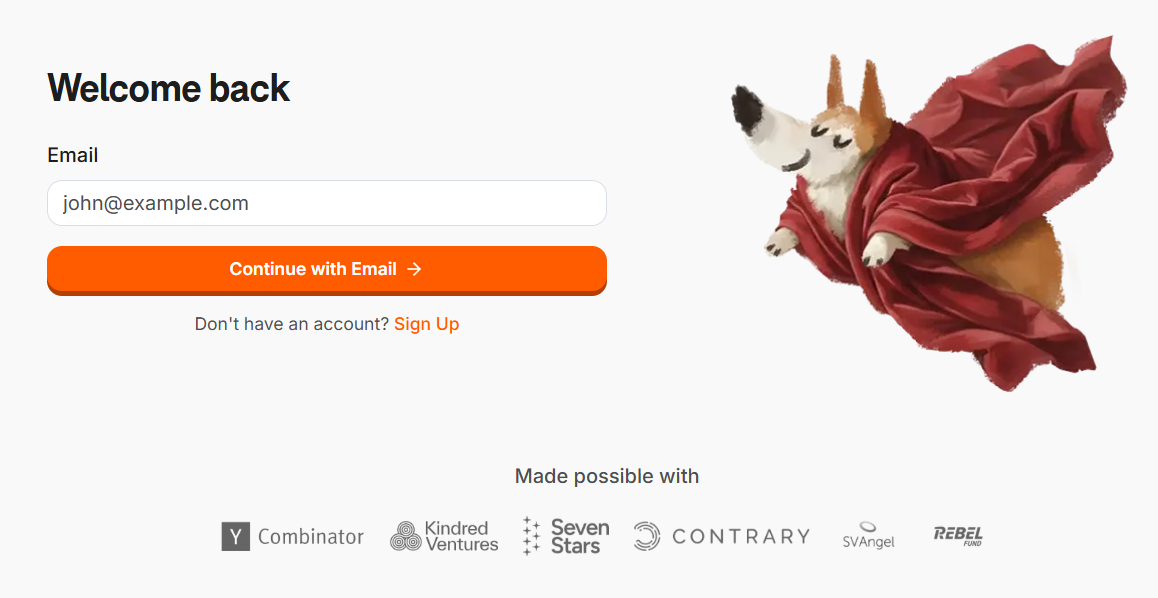
    A six-box code input for verifying a one-time passcode from email, SMS, or an authenticator app.

    When to use

    Whenever a second factor is required. Pair with autofocus + paste-to-fill - it's the highest-friction screen in any flow.

    Anatomy

    • 6 individual digit inputs
    • Auto-advance on input, backspace to retreat
    • Paste fills all 6 slots
    • Resend timer (30s)
    • Error animation on invalid

    Prompt

    Build a 6-digit OTP input. Six separate <input> boxes, each 48px square, 1px border, 24px font, centered text. Typing a digit advances focus to the next box; backspace on empty box returns to the previous. Paste into any box distributes the 6 digits across all boxes. On 6th digit entered, auto-submit. Below the inputs: a 'Resend in 0:30' countdown that becomes a 'Resend code' link when expired. On invalid code, shake the input row and outline the boxes red.

    Polish & tuning

    2 of 4 unlocked

    Motion

    Ease-out for entrance, ease-in-out for state. 200ms hover, 400–600ms layout. Stagger children at 30–60ms so groups feel intentional, not synchronized.

    Spacing

    Pick one scale (4 or 8) and don't mix. Section padding 96–128px desktop, 48–64px mobile. Headline sits ~24px above the subhead; subhead ~32px above the CTA cluster.
    Pro

    Unlock the rest of the tuning notes.

    Buy Pro
  • Variation 08

    Invite Accept Card

    aka Team Invite Landing · Join Workspace

    Screenshot of linear.applinear.app

    Landing card for users clicking a workspace invite link. Shows the team, inviter, and a single accept button.

    When to use

    Multi-tenant B2B products. The invite-accept screen is where activation peaks; make it confident.

    Anatomy

    • Workspace logo + name at top
    • Inviter avatar + 'invited you to join'
    • Optional member-preview avatar stack
    • Primary 'Accept invite' button
    • Sign-out + sign-in-as-different-user link

    Prompt

    Build an invite-accept card. Centered card, max-width 440px. Top: 48px workspace logo + workspace name in 22px medium. Below: inviter's avatar (32px) and 'Mira Patel invited you to join Acme'. Optional row of 5 overlapping member avatars below ('+ 32 others'). Primary button: full-width 'Accept invite'. Footer: 'You're signed in as jay@acme.com · Sign in with a different account'. On accept, POST to /api/invites/{id}/accept then redirect to the workspace.

    Polish & tuning

    2 of 4 unlocked

    Motion

    Ease-out for entrance, ease-in-out for state. 200ms hover, 400–600ms layout. Stagger children at 30–60ms so groups feel intentional, not synchronized.

    Spacing

    Pick one scale (4 or 8) and don't mix. Section padding 96–128px desktop, 48–64px mobile. Headline sits ~24px above the subhead; subhead ~32px above the CTA cluster.
    Pro

    Unlock the rest of the tuning notes.

    Buy Pro
  • Variation 09

    Workspace Switcher

    aka Org Picker · Account Switcher

    Screenshot of slack.comslack.com

    After sign-in, a card that lets the user pick which workspace to enter. For users belonging to multiple orgs.

    When to use

    B2B products with cross-org users (consultants, freelancers, agencies). Skip if 90% of users have one workspace.

    Anatomy

    • List of workspaces the user belongs to
    • Each row: avatar, name, role, member count
    • Last-used pinned to top
    • 'Create new workspace' option at bottom

    Prompt

    Build a workspace switcher card. Centered card, max-width 460px. Headline 'Choose a workspace'. Below: a list of 4 workspace rows. Each row: 36px workspace avatar (rounded square), workspace name (15px medium), 'Admin · 24 members' as a 12px muted subtitle, a chevron-right on the right. The most recently used workspace is pinned to the top with a 'Last visited' label. Below the list: a divider, then a ghost 'Create new workspace +' row. Keyboard-navigable.

    Polish & tuning

    2 of 4 unlocked

    Motion

    Ease-out for entrance, ease-in-out for state. 200ms hover, 400–600ms layout. Stagger children at 30–60ms so groups feel intentional, not synchronized.

    Spacing

    Pick one scale (4 or 8) and don't mix. Section padding 96–128px desktop, 48–64px mobile. Headline sits ~24px above the subhead; subhead ~32px above the CTA cluster.
    Pro

    Unlock the rest of the tuning notes.

    Buy Pro
  • Variation 10

    Password Reset Flow

    aka Forgot Password · Reset Link

    Screenshot of github.comgithub.com

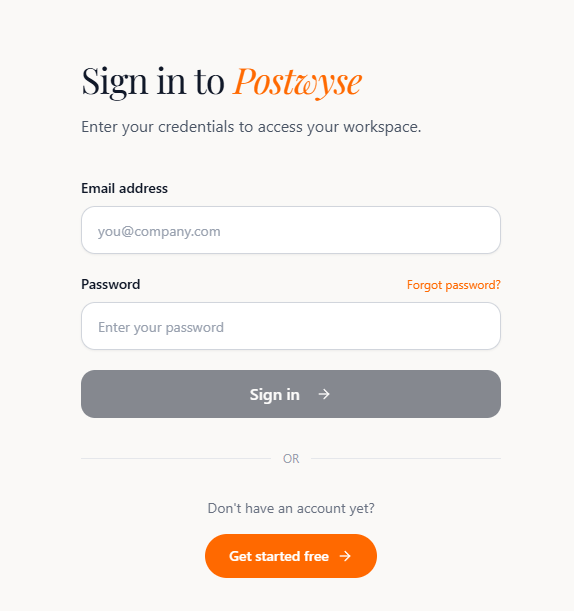
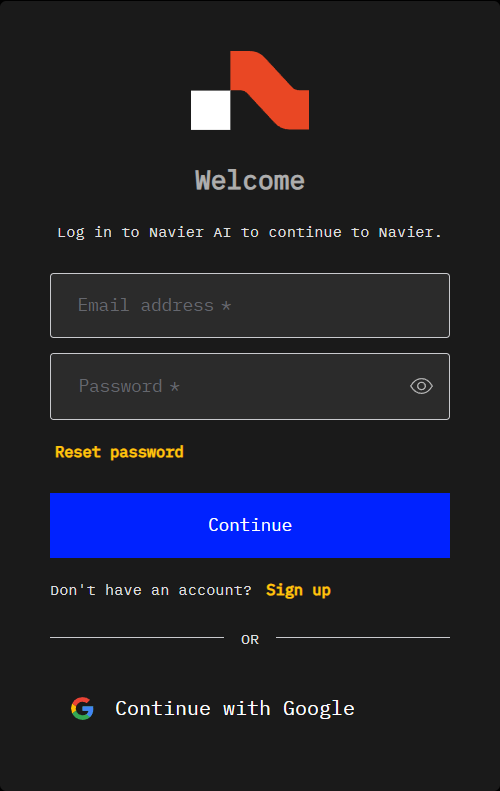
    Two-step flow: request reset (email input), then set new password (after clicking the email link).

    When to use

    Any product that still uses passwords. Pair with strict link expiry and password rules to prevent abuse.

    Anatomy

    • Step 1: email input + 'Send reset link'
    • Confirmation card after submit
    • Step 2 (post-link): new + confirm password fields
    • Strength meter + requirements list
    • Link expiry / one-time-use enforcement

    Prompt

    Build a password reset flow as two screens. Screen 1: centered card with a single email input and 'Send reset link' button. On submit, swap to a confirmation card: 'If an account exists, a reset email is on its way.' Screen 2 (reached via /reset/{token}): new password + confirm password fields, a strength meter below the new password (very weak → strong), and a list of requirements (8+ chars, 1 number, 1 symbol) with checkmarks turning on as the password matches each rule. Submit POSTs to /api/auth/reset and redirects to /login on success.

    Polish & tuning

    2 of 4 unlocked

    Motion

    Ease-out for entrance, ease-in-out for state. 200ms hover, 400–600ms layout. Stagger children at 30–60ms so groups feel intentional, not synchronized.

    Spacing

    Pick one scale (4 or 8) and don't mix. Section padding 96–128px desktop, 48–64px mobile. Headline sits ~24px above the subhead; subhead ~32px above the CTA cluster.
    Pro

    Unlock the rest of the tuning notes.

    Buy Pro