Webapp Parts & Types

Feature Sections

web

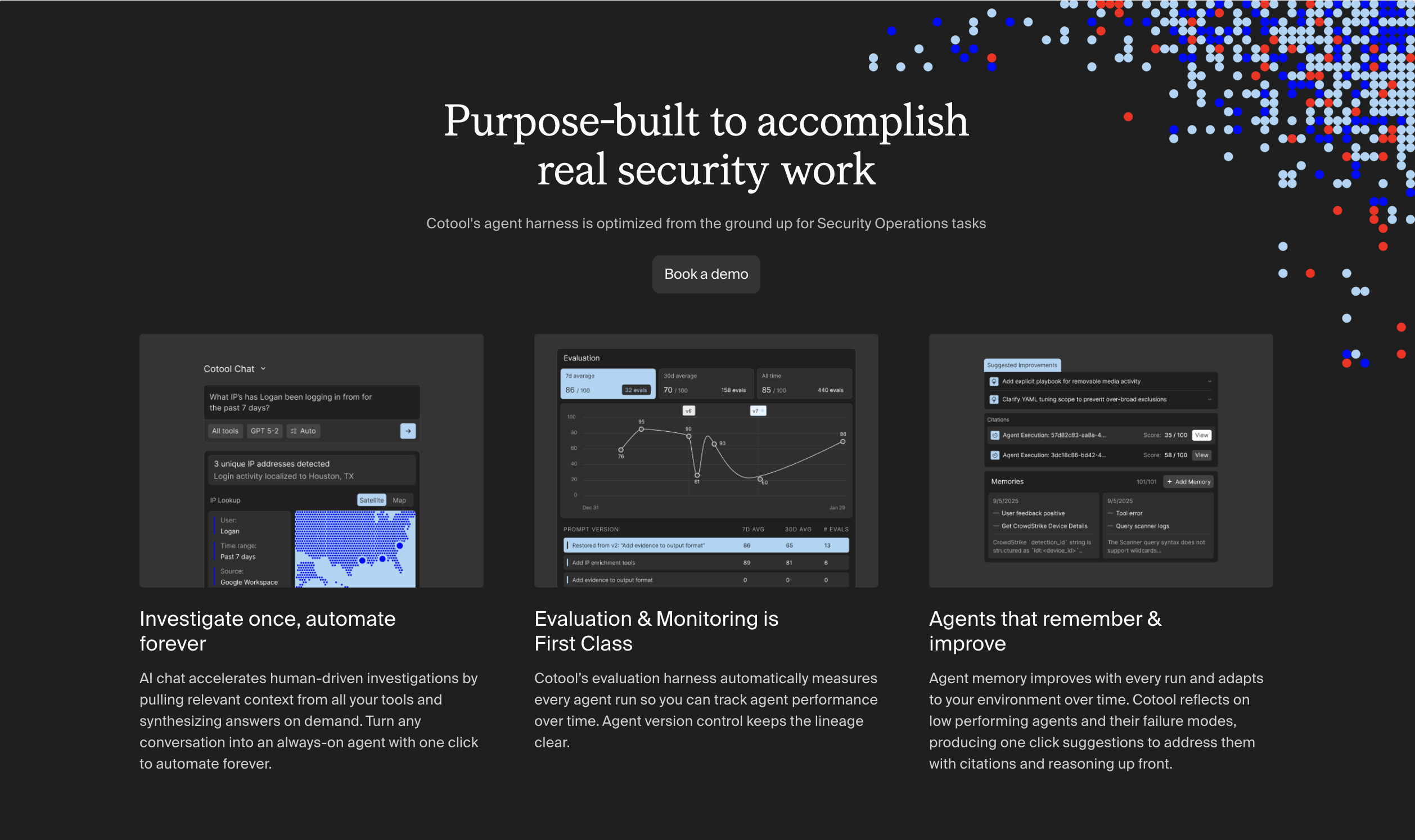
The middle of a landing page where you actually explain the product. The mistake most sites make: too many of these, too thin.

  • Variation 01

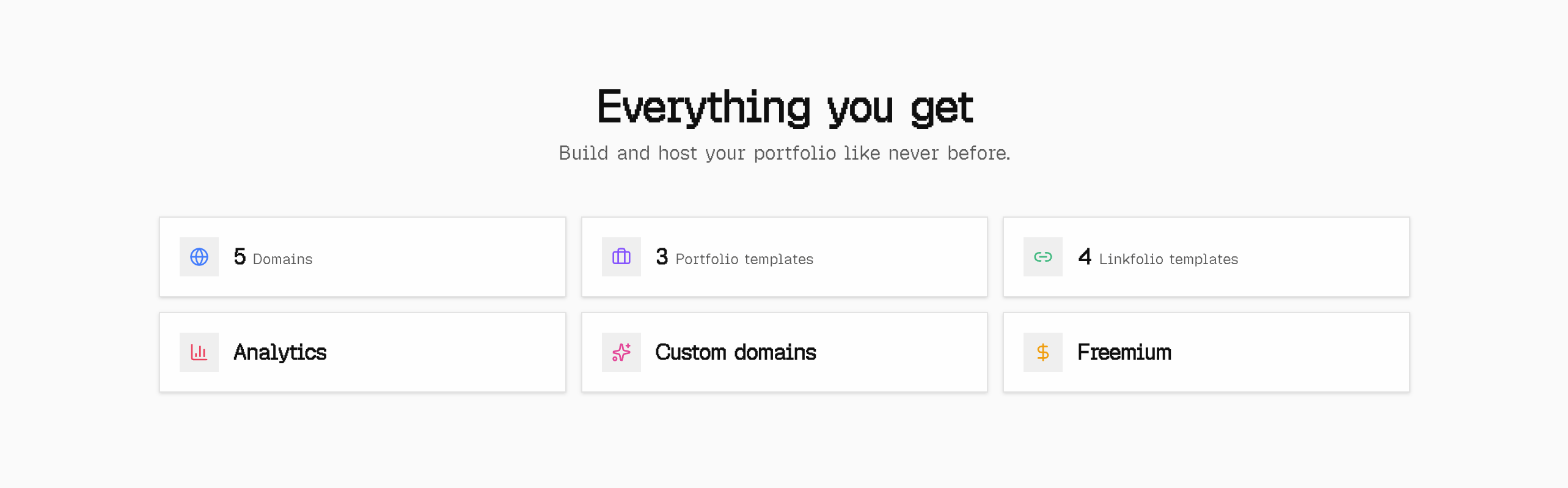
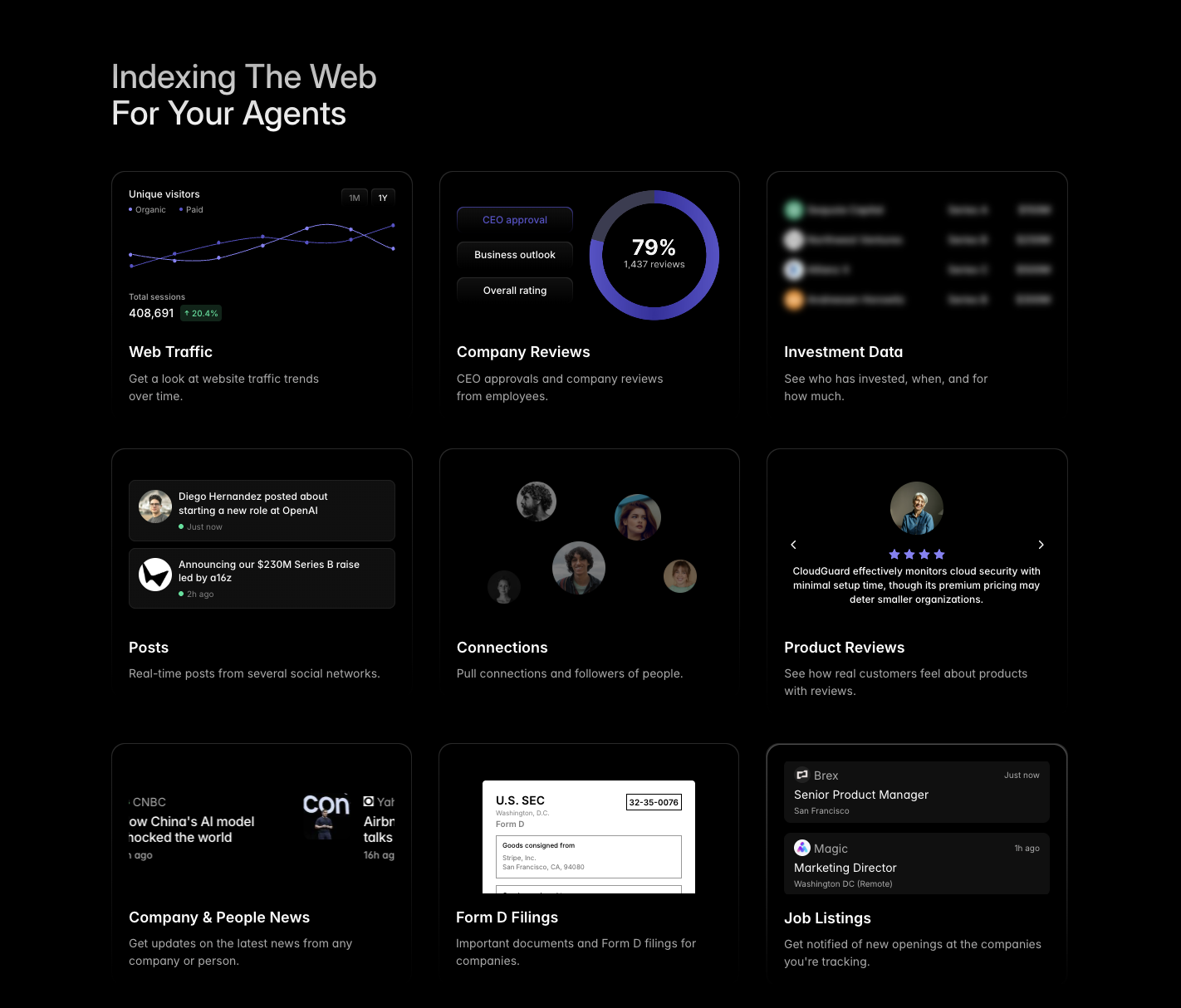
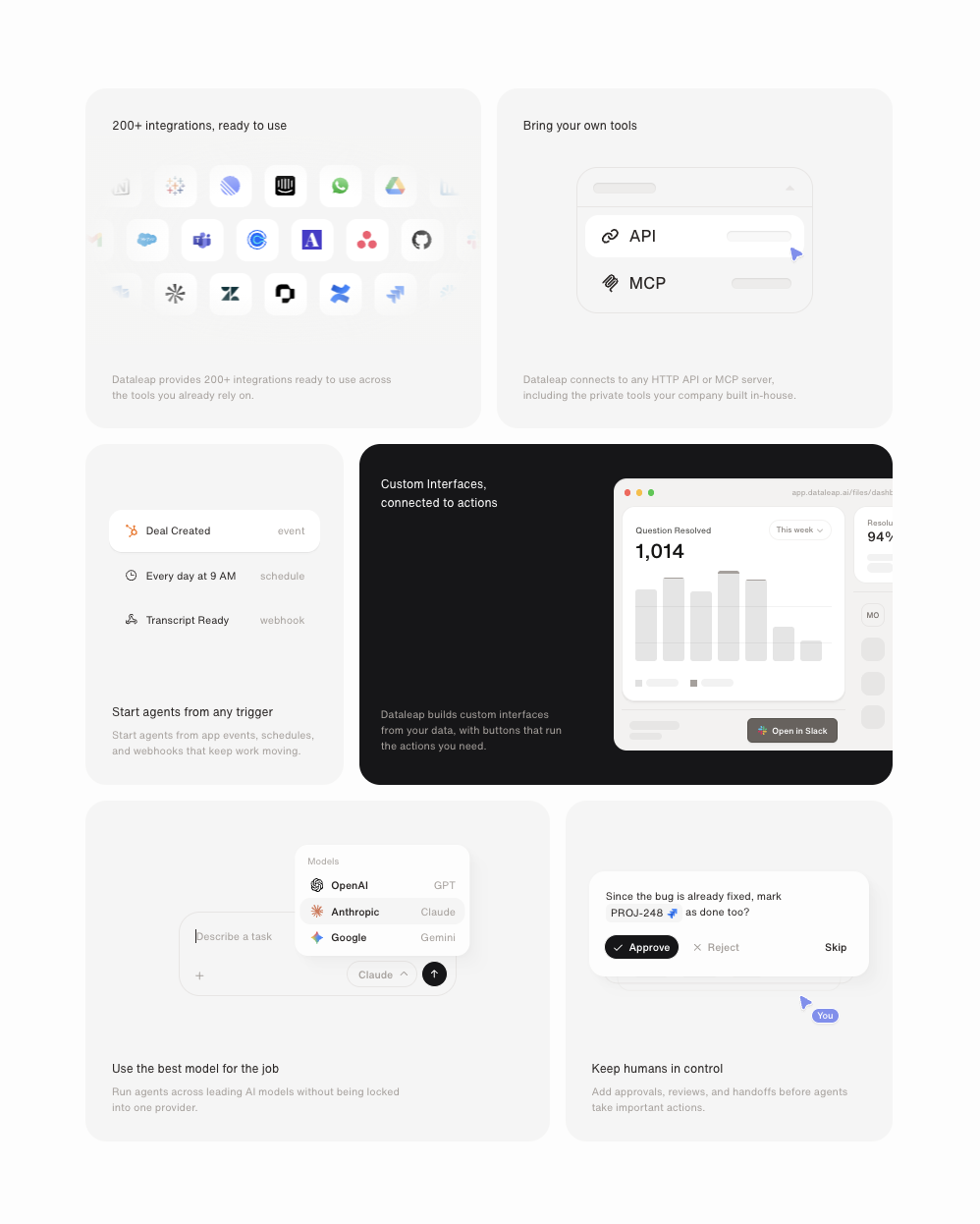
    Bento Grid

    aka Mosaic · Feature Tiles

    Screenshot of apple.comapple.com

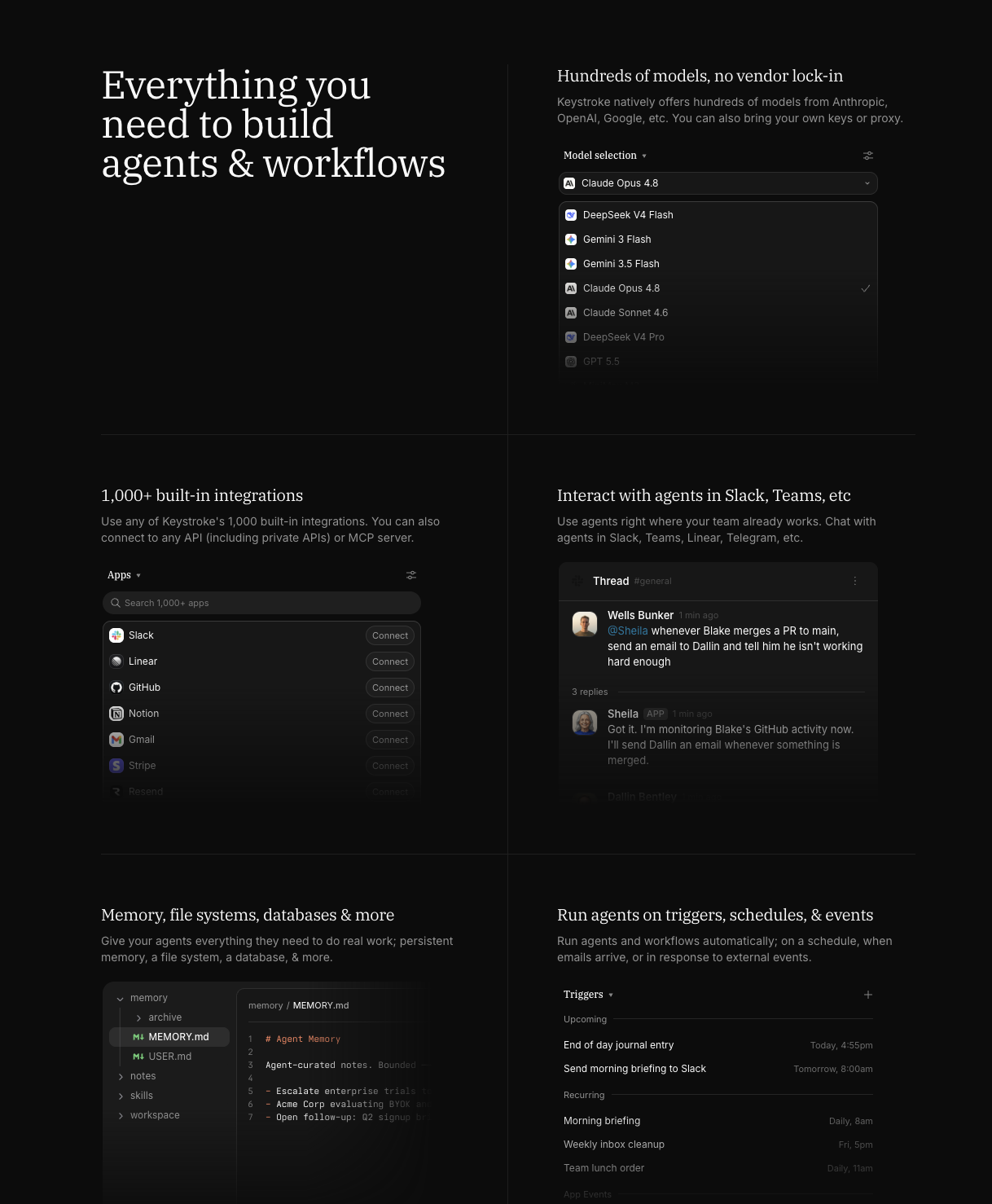
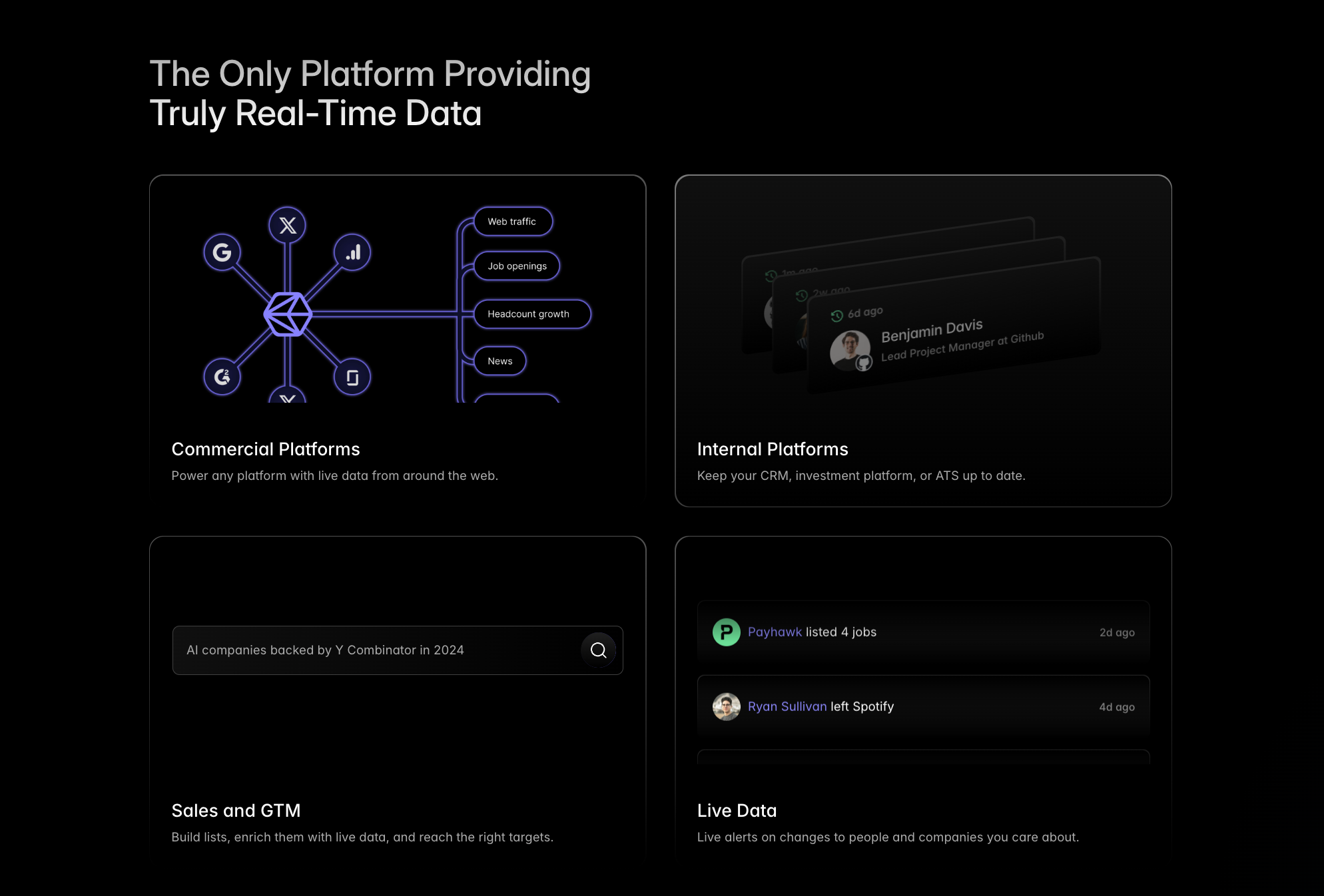
    Asymmetric grid of varying-sized tiles, each demonstrating a single feature.

    When to use

    Multi-feature products. The format keeps each feature feeling weighty without flattening to a list.

    Anatomy

    • Section heading above
    • 12-col grid, tile spans varying (4/8, 6/6, 8/4)
    • Per-tile: icon, label, micro-demo (image or canvas)

    Prompt

    Generate a bento grid feature section. Headline + 1-line subhead above. Then a 12-col grid, gap 16px, with 6 tiles of varied spans: [col-span-8 row-span-2], [col-span-4 row-span-1], [col-span-4 row-span-1], [col-span-6], [col-span-6], [col-span-12]. Each tile: rounded-3xl, border 1px rgba(255,255,255,0.06), background rgba(255,255,255,0.02), padding 32px. Each tile has a small icon + label + headline + a unique visual element (chart, code snippet, mock UI). Make at least one tile feel "alive" with a CSS animation.

    Polish & tuning

    2 of 4 unlocked

    Motion

    Ease-out for entrance, ease-in-out for state. 200ms hover, 400–600ms layout. Stagger children at 30–60ms so groups feel intentional, not synchronized.

    Spacing

    Pick one scale (4 or 8) and don't mix. Section padding 96–128px desktop, 48–64px mobile. Headline sits ~24px above the subhead; subhead ~32px above the CTA cluster.
    Pro

    Unlock the rest of the tuning notes.

    Buy Pro
  • Variation 02

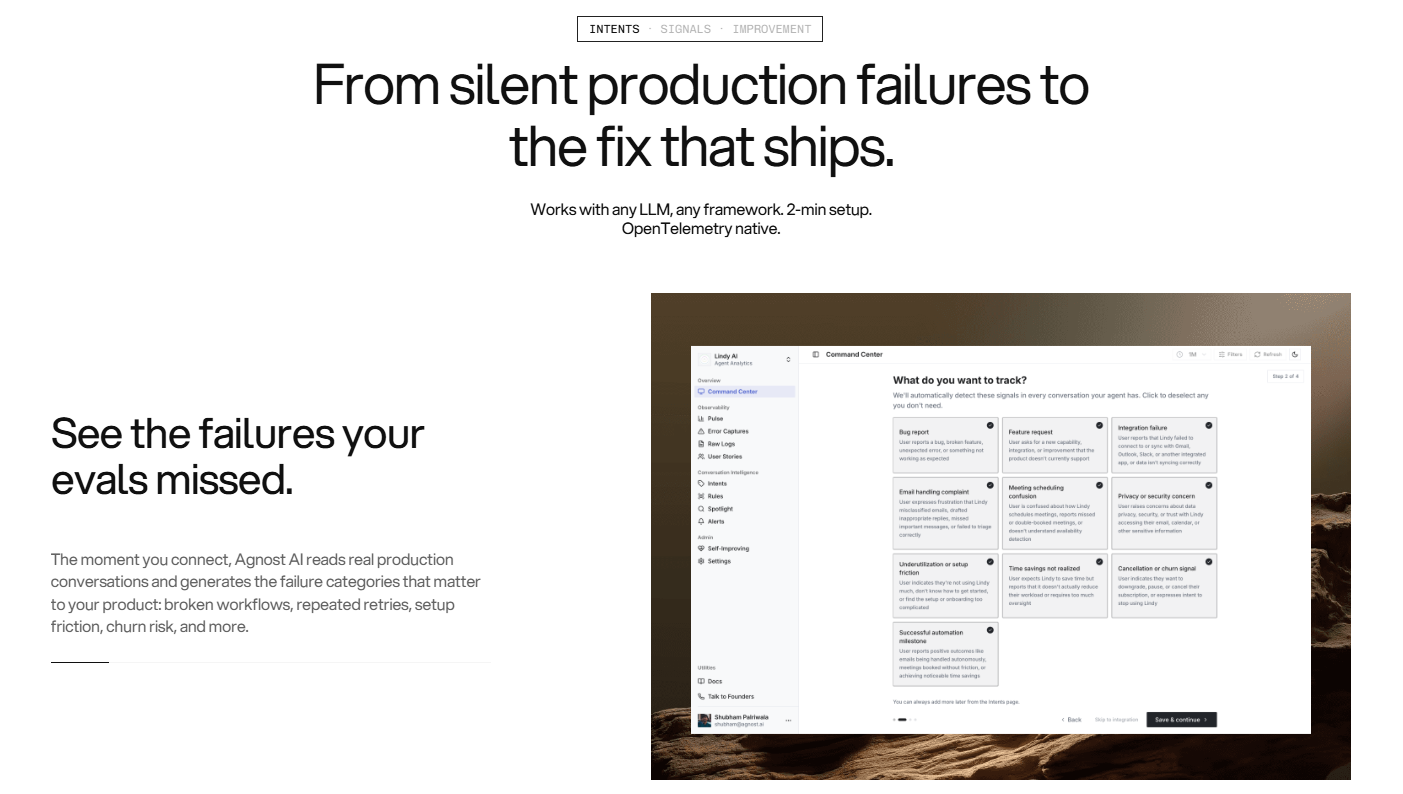
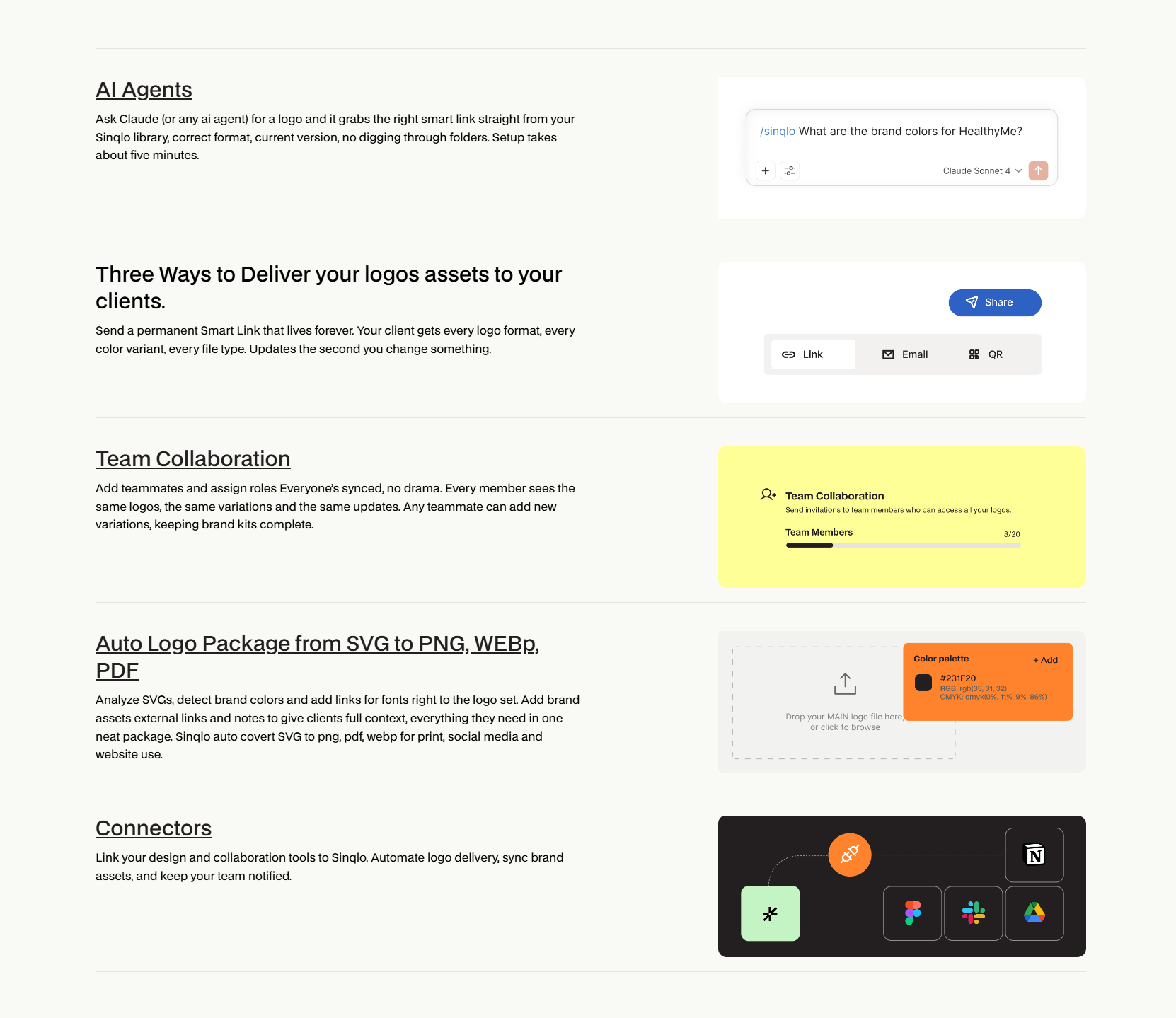
    Alternating Feature Rows

    aka Zigzag · Sticky Scroll Features

    Screenshot of webflow.comwebflow.com

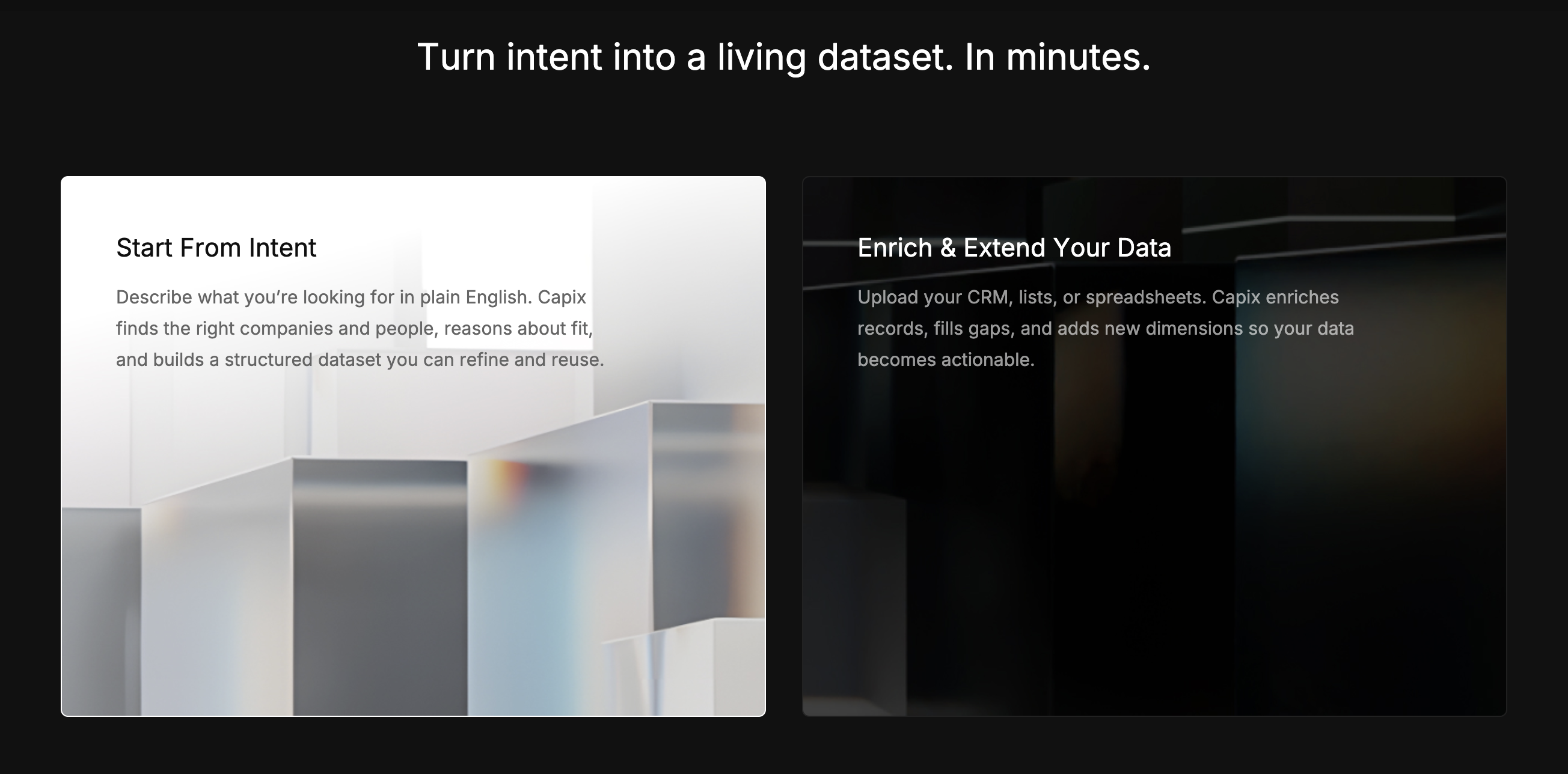
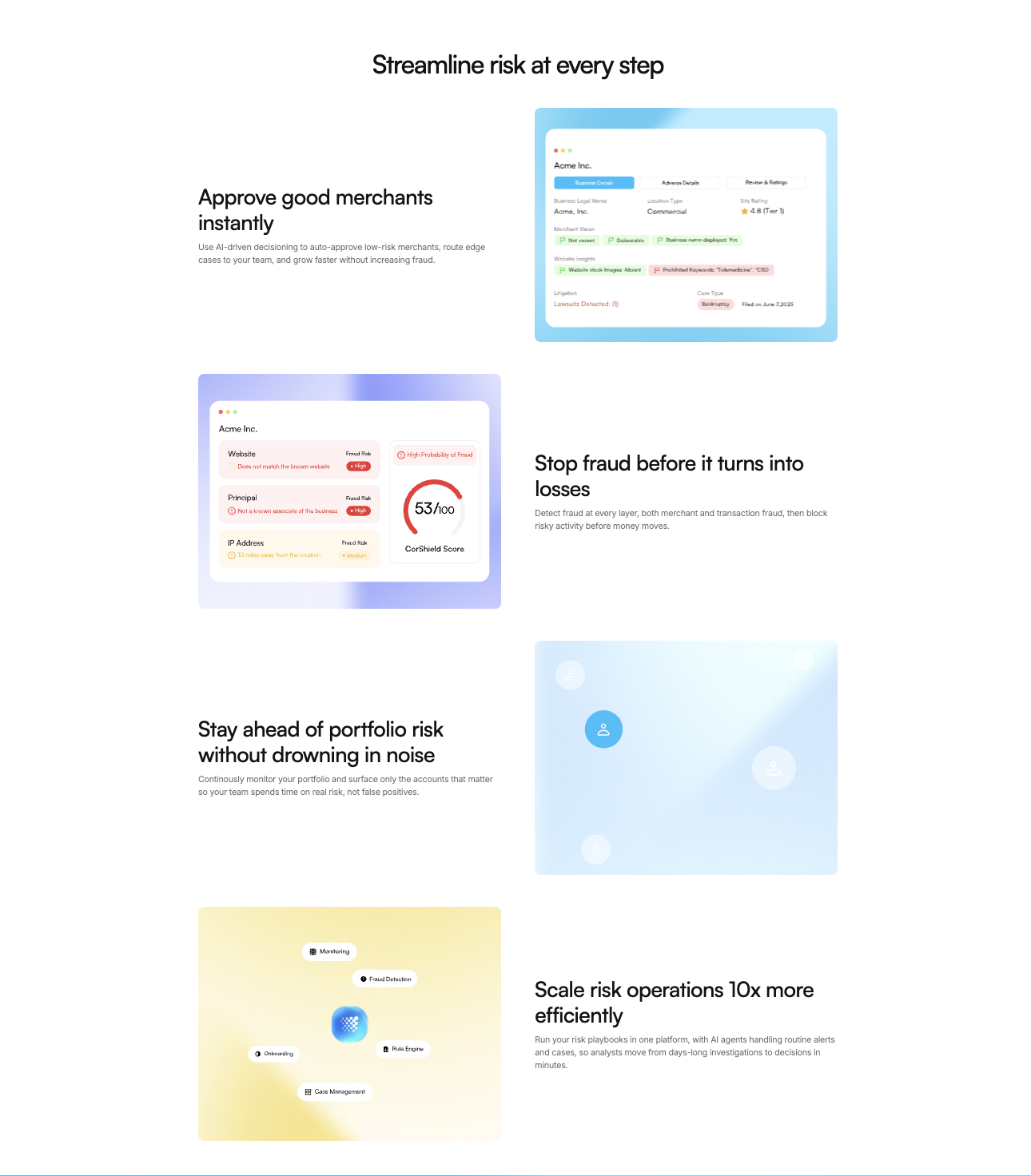
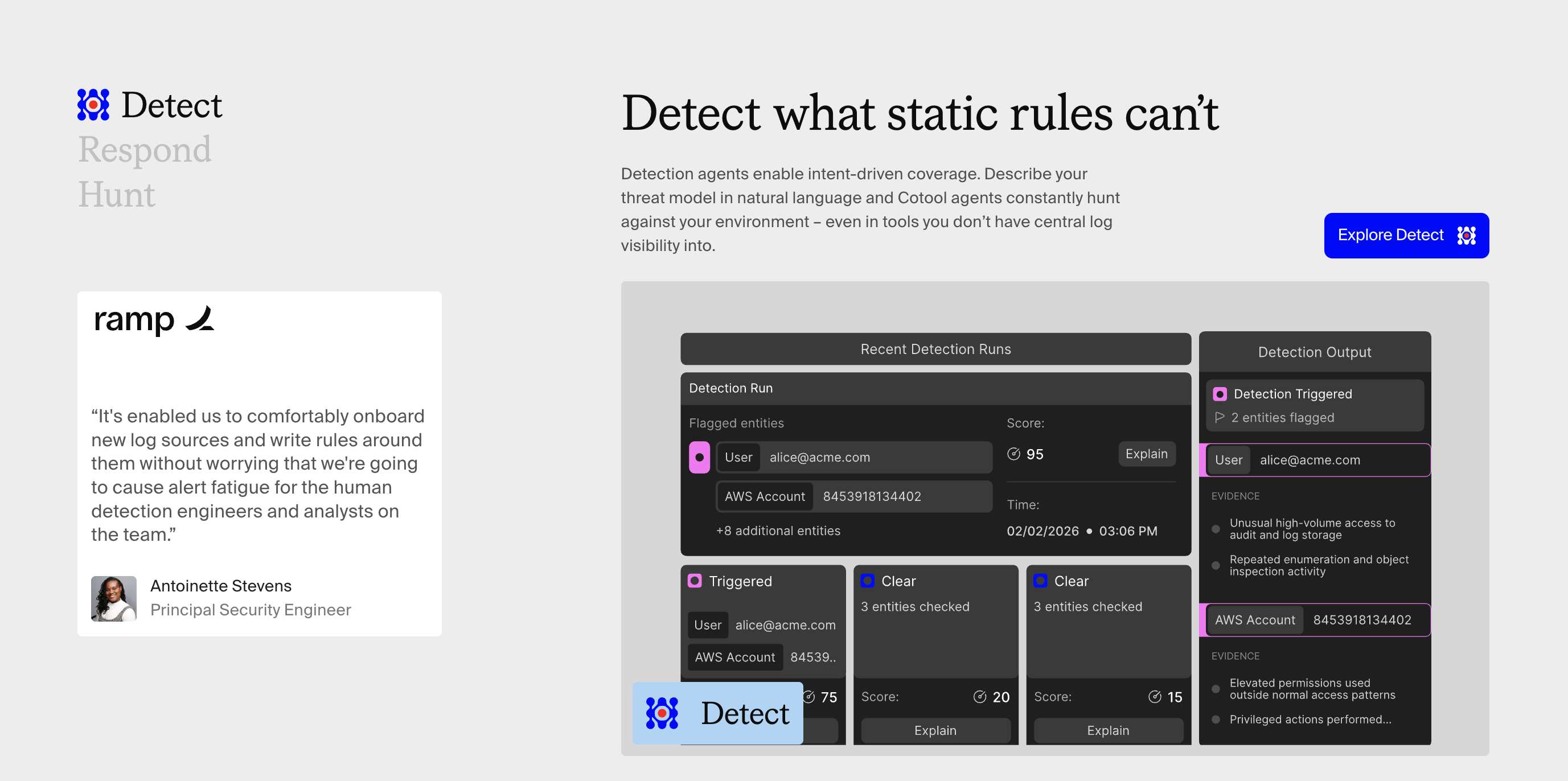
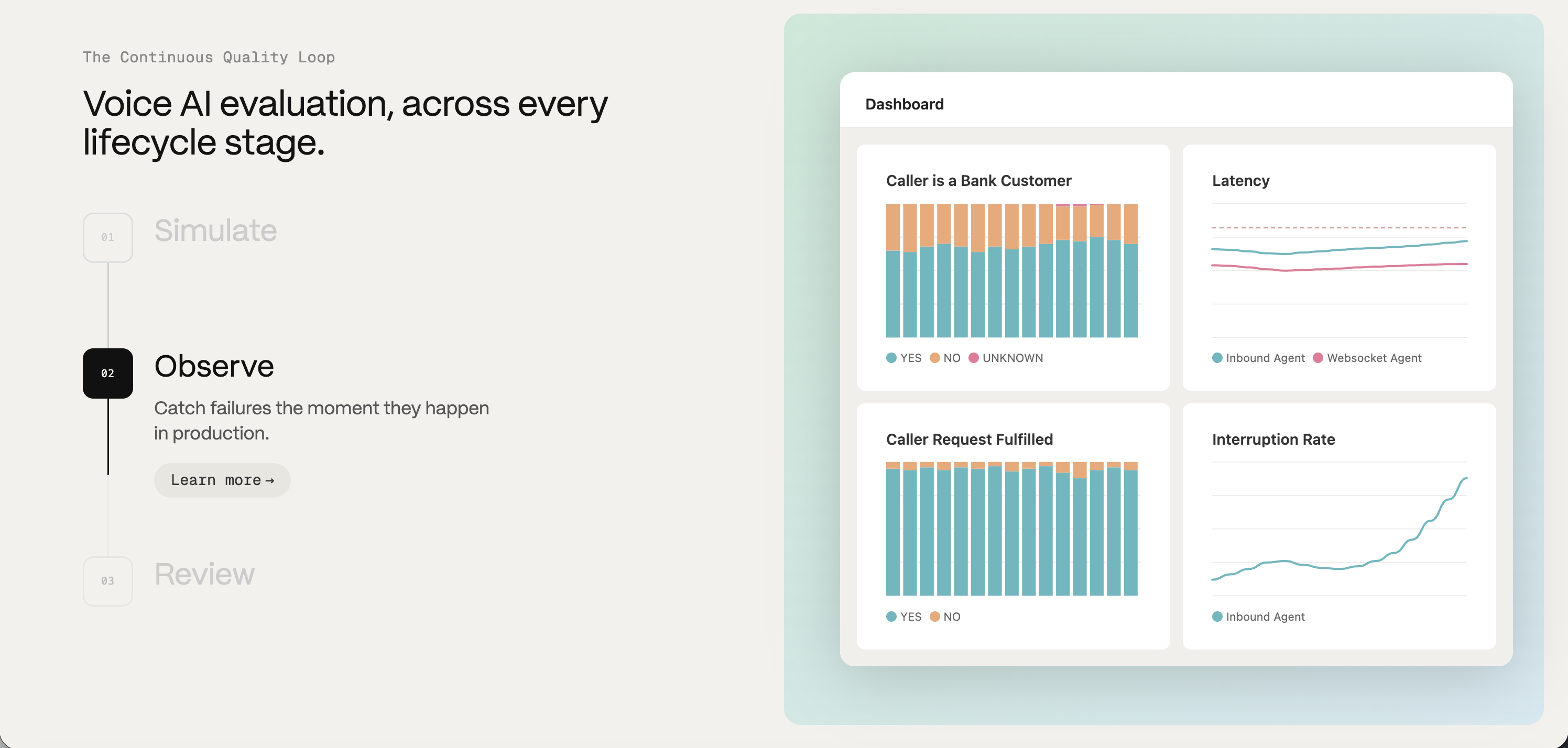
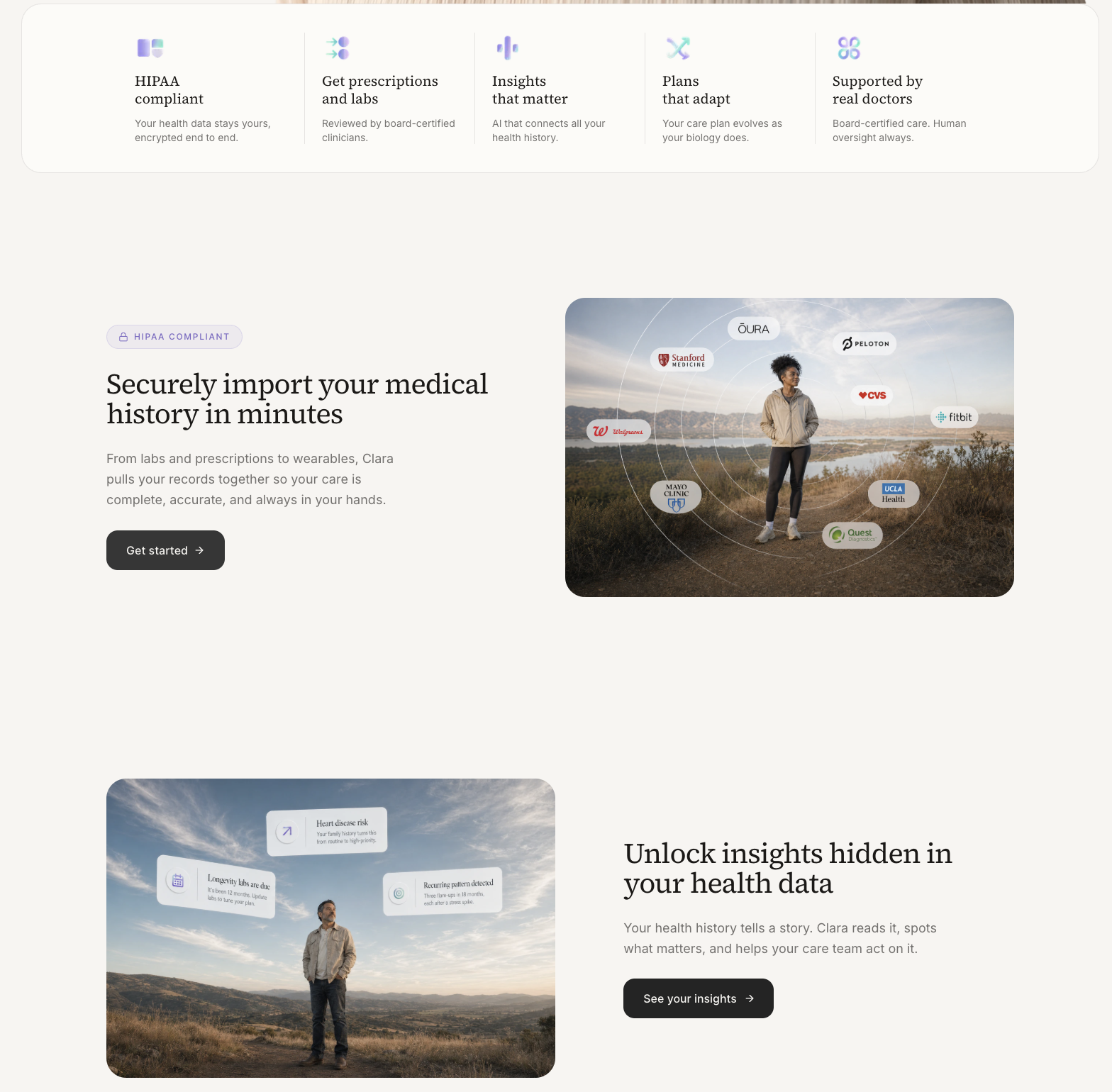
    Long-form, one feature per row, image and copy alternating left/right.

    When to use

    When each feature deserves a full read. Pairs well with sticky scrolling.

    Anatomy

    • Section heading
    • 3–5 rows, each 12-col split 5/7 or 6/6
    • Image side alternates every row
    • Optional sticky-scroll variant: copy column sticks, visuals swap

    Prompt

    Build an alternating feature section. 3 rows; each row a 12-col grid. Row 1: copy left (col-span-5), visual right (col-span-7). Row 2: visual left, copy right. Row 3: alternates again. Copy column: small uppercase eyebrow, 32px headline, paragraph 16px ink-400, one tertiary "Learn more →" link. Visual column: rounded-2xl image or UI mock with subtle shadow and a colored glow behind it. Generous vertical spacing (160px between rows). Optional sticky-scroll behavior: the copy column sticks while the visuals scroll.

    Polish & tuning

    2 of 4 unlocked

    Motion

    Ease-out for entrance, ease-in-out for state. 200ms hover, 400–600ms layout. Stagger children at 30–60ms so groups feel intentional, not synchronized.

    Spacing

    Pick one scale (4 or 8) and don't mix. Section padding 96–128px desktop, 48–64px mobile. Headline sits ~24px above the subhead; subhead ~32px above the CTA cluster.
    Pro

    Unlock the rest of the tuning notes.

    Buy Pro
  • Variation 03

    Comparison Table

    aka Feature Matrix · vs. Competitor

    Screenshot of notion.sonotion.so

    Dense table comparing your product to alternatives. Used to anchor positioning.

    When to use

    Crowded categories. The table is half persuasion, half SEO.

    Anatomy

    • Table with sticky first column
    • Check / dash / dot per cell, never 'X'
    • Your column subtly highlighted

    How the industry does it

    1 examples · credited

    Prompt

    Preview · Pro to copy
    Pro

    Unlock the full prompt.

    Buy Pro

    Polish & tuning

    2 of 4 unlocked

    Motion

    Ease-out for entrance, ease-in-out for state. 200ms hover, 400–600ms layout. Stagger children at 30–60ms so groups feel intentional, not synchronized.

    Spacing

    Pick one scale (4 or 8) and don't mix. Section padding 96–128px desktop, 48–64px mobile. Headline sits ~24px above the subhead; subhead ~32px above the CTA cluster.
    Pro

    Unlock the rest of the tuning notes.

    Buy Pro
  • Variation 04

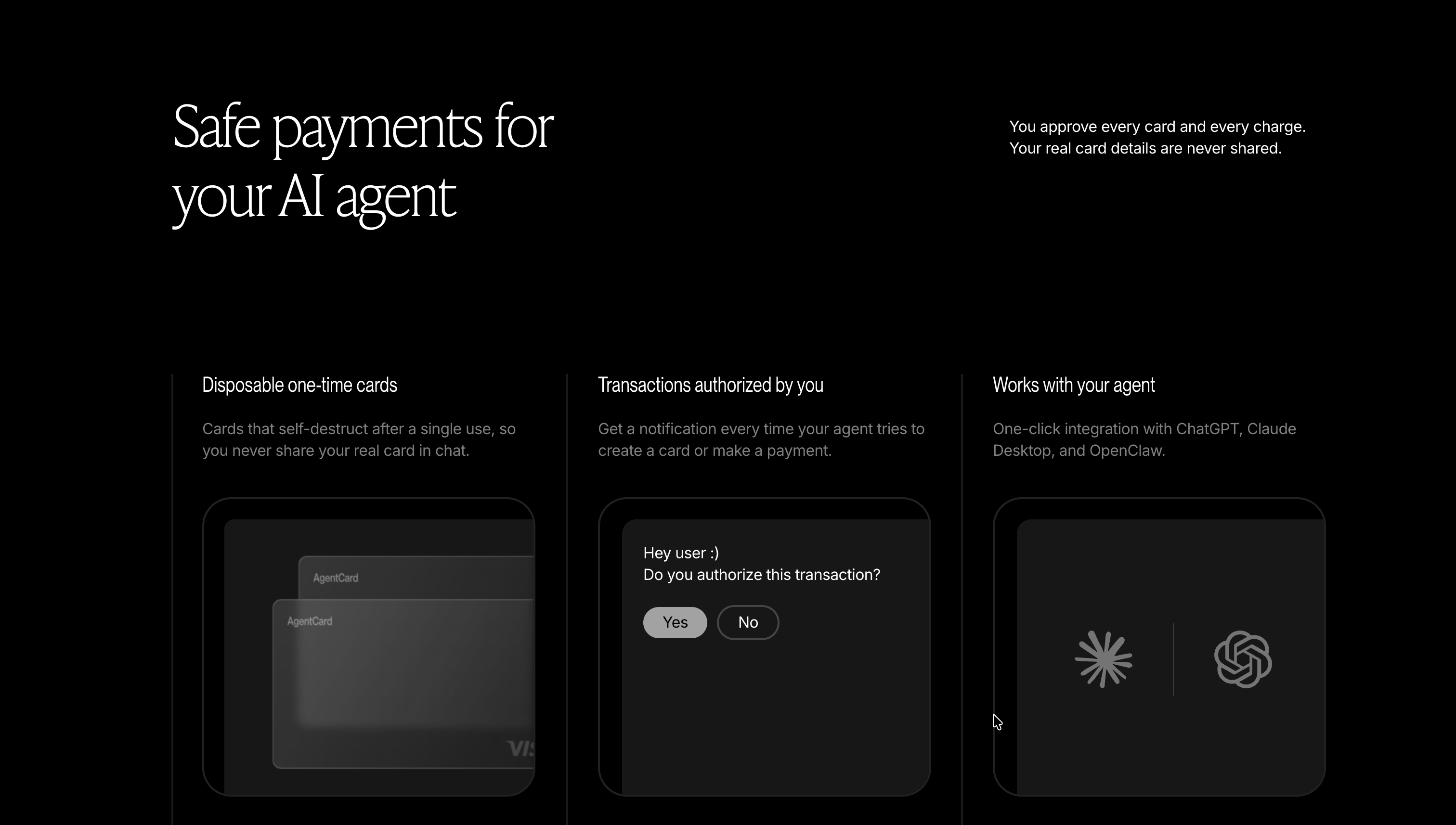
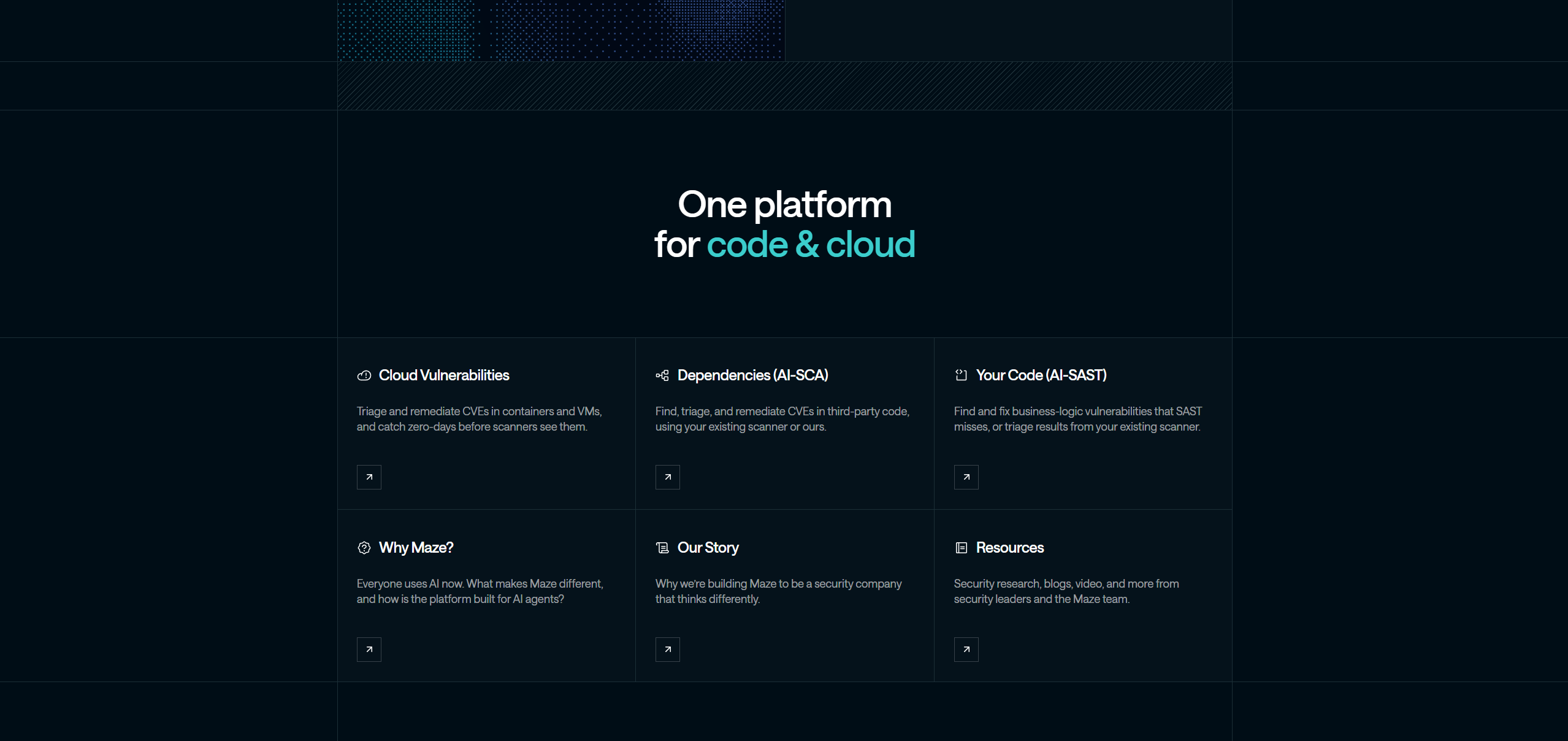
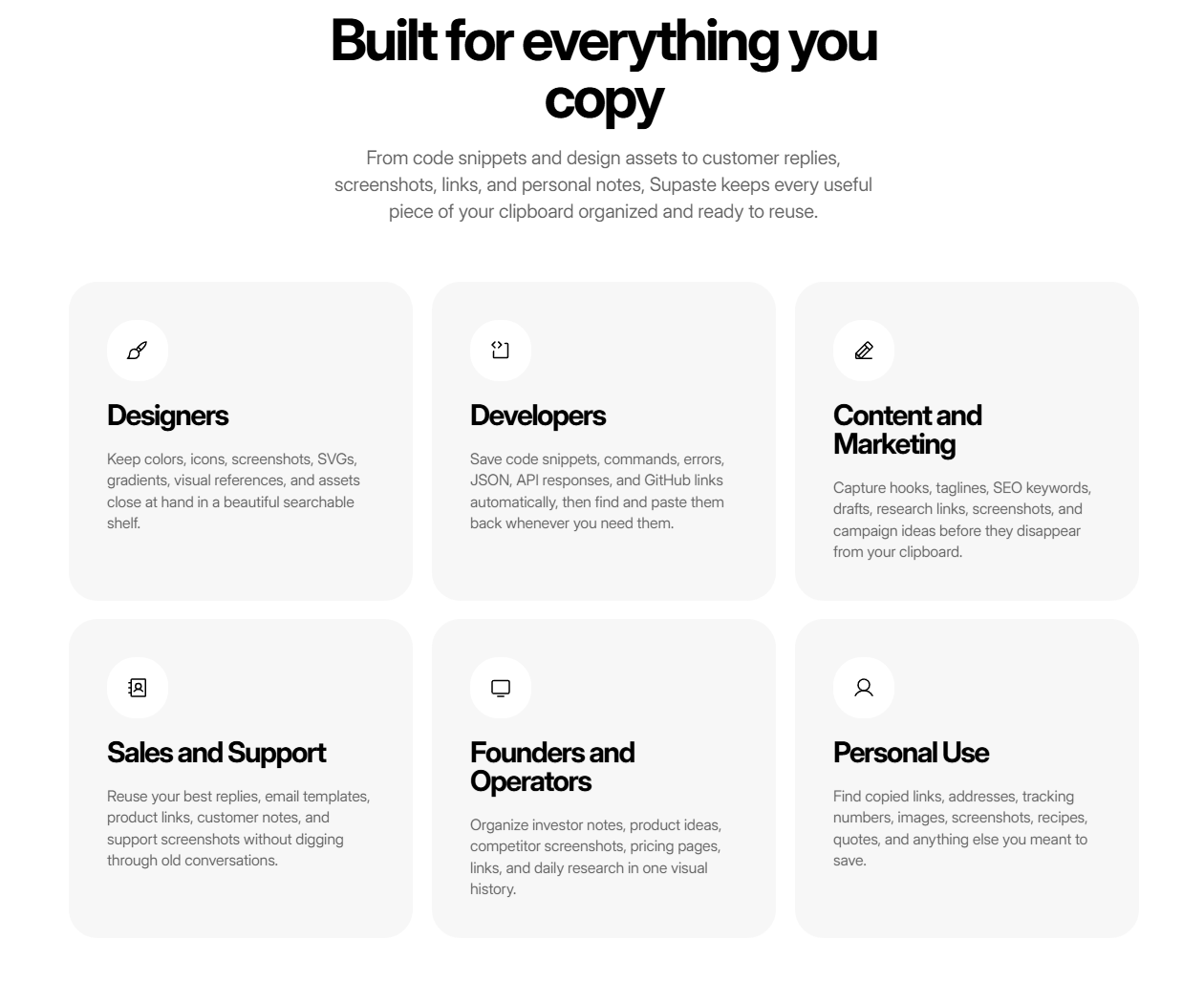
    Icon Feature Grid

    aka Three-Across Icons · Trio Features

    Screenshot of stripe.comstripe.com

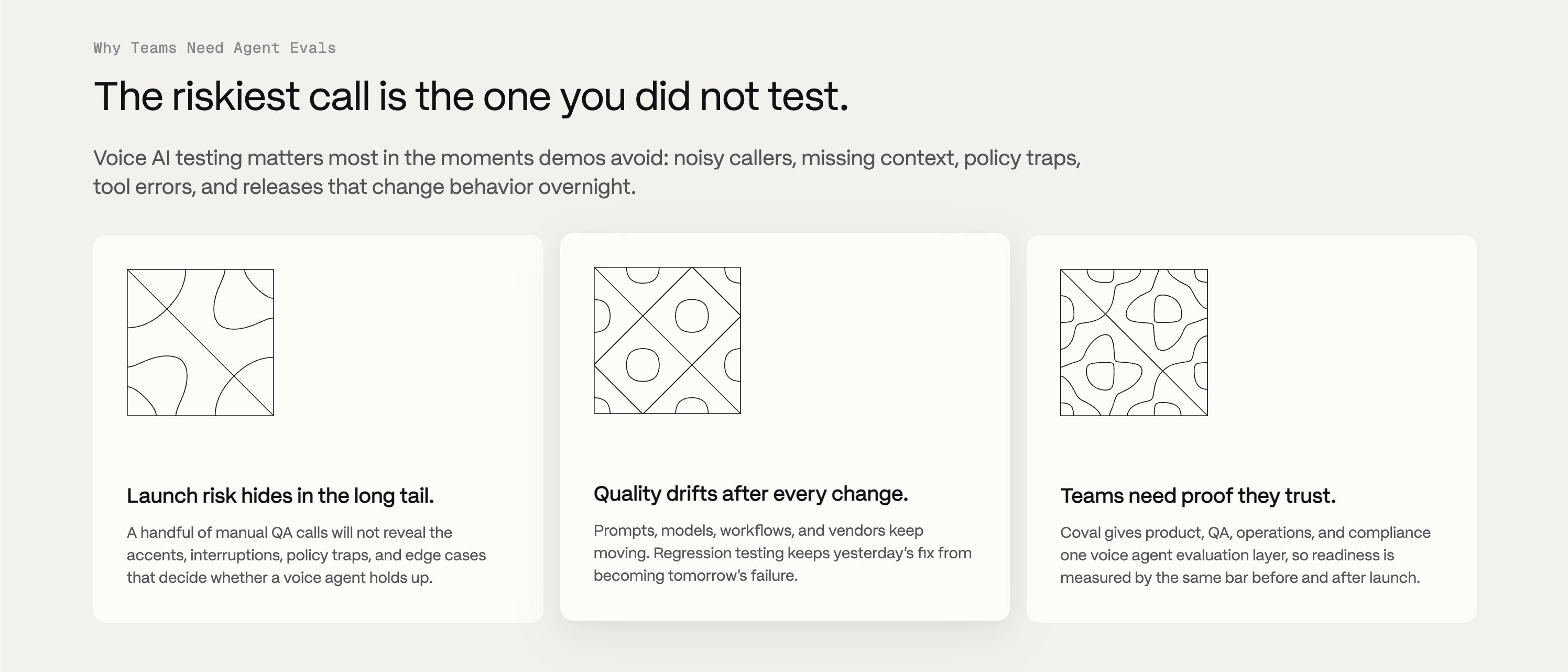
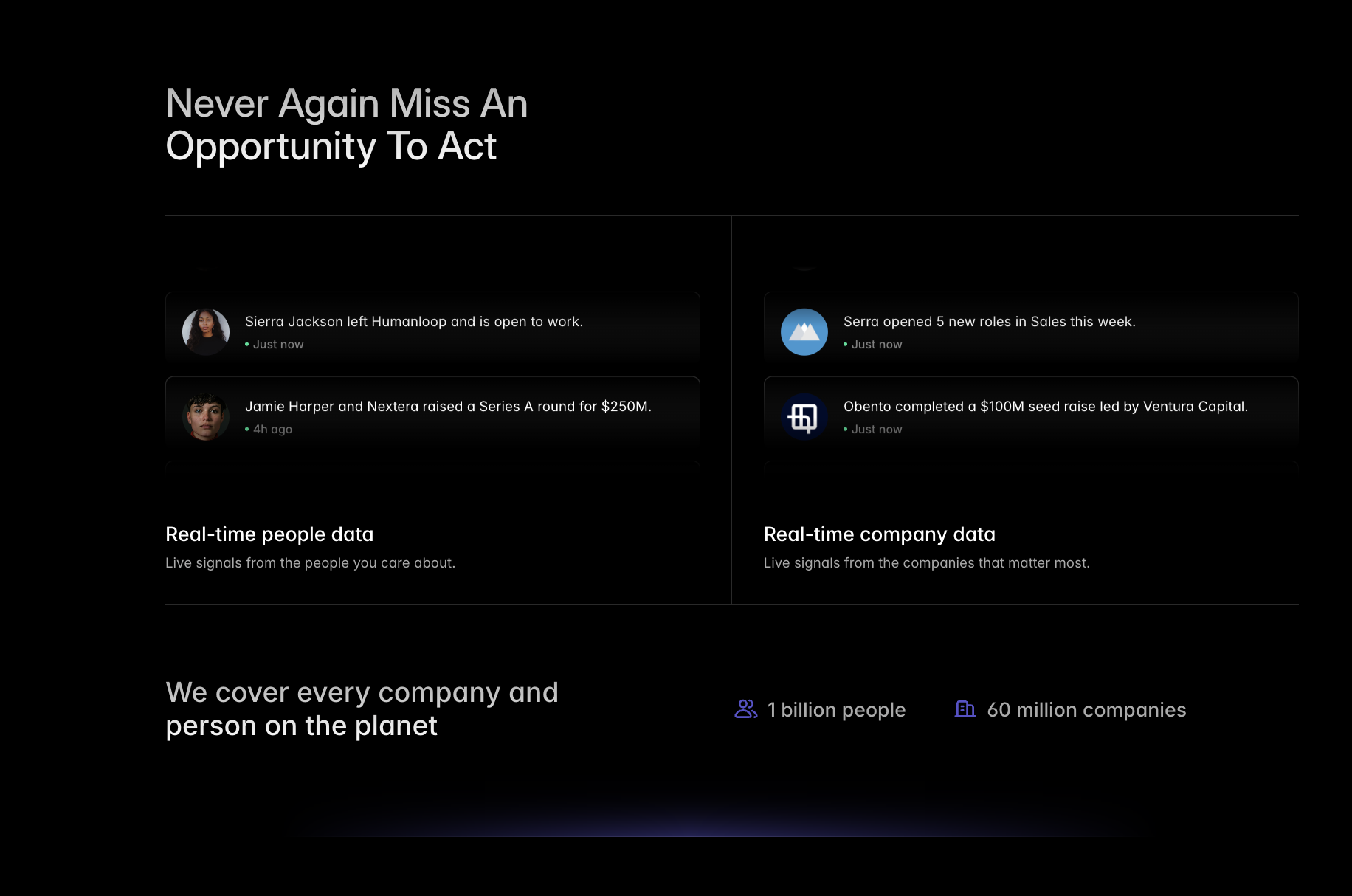
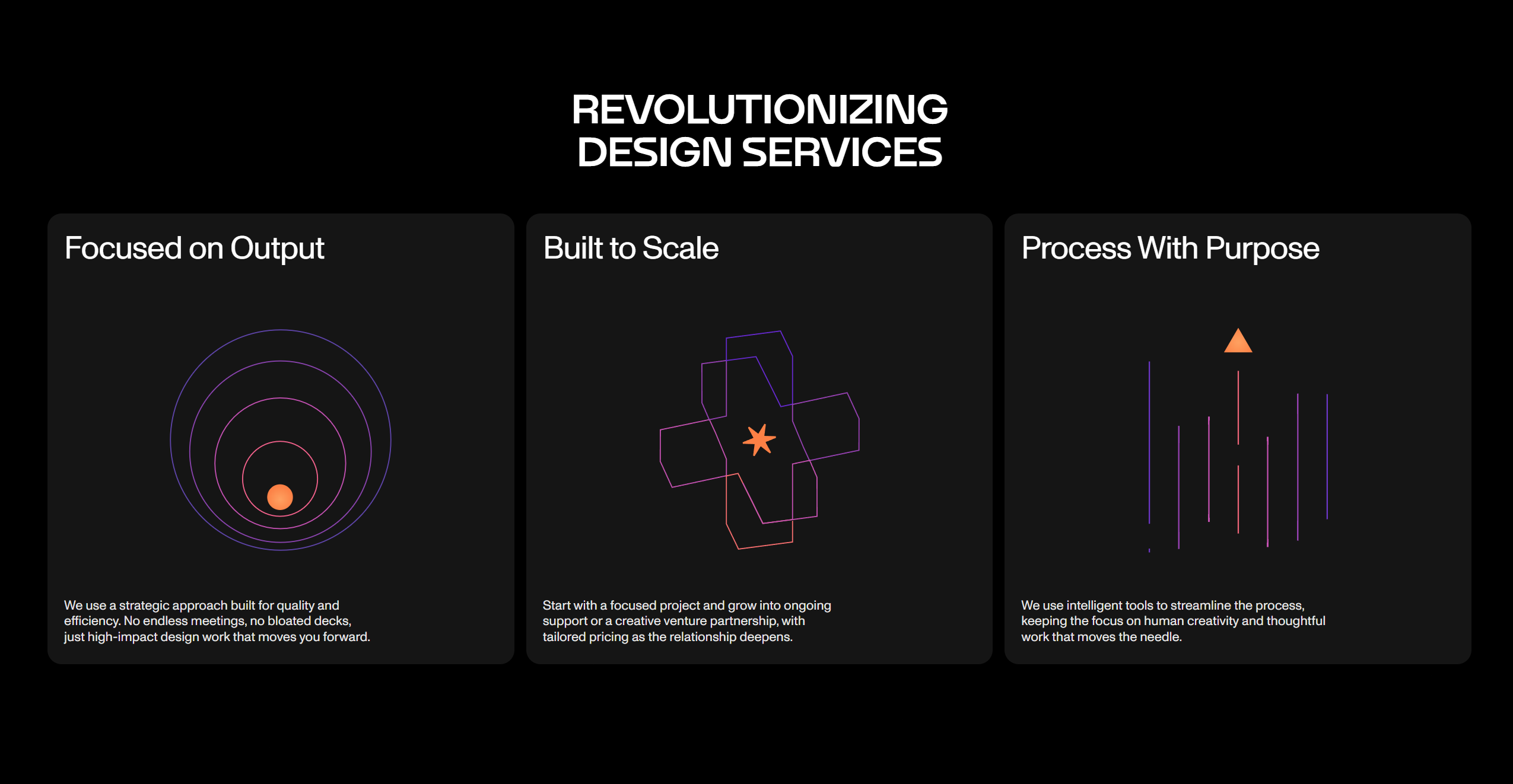
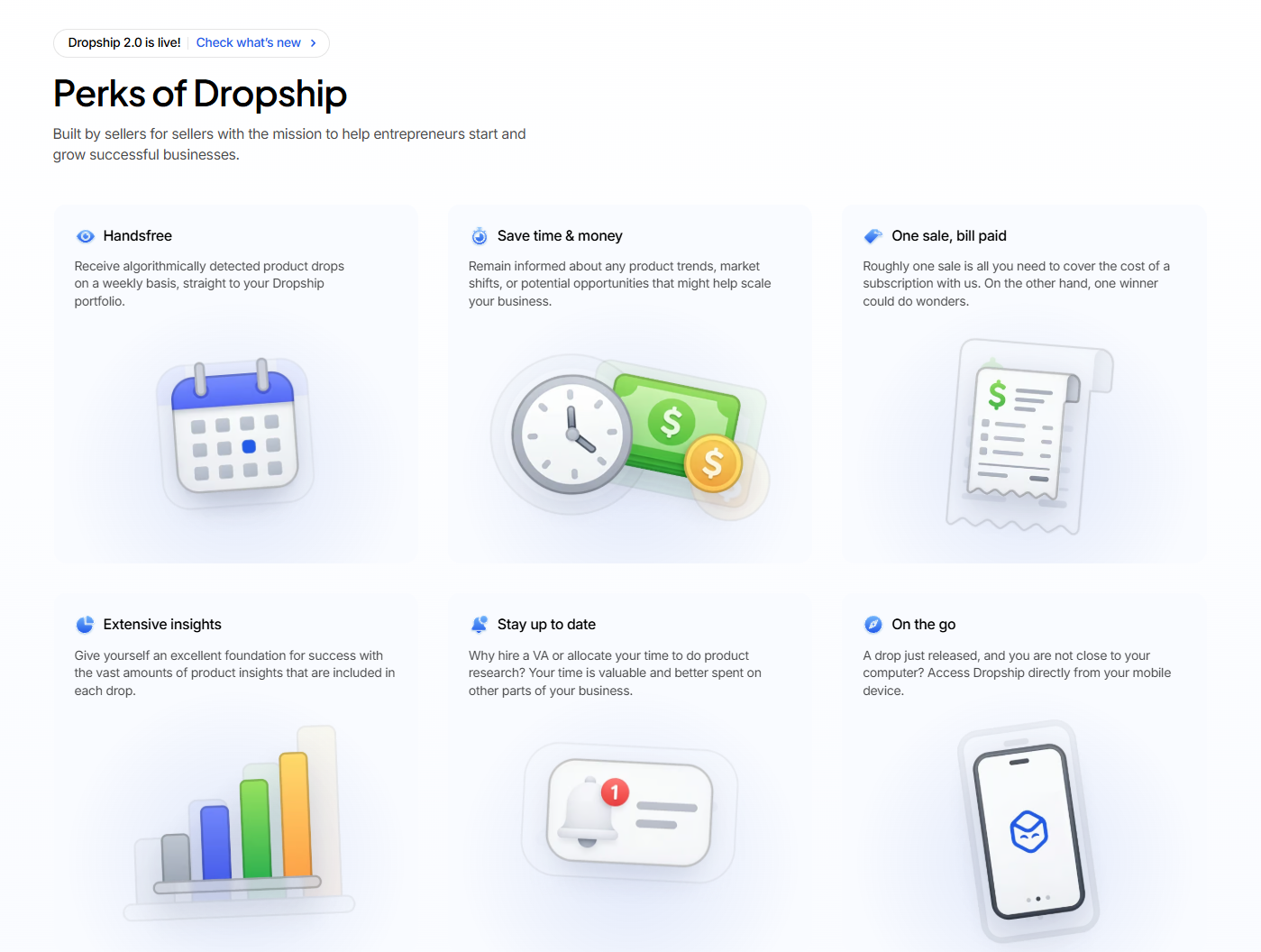
    A row of 3–6 tight cards, each headlined by an icon and a single benefit. The classic 'three pillars' section.

    When to use

    When you need to communicate breadth without going deep on any single feature.

    Anatomy

    • Section heading above
    • 3 or 6 cards in a grid
    • Each card: 24–32px icon, 16px title, 14px body
    • Optional small 'Learn more →' link

    Prompt

    Build a three-column icon feature grid. Section heading + subhead above. Below, a 3-column grid (stacks on mobile) of 6 tiles. Each tile: rounded-xl, padding 24px, 1px border in the line color, hover lifts 1px. Top-left of each tile: a 28px lucide icon in the muted color. Below: 16px medium title, then 14px ink-muted body in 2–3 lines. Optional 'Learn more →' link in the accent color at the bottom of the tile. No images.

    Polish & tuning

    2 of 4 unlocked

    Motion

    Ease-out for entrance, ease-in-out for state. 200ms hover, 400–600ms layout. Stagger children at 30–60ms so groups feel intentional, not synchronized.

    Spacing

    Pick one scale (4 or 8) and don't mix. Section padding 96–128px desktop, 48–64px mobile. Headline sits ~24px above the subhead; subhead ~32px above the CTA cluster.
    Pro

    Unlock the rest of the tuning notes.

    Buy Pro
  • Variation 05

    Tabbed Feature Section

    aka Tab Switcher Features · Capability Tabs

    Screenshot of notion.sonotion.so

    A horizontal tab strip switches between feature panels, each with copy + a corresponding visual.

    When to use

    When several features deserve real screen real-estate but you can't afford a 5-row alternating section.

    Anatomy

    • Tab strip with 3–5 tabs
    • Animated underline / pill indicator
    • Active panel: 2-column with copy + visual
    • Auto-rotate option (8s) until first manual click

    Prompt

    Build a tabbed feature section. Top: a horizontal tab strip with 4 tabs, each tab is a button with an icon + label. Active tab gets an animated underline (framer-motion layoutId). Below the tab strip: a two-column panel that crossfades on change. Left column has 32px headline + body + 'Learn more →' link; right column has a visual (UI mock or image) with subtle drop shadow. Auto-rotate tabs every 8s until the user clicks one, after which auto-rotate stops. Keyboard nav via arrow keys.

    Polish & tuning

    2 of 4 unlocked

    Motion

    Ease-out for entrance, ease-in-out for state. 200ms hover, 400–600ms layout. Stagger children at 30–60ms so groups feel intentional, not synchronized.

    Spacing

    Pick one scale (4 or 8) and don't mix. Section padding 96–128px desktop, 48–64px mobile. Headline sits ~24px above the subhead; subhead ~32px above the CTA cluster.
    Pro

    Unlock the rest of the tuning notes.

    Buy Pro
  • Variation 06

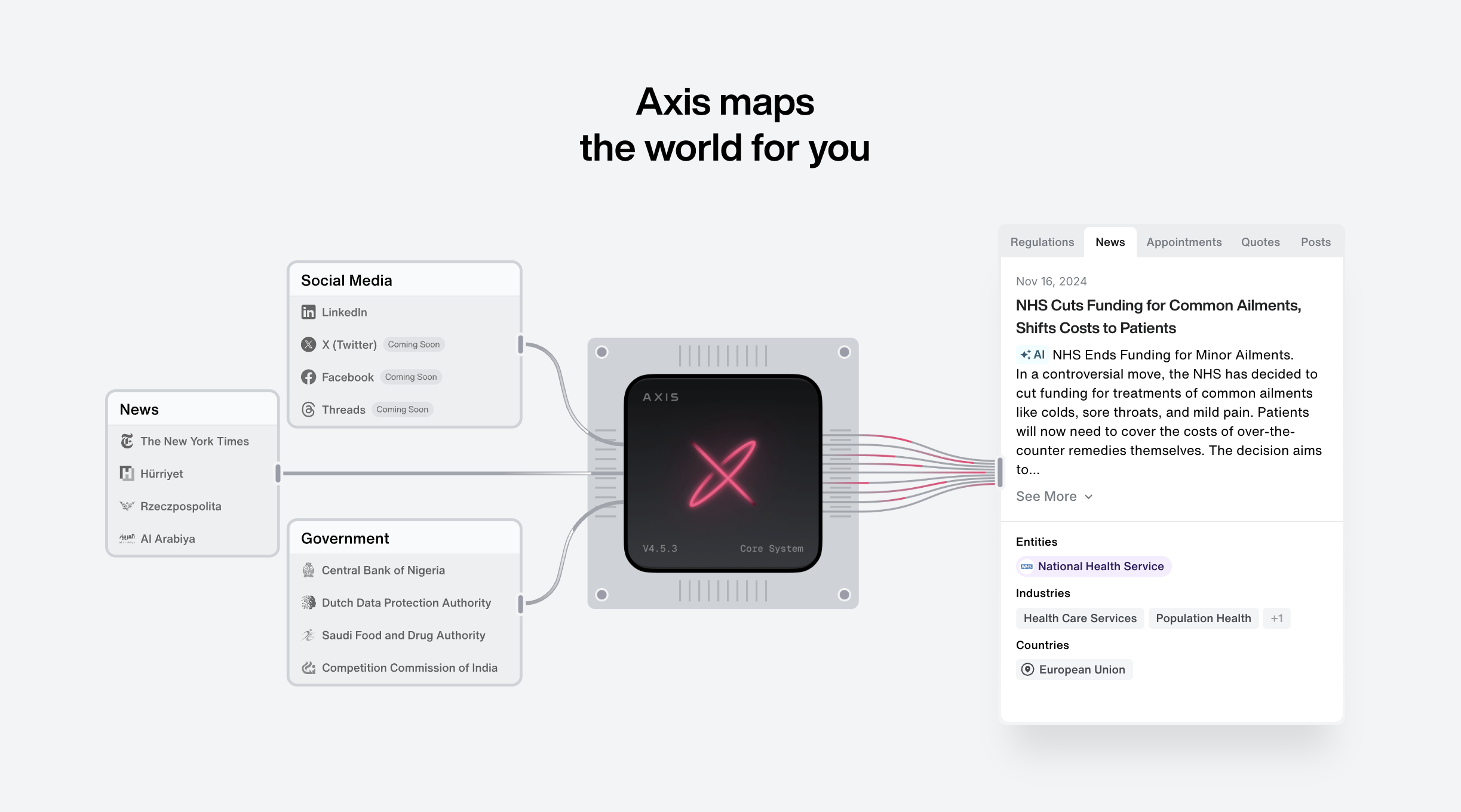
    Video Feature Row

    aka Looped Demo Row · Cinematic Feature

    Screenshot of linear.applinear.app

    A wide feature row whose visual is an auto-playing muted product video that loops.

    When to use

    Motion-heavy products: editors, designers, IDEs, animation tools. Hard to beat a 6-second product loop.

    Anatomy

    • Two-column layout 5/7
    • Right column: looping muted autoplay <video>
    • Subtle drop shadow + colored glow behind the video
    • Poster image to prevent black flash on load

    Prompt

    Build a video feature row. 12-column grid, copy on the left (col-span-5) - 14px uppercase eyebrow, 36px headline, 16px paragraph, primary + ghost CTA. Visual on the right (col-span-7) - a muted, autoplay, looped, playsinline <video> tag rendered at rounded-2xl with a soft colored radial glow behind it. Include a poster image. Honour prefers-reduced-motion: replace the video with the poster image only.

    Polish & tuning

    2 of 4 unlocked

    Motion

    Ease-out for entrance, ease-in-out for state. 200ms hover, 400–600ms layout. Stagger children at 30–60ms so groups feel intentional, not synchronized.

    Spacing

    Pick one scale (4 or 8) and don't mix. Section padding 96–128px desktop, 48–64px mobile. Headline sits ~24px above the subhead; subhead ~32px above the CTA cluster.
    Pro

    Unlock the rest of the tuning notes.

    Buy Pro
  • Variation 07

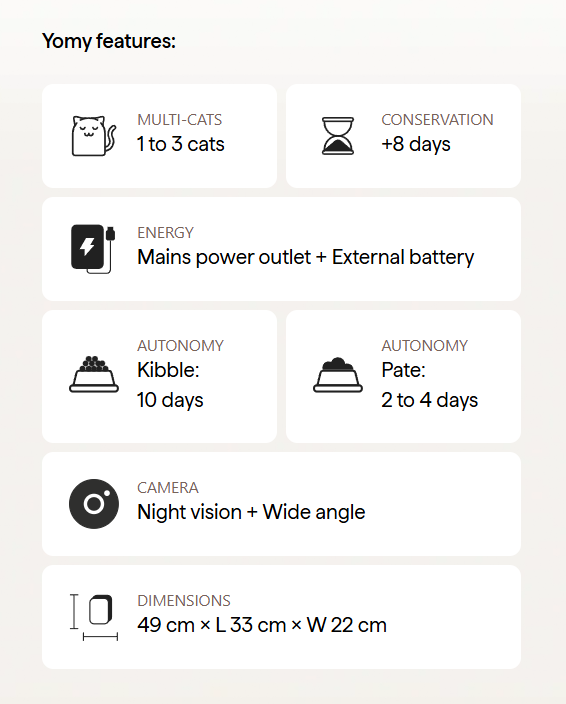
    Accordion Feature List

    aka Stacked Capabilities · Expandable Features

    Screenshot of stripe.comstripe.com

    A vertical list of features where the active row expands inline with a paired visual.

    When to use

    When you want depth without scroll fatigue. Pairs naturally with a sticky media column on desktop.

    Anatomy

    • Two columns: list (left), sticky visual (right)
    • List items collapse to title; expanded item shows body
    • Only one open at a time
    • Visual swaps to match the open item

    Prompt

    Preview · Pro to copy
    Pro

    Unlock the full prompt.

    Buy Pro

    Polish & tuning

    2 of 4 unlocked

    Motion

    Ease-out for entrance, ease-in-out for state. 200ms hover, 400–600ms layout. Stagger children at 30–60ms so groups feel intentional, not synchronized.

    Spacing

    Pick one scale (4 or 8) and don't mix. Section padding 96–128px desktop, 48–64px mobile. Headline sits ~24px above the subhead; subhead ~32px above the CTA cluster.
    Pro

    Unlock the rest of the tuning notes.

    Buy Pro
  • Variation 08

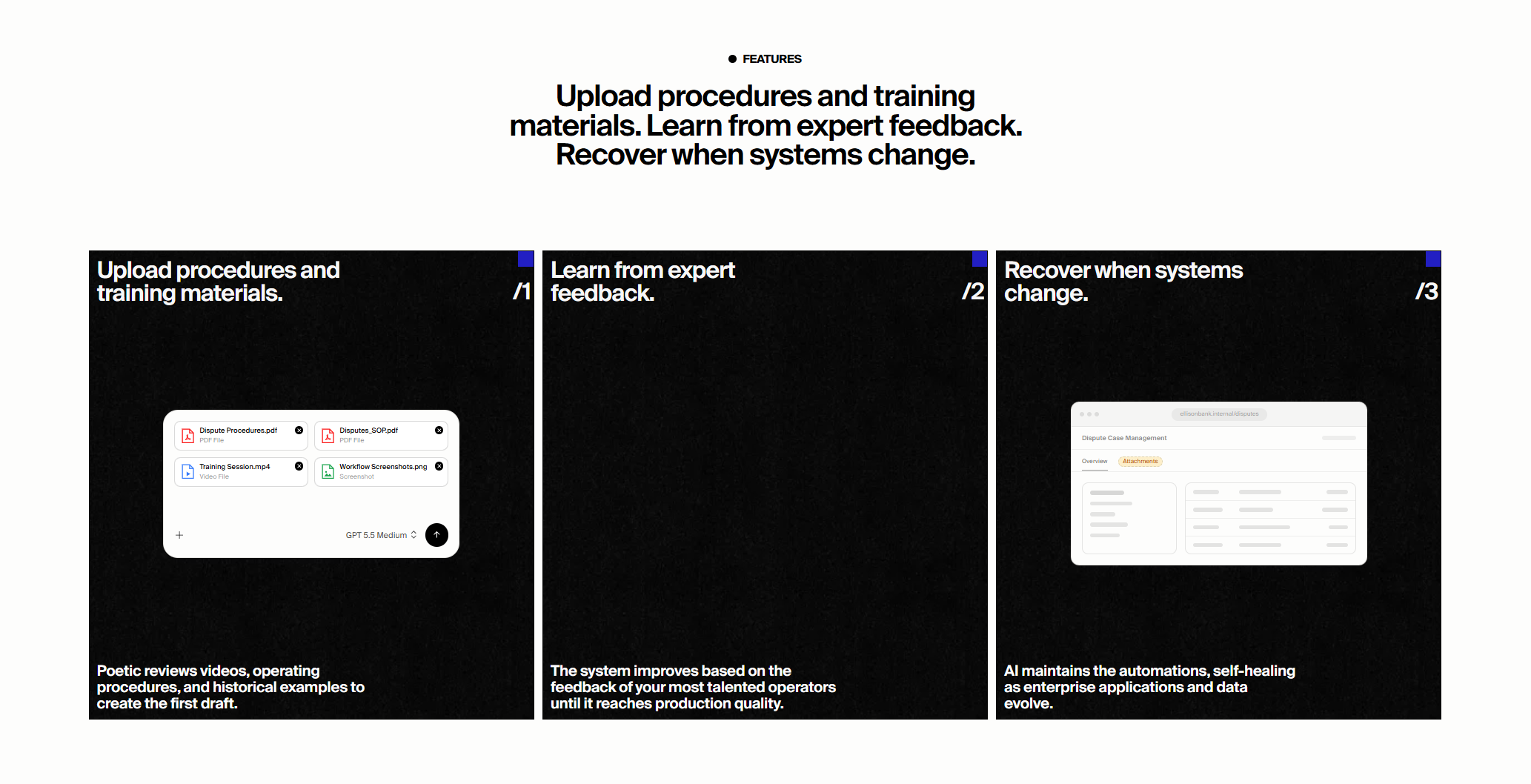
    Step-By-Step Features

    aka Workflow Features · Numbered Steps

    Screenshot of vercel.comvercel.com

    A horizontal or vertical sequence of numbered steps, each describing one part of how the product works.

    When to use

    Products that need to explain a workflow: '1. Connect → 2. Configure → 3. Ship'.

    Anatomy

    • 3–5 numbered steps
    • Each step: big number, title, body, optional visual
    • Connector line between steps
    • Final step doubles as a CTA

    Prompt

    Build a numbered step-by-step feature section. Headline + subhead above. Below: 4 steps laid out as a vertical timeline. Each step row: a large 64px number in a muted serif on the left, a connector vertical line through the number, then a content card on the right with title, paragraph, and an optional code snippet or screenshot. Final step replaces the content card with a primary CTA button and short reassurance copy. On mobile: numbers shrink to 36px inline.

    Polish & tuning

    2 of 4 unlocked

    Motion

    Ease-out for entrance, ease-in-out for state. 200ms hover, 400–600ms layout. Stagger children at 30–60ms so groups feel intentional, not synchronized.

    Spacing

    Pick one scale (4 or 8) and don't mix. Section padding 96–128px desktop, 48–64px mobile. Headline sits ~24px above the subhead; subhead ~32px above the CTA cluster.
    Pro

    Unlock the rest of the tuning notes.

    Buy Pro
  • Variation 10

    Interactive Product Tour

    aka Hotspot Tour · Annotated Screenshot

    Screenshot of figma.comfigma.com

    A single product screenshot with clickable hotspots that pop annotations explaining features.

    When to use

    Complex interfaces (BI, IDE, design tools). One screenshot, many lessons. High density of explanation per pixel.

    Anatomy

    • Hero screenshot at center
    • 5–8 pulsing dot hotspots overlaid
    • Click opens a popover with title + body
    • One open at a time; arrows cycle
    • Keyboard-accessible: Tab through hotspots

    Prompt

    Preview · Pro to copy
    Pro

    Unlock the full prompt.

    Buy Pro

    Polish & tuning

    2 of 4 unlocked

    Motion

    Ease-out for entrance, ease-in-out for state. 200ms hover, 400–600ms layout. Stagger children at 30–60ms so groups feel intentional, not synchronized.

    Spacing

    Pick one scale (4 or 8) and don't mix. Section padding 96–128px desktop, 48–64px mobile. Headline sits ~24px above the subhead; subhead ~32px above the CTA cluster.
    Pro

    Unlock the rest of the tuning notes.

    Buy Pro