Webapp Parts & Types

Navigation

webmobiledesktop

Top bars, sidebars, command menus, and breadcrumbs. The skeleton users feel before they see anything else.

  • Variation 01

    Floating Pill Nav

    aka Island Nav · Capsule Nav

    Screenshot of vercel.comvercel.com

    Centered, pill-shaped navigation that floats above the page with a subtle backdrop blur.

    When to use

    Marketing sites that want presence without heaviness.

    Anatomy

    • Fixed position with top offset (~16px)
    • Centered max-width, rounded-full
    • backdrop-filter: blur(20px) saturate(180%)
    • Border 1px rgba(255,255,255,0.08)

    Prompt

    Build a floating pill navbar. Fixed position, top: 16px, centered horizontally with max-width 720px. Rounded-full, background rgba(10,10,12,0.6), backdrop-blur-xl, 1px border rgba(255,255,255,0.08). Inside: wordmark on the left, 4–5 nav links centered (Pricing, Docs, Customers, Blog, Changelog), and a single small CTA on the right ("Sign in" or "Get started" pill). Active link gets a subtle pill background and slightly brighter text. Hover transitions on every link (150ms ease). On scroll past 80px the navbar shrinks slightly and gains a stronger blur.

    Polish & tuning

    2 of 4 unlocked

    Motion

    Ease-out for entrance, ease-in-out for state. 200ms hover, 400–600ms layout. Stagger children at 30–60ms so groups feel intentional, not synchronized.

    Spacing

    Pick one scale (4 or 8) and don't mix. Section padding 96–128px desktop, 48–64px mobile. Headline sits ~24px above the subhead; subhead ~32px above the CTA cluster.


    Pro

    Unlock the rest of the tuning notes.

    Buy Pro
  • Variation 02

    Command Menu (Cmd+K)

    aka Spotlight · Cmdk · Quick Switcher

    Screenshot of linear.applinear.app

    A keyboard-first overlay that lets power users navigate, search, and run actions instantly.

    When to use

    Any product where there is more than one place to go. Table-stakes in dev tools.

    Anatomy

    • Modal centered ~640px wide
    • Input at top with placeholder + active key hint
    • Sections (Recent, Pages, Actions) with grouped items
    • Per-row leading icon, title, trailing kbd hint

    Prompt

    Preview · Pro to copy
    Pro

    Unlock the full prompt.

    Buy Pro

    Polish & tuning

    2 of 4 unlocked

    Motion

    Ease-out for entrance, ease-in-out for state. 200ms hover, 400–600ms layout. Stagger children at 30–60ms so groups feel intentional, not synchronized.

    Spacing

    Pick one scale (4 or 8) and don't mix. Section padding 96–128px desktop, 48–64px mobile. Headline sits ~24px above the subhead; subhead ~32px above the CTA cluster.

    Pro

    Unlock the rest of the tuning notes.

    Buy Pro
  • Variation 03

    Docs Sidebar

    aka Tree Nav · Section Nav

    Screenshot of stripe.comstripe.com

    Collapsible, multi-level navigation tuned for content-heavy product docs.

    When to use

    Docs, design systems, knowledge bases, settings pages with many subpages.

    Anatomy

    • Fixed left column ~280px
    • Top-level group labels (semibold) + nested items
    • Active item: vertical accent bar + slightly brighter text
    • Search input at top

    Prompt

    Build a docs sidebar. Fixed left column 280px wide, full-height, background transparent over the page. Include a small search input at the top, then groups of links. Group labels uppercase tracking-widest 11px in ink-400. Each item: 14px, 6px vertical padding, hover background rgba(255,255,255,0.04). Active item has a 2px vertical bar on the left (#fafafa) and brighter text. Nested children indent by 16px. Scrollable independently with a thin custom scrollbar.

    Polish & tuning

    2 of 4 unlocked

    Motion

    Ease-out for entrance, ease-in-out for state. 200ms hover, 400–600ms layout. Stagger children at 30–60ms so groups feel intentional, not synchronized.

    Spacing

    Pick one scale (4 or 8) and don't mix. Section padding 96–128px desktop, 48–64px mobile. Headline sits ~24px above the subhead; subhead ~32px above the CTA cluster.
    Pro

    Unlock the rest of the tuning notes.

    Buy Pro
  • Variation 04

    Mega Menu Dropdown

    aka Full-Width Menu · Multi-Column Menu

    Screenshot of apple.comapple.com

    Hover-triggered dropdown spanning the full nav width with multiple columns of links and rich previews.

    When to use

    Big sites with deep IA - agencies, ecom, large SaaS marketing surfaces.

    Anatomy

    • Trigger: top-level nav button
    • Panel: 800–1100px wide, multi-column
    • Each column: small label + 4–6 grouped links with icons
    • Optional featured card on the right
    • Hover-intent delay so it doesn't pop on accident

    Prompt

    Build a hover-triggered mega menu. Top-level nav button reveals a centered panel (1040px wide, rounded-2xl, surface fill, strong shadow) on mouse enter with a 120ms hover-intent delay. Inside the panel: 4 columns of links, each with a small uppercase label and 5–6 14px rows (each row has a leading icon and a short subtitle). Far-right column: a featured card with image + headline + 'Read more →'. Animate panel with opacity + 6px slide-down on enter, reverse on leave. Esc closes; trap focus inside the panel.

    Polish & tuning

    2 of 4 unlocked

    Motion

    Ease-out for entrance, ease-in-out for state. 200ms hover, 400–600ms layout. Stagger children at 30–60ms so groups feel intentional, not synchronized.

    Spacing

    Pick one scale (4 or 8) and don't mix. Section padding 96–128px desktop, 48–64px mobile. Headline sits ~24px above the subhead; subhead ~32px above the CTA cluster.
    Pro

    Unlock the rest of the tuning notes.

    Buy Pro
  • Variation 05

    Sticky Shrink Nav

    aka Condensing Nav · Scroll-Aware Nav

    Screenshot of sentry.iosentry.io

    Standard top nav that shrinks padding and gains a blur background once the page scrolls past the hero.

    When to use

    Marketing sites with tall heroes. Avoid on app shells. Too much movement during work.

    Anatomy

    • Sticky positioned at top
    • Initial state: tall padding, transparent
    • Scrolled state: compact padding, backdrop blur + border
    • Smooth padding/background transition on scroll threshold

    Prompt

    Build a sticky top nav that shrinks on scroll. At rest: position sticky, top 0, padding-y 24px, transparent background. After window.scrollY > 80, add a class that reduces padding-y to 12px, sets background to rgba(10,10,12,0.7), adds backdrop-blur-xl, and shows a 1px bottom border in the line color. Transition all properties with 220ms ease. Wordmark left, nav links centered, CTA right. Mobile: collapses to a hamburger that opens a sheet.

    Polish & tuning

    2 of 4 unlocked

    Motion

    Ease-out for entrance, ease-in-out for state. 200ms hover, 400–600ms layout. Stagger children at 30–60ms so groups feel intentional, not synchronized.

    Spacing

    Pick one scale (4 or 8) and don't mix. Section padding 96–128px desktop, 48–64px mobile. Headline sits ~24px above the subhead; subhead ~32px above the CTA cluster.
    Pro

    Unlock the rest of the tuning notes.

    Buy Pro
  • Variation 06

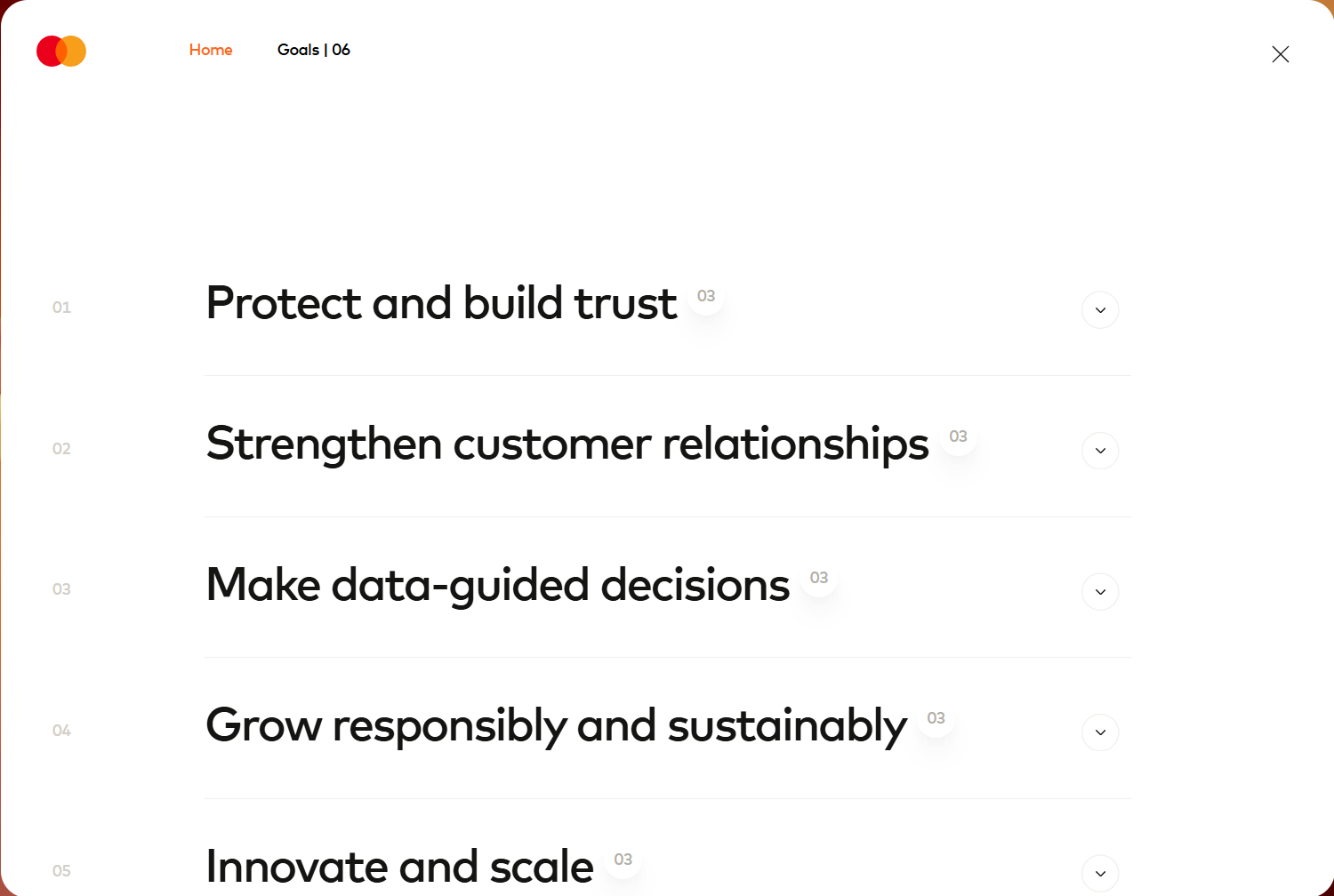
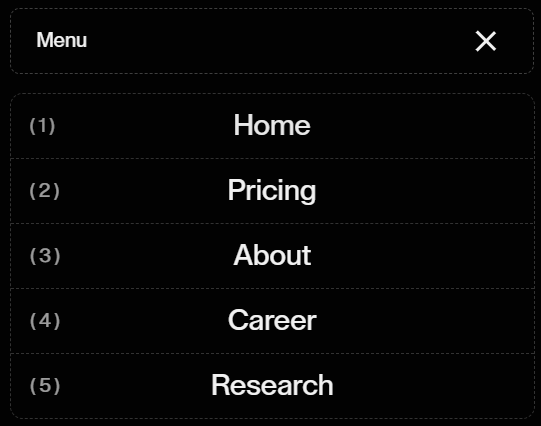
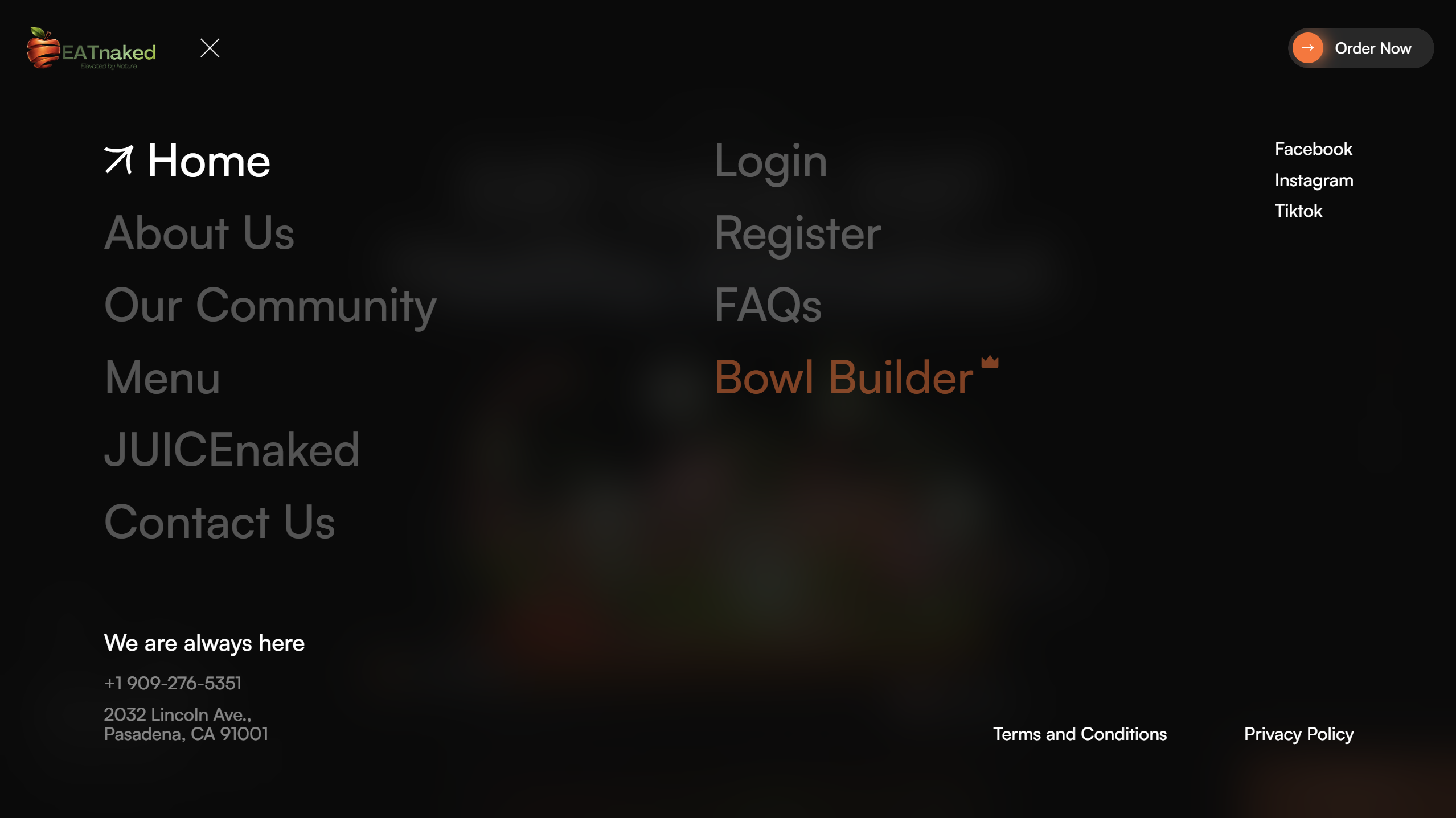
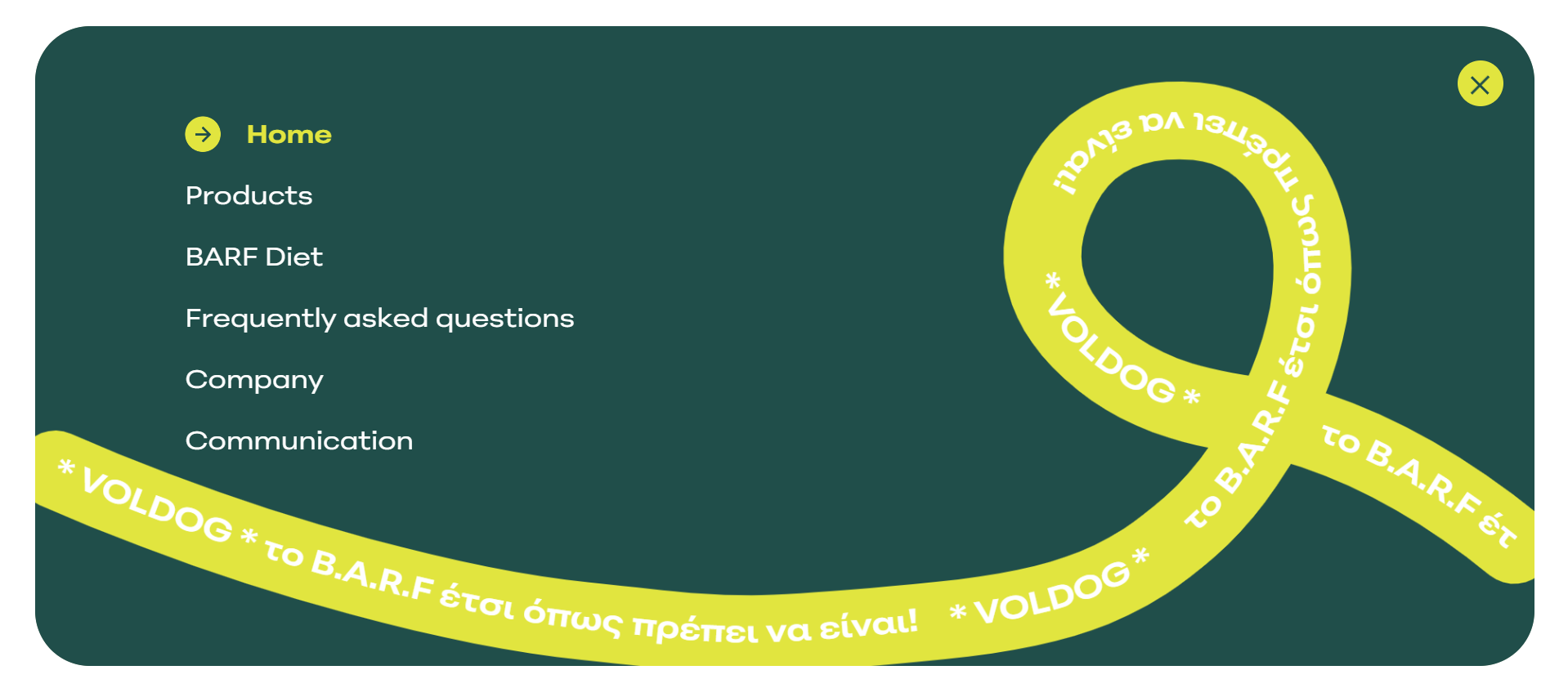
    Mobile Hamburger Overlay

    aka Full-Screen Menu · Sheet Nav

    Screenshot of vercel.comvercel.com

    Hamburger icon opens a full-screen takeover with oversized links and a dismiss control.

    When to use

    Mobile and tablet across most sites. The pattern people expect to find.

    Anatomy

    • Hamburger button anchored top-right
    • Overlay slides from right (or fades full-screen)
    • Large link list, 22–28px
    • Close X top-right, primary CTA at the bottom
    • Lock body scroll when open

    Prompt

    Build a mobile hamburger overlay. Hamburger button (24px lines) in the top-right of the navbar. On tap: open a full-screen overlay that fades in (180ms) with a stagger-in (40ms) of nav links. Links rendered at 28px medium, stacked, with small ink-400 subtitles. A primary CTA button pinned to the bottom of the overlay above safe-area inset. Body scroll locks while open. Esc and tapping outside list area dismisses. Trap focus inside the overlay.

    Polish & tuning

    2 of 4 unlocked

    Motion

    Ease-out for entrance, ease-in-out for state. 200ms hover, 400–600ms layout. Stagger children at 30–60ms so groups feel intentional, not synchronized.

    Spacing

    Pick one scale (4 or 8) and don't mix. Section padding 96–128px desktop, 48–64px mobile. Headline sits ~24px above the subhead; subhead ~32px above the CTA cluster.

    Pro

    Unlock the rest of the tuning notes.

    Buy Pro
  • Variation 07

    Icon Rail Sidebar

    aka Activity Bar · Mini Rail

    Screenshot of slack.comslack.com

    Narrow vertical strip of icons (~56px wide) for switching between top-level surfaces in an app.

    When to use

    Multi-surface apps: messaging, files, settings. Pairs with a wider context sidebar to the right of it.

    Anatomy

    • Fixed left rail, 56px wide
    • Top: app logo or workspace switcher
    • Stack of icon buttons with tooltips on hover
    • Active state: vertical accent bar + brighter icon
    • Bottom: user avatar + settings

    Prompt

    Build an icon rail sidebar. Fixed left strip 56px wide, full-height. Top: 36px workspace switcher avatar. Below: a vertical stack of 24px icon buttons with 16px vertical gaps, each rendering a tooltip on the right after a 400ms hover delay. Active item: 3px vertical accent bar on the left edge + icon color brightened. Bottom-anchored: user avatar with status dot and a settings gear above it. Background subtly darker than the page. Keyboard-navigable with Tab + arrow keys.

    Polish & tuning

    2 of 4 unlocked

    Motion

    Ease-out for entrance, ease-in-out for state. 200ms hover, 400–600ms layout. Stagger children at 30–60ms so groups feel intentional, not synchronized.

    Spacing

    Pick one scale (4 or 8) and don't mix. Section padding 96–128px desktop, 48–64px mobile. Headline sits ~24px above the subhead; subhead ~32px above the CTA cluster.

    Pro

    Unlock the rest of the tuning notes.

    Buy Pro
  • Variation 08

    Mobile Tab Bar

    aka Bottom Navigation · iOS Tabs

    Screenshot of x.comx.com

    Fixed bottom bar with 3–5 icon+label tabs. The native pattern for mobile app navigation.

    When to use

    Mobile apps and PWAs where the primary surfaces are equal-weight and switched frequently.

    Anatomy

    • Fixed bottom, full-width, respects safe-area inset
    • 4–5 evenly spaced tabs
    • Icon (24px) + label (11px) per tab
    • Active: filled icon + accent color
    • Optional center floating action

    Prompt

    Build a mobile tab bar. Position fixed bottom 0, full-width, padding-bottom env(safe-area-inset-bottom), background bg with 1px top border. Five evenly-spaced tab buttons. Each tab: a 24px icon (outline by default, filled when active) stacked above an 11px label. Active tab uses the accent color for both icon and label. Optional center tab can be elevated +12px and rendered as a circular primary FAB. Add haptic feedback on tap if available.

    Polish & tuning

    2 of 4 unlocked

    Motion

    Ease-out for entrance, ease-in-out for state. 200ms hover, 400–600ms layout. Stagger children at 30–60ms so groups feel intentional, not synchronized.

    Spacing

    Pick one scale (4 or 8) and don't mix. Section padding 96–128px desktop, 48–64px mobile. Headline sits ~24px above the subhead; subhead ~32px above the CTA cluster.

    Pro

    Unlock the rest of the tuning notes.

    Buy Pro
  • Variation 10

    Announcement Strip

    aka Promo Bar · Pre-Header

    Screenshot of vercel.comvercel.com

    Slim full-width bar above the main nav for launches, sales, or product news.

    When to use

    Time-bound messaging: launches, sales, status incidents. Dismissible by default.

    Anatomy

    • Slim height (~36px)
    • Centered content: icon + message + CTA
    • Dismiss × on the right
    • Persists dismissal in localStorage by ID

    Prompt

    Build an announcement strip. 36px tall, full-width, sits above the main nav. Center-aligned content: small leading icon (sparkle, megaphone), short message in 13px, and a trailing 'Read more →' link with arrow. Right-anchored × dismiss button. When dismissed, store the announcement ID in localStorage so it won't reappear for that visitor. Animate the strip's enter with a slide-down from -100% over 200ms; dismiss reverses.

    Polish & tuning

    2 of 4 unlocked

    Motion

    Ease-out for entrance, ease-in-out for state. 200ms hover, 400–600ms layout. Stagger children at 30–60ms so groups feel intentional, not synchronized.

    Spacing

    Pick one scale (4 or 8) and don't mix. Section padding 96–128px desktop, 48–64px mobile. Headline sits ~24px above the subhead; subhead ~32px above the CTA cluster.

    Pro

    Unlock the rest of the tuning notes.

    Buy Pro