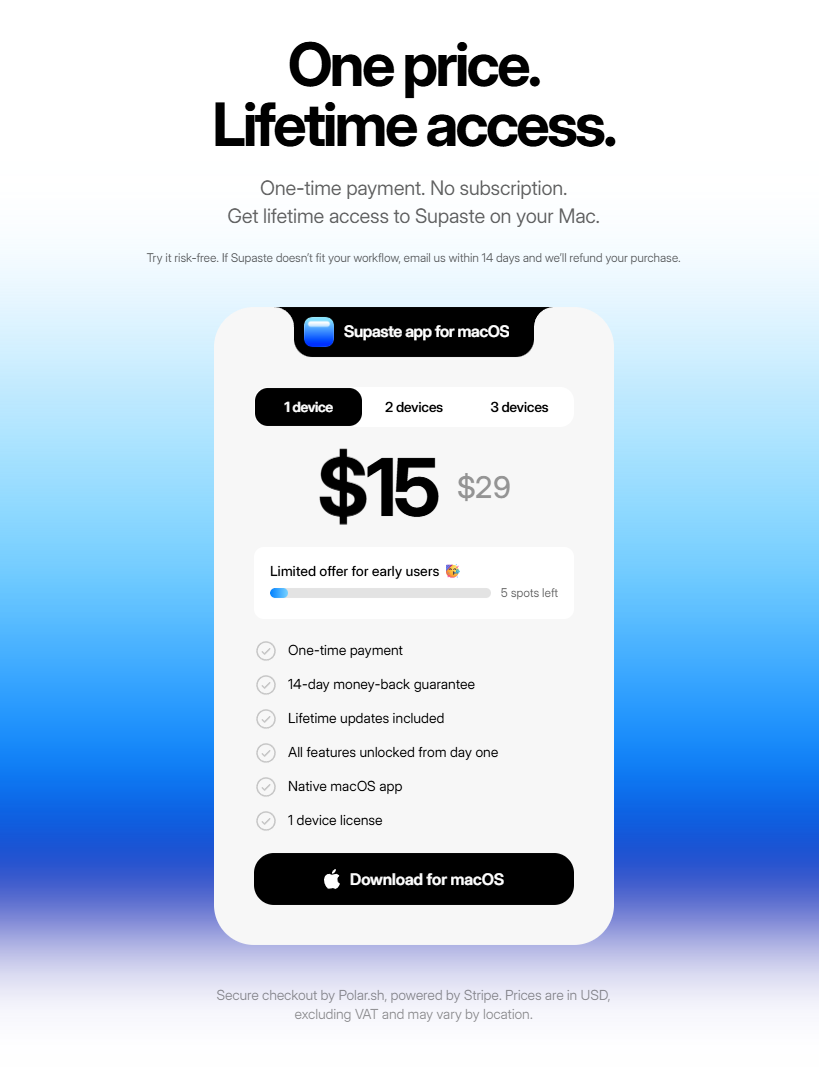
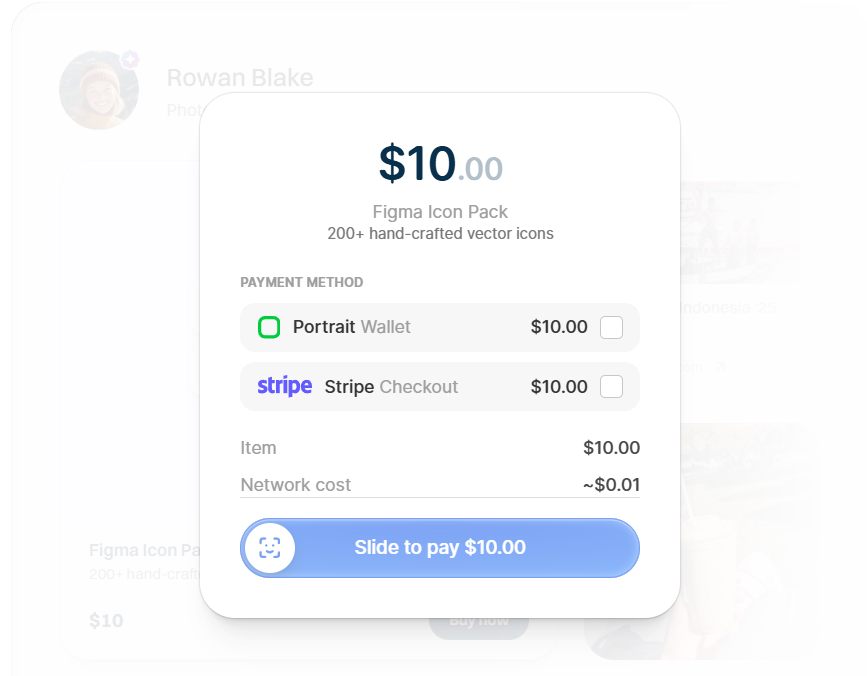
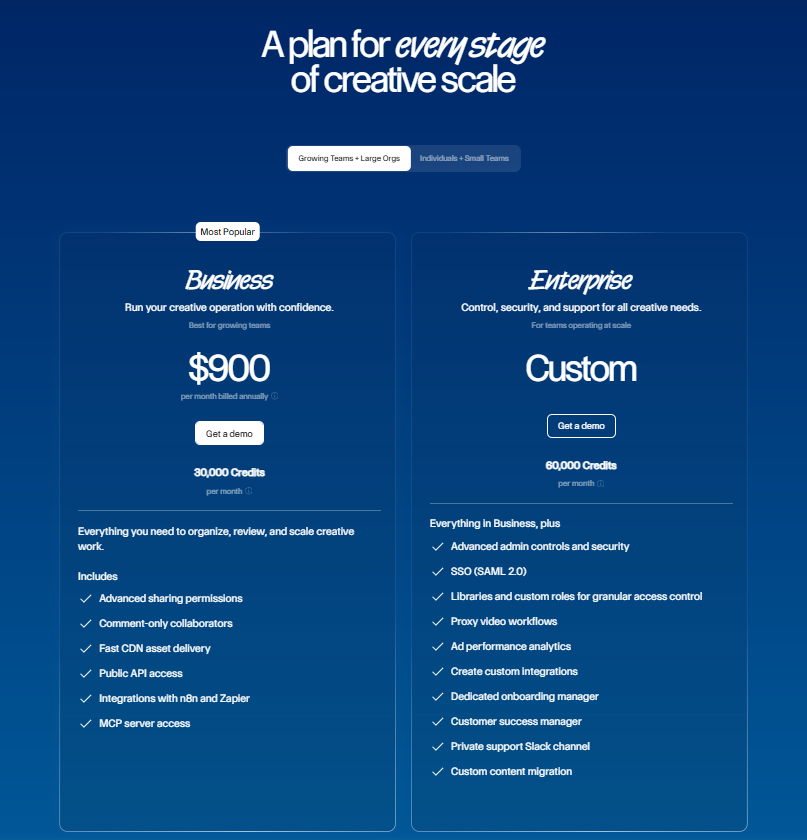
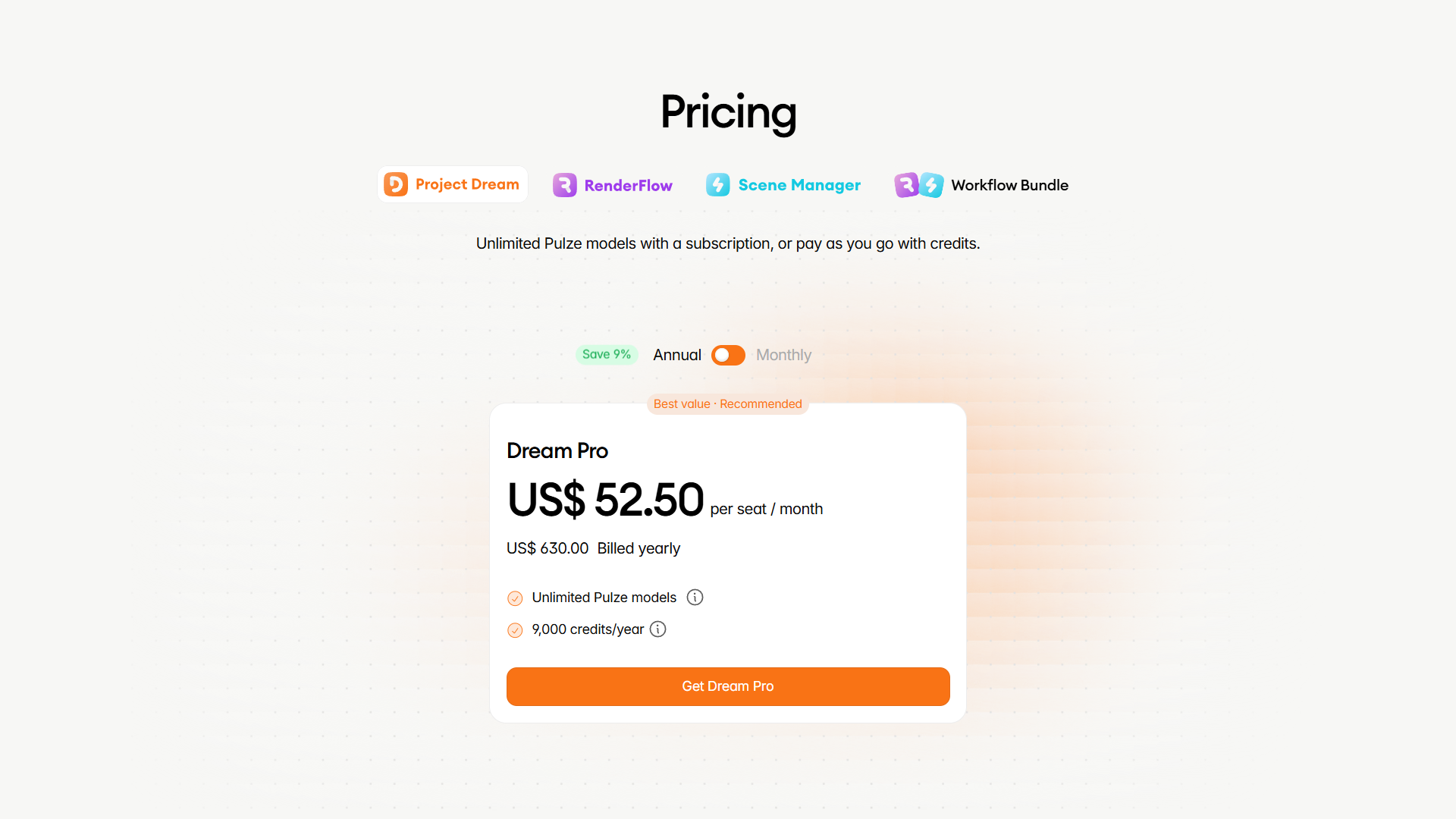
Three-Tier Classic
aka Standard Pricing · Good-Better-Best
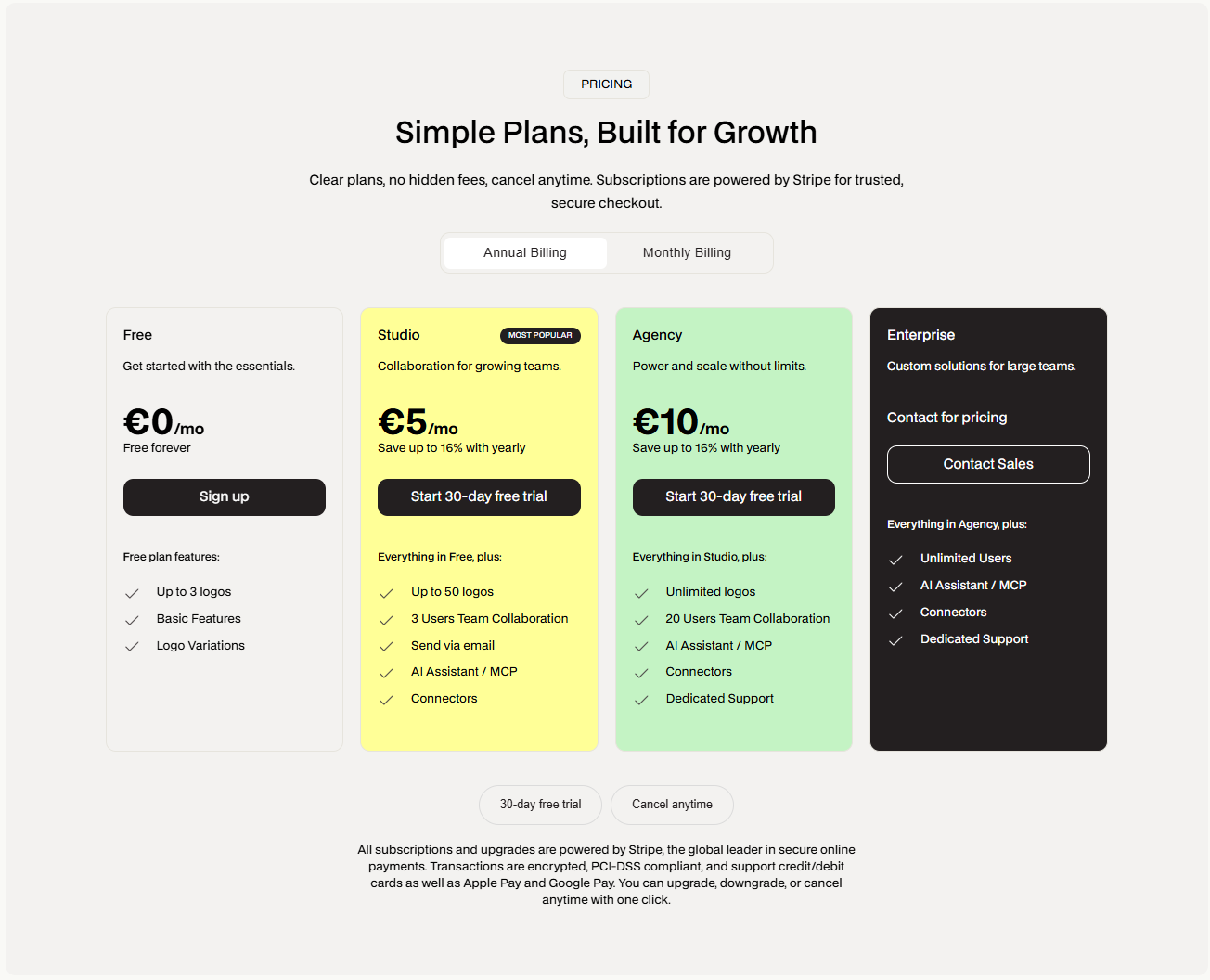
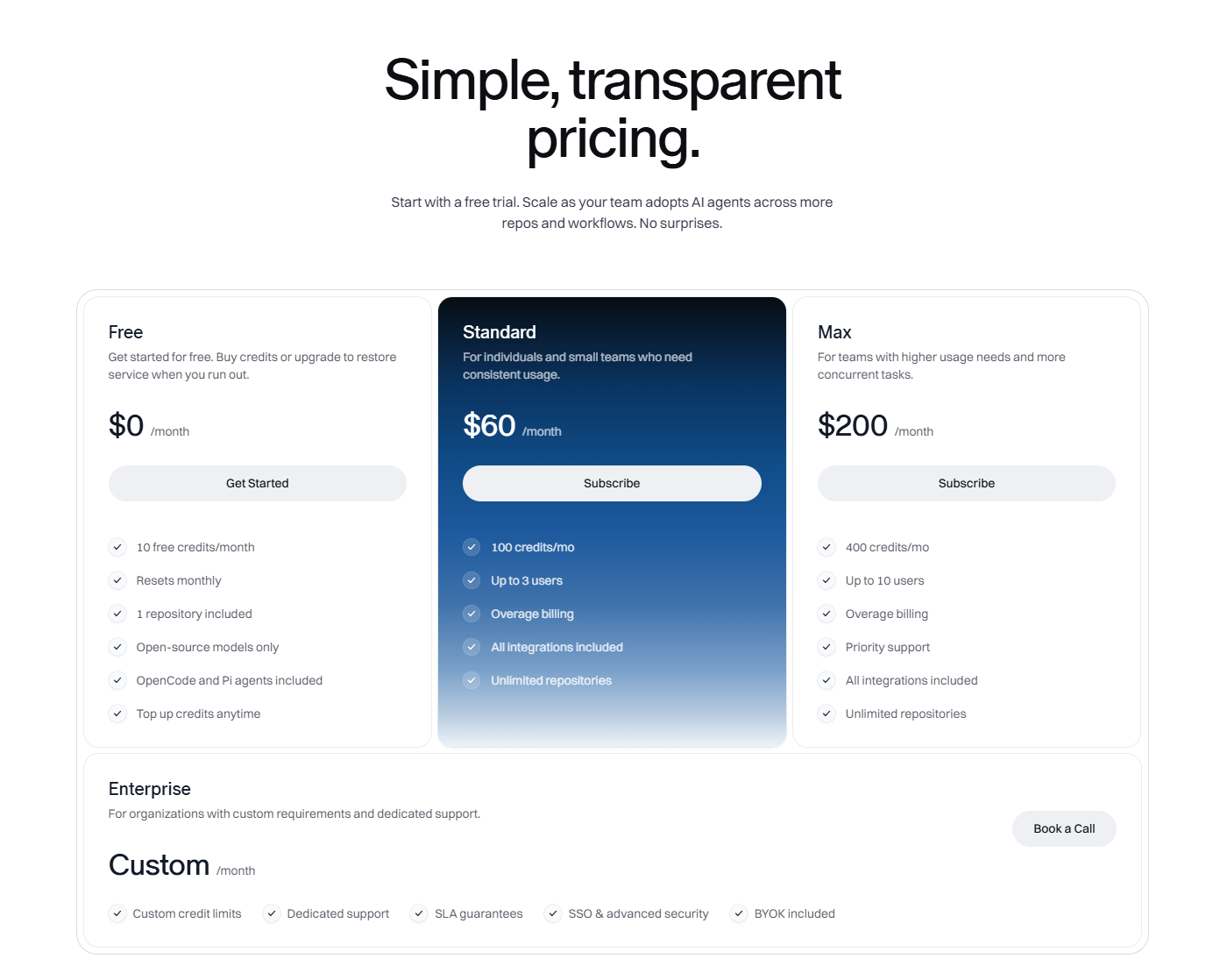
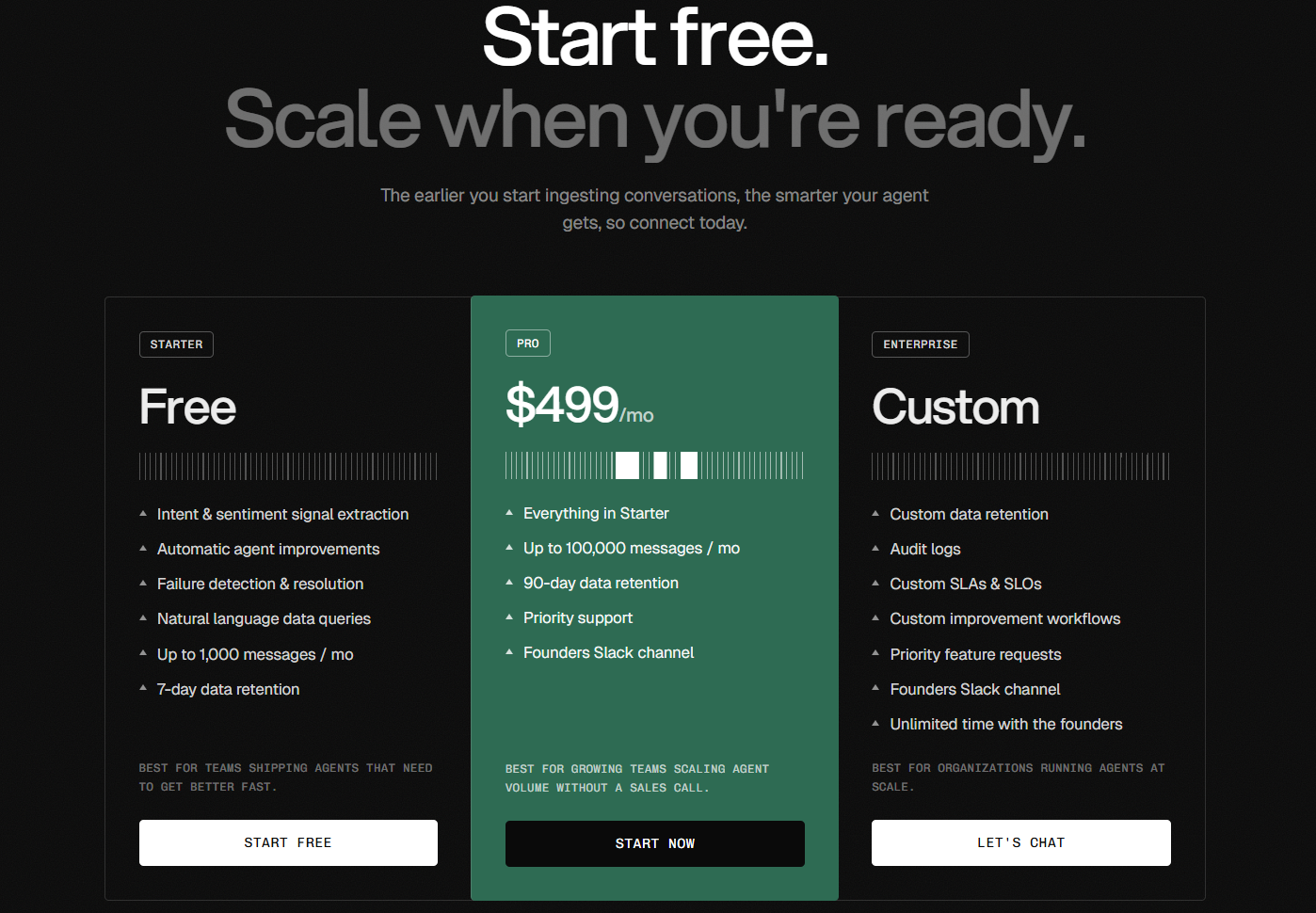
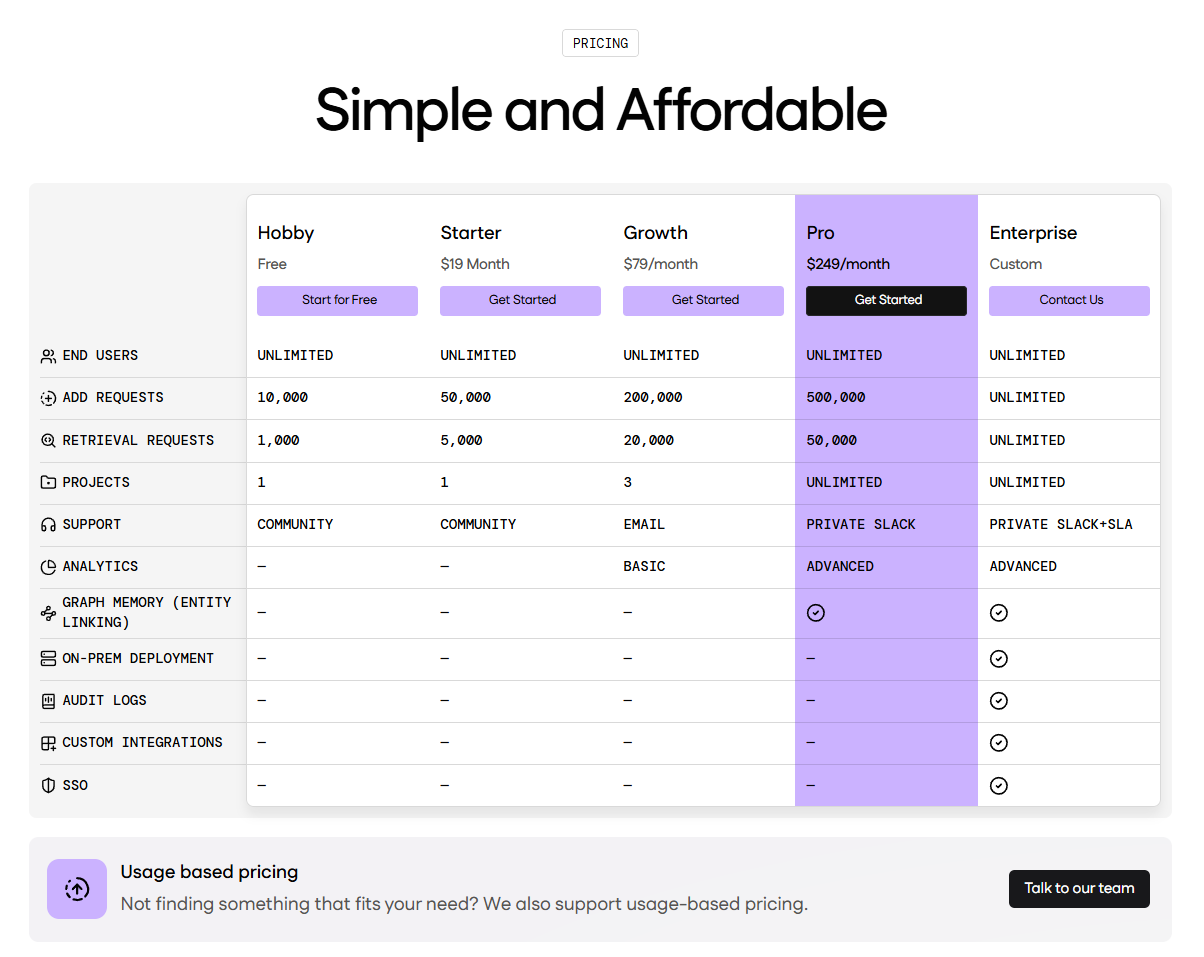
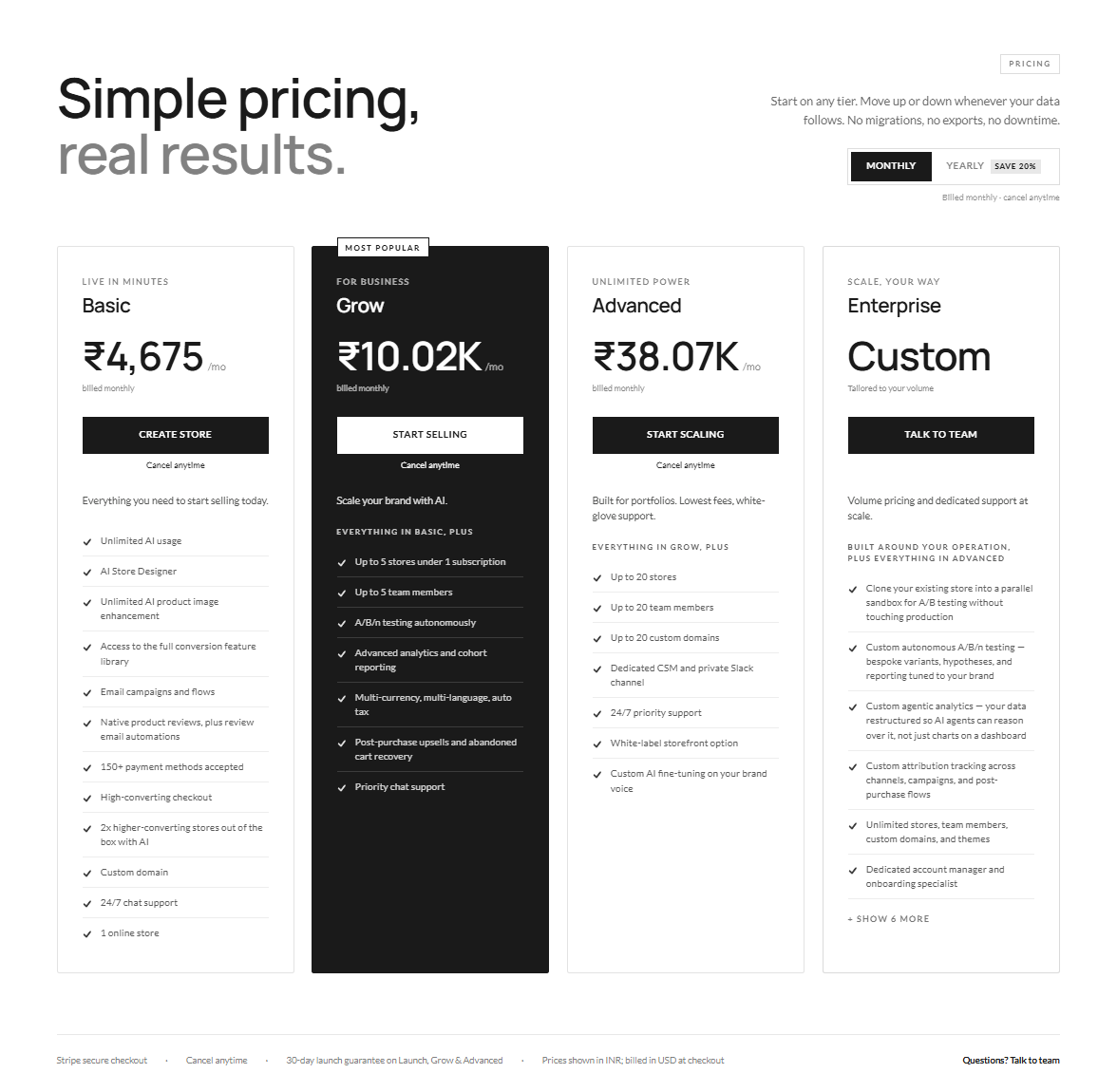
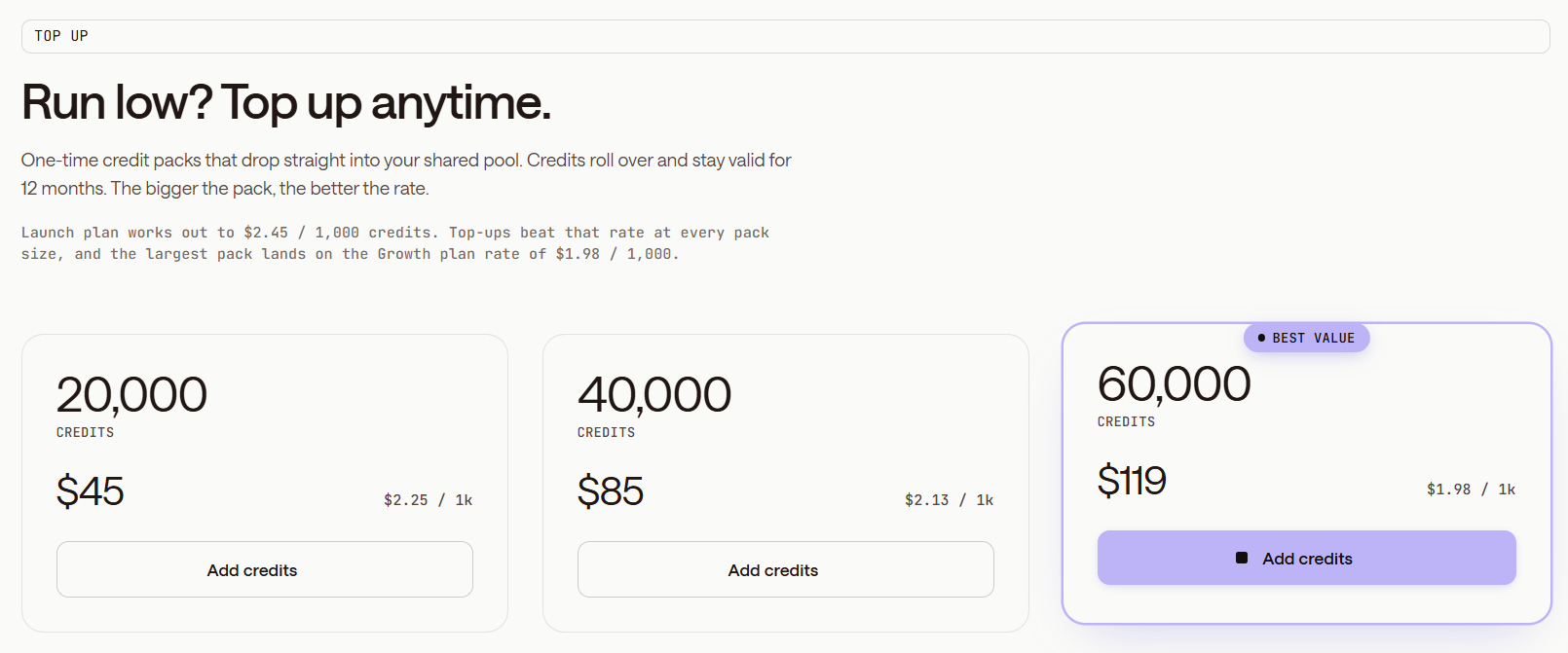
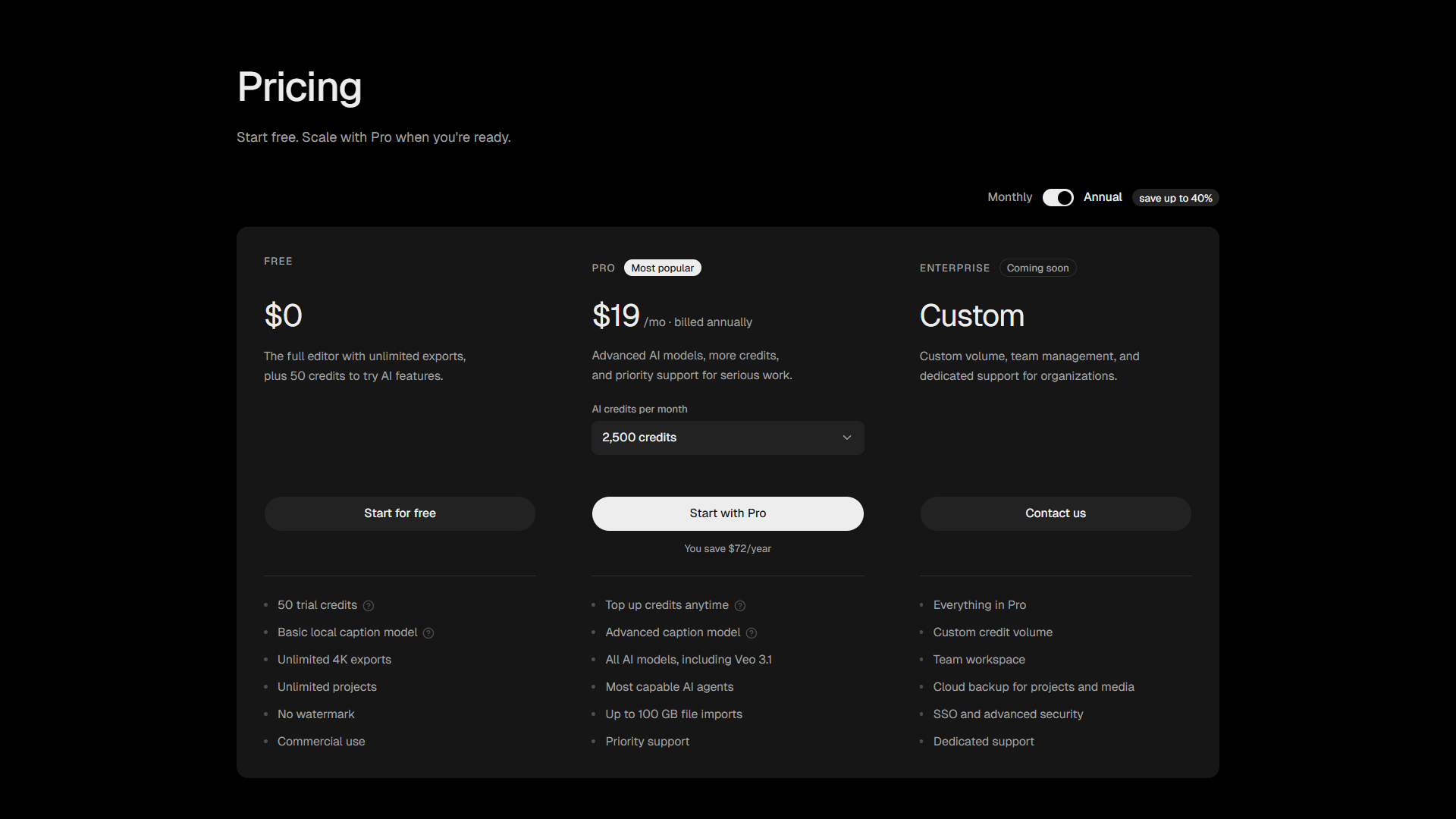
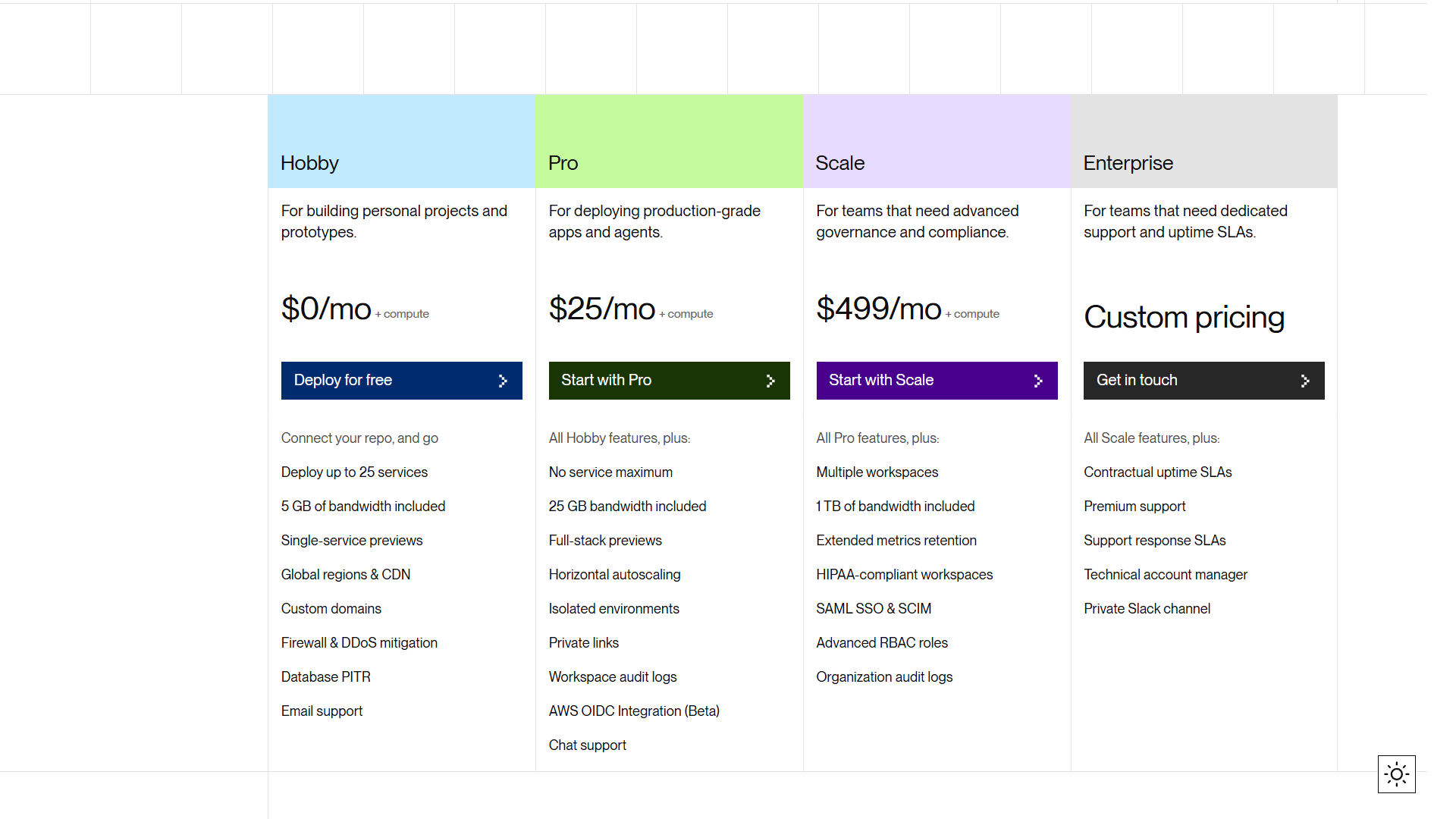
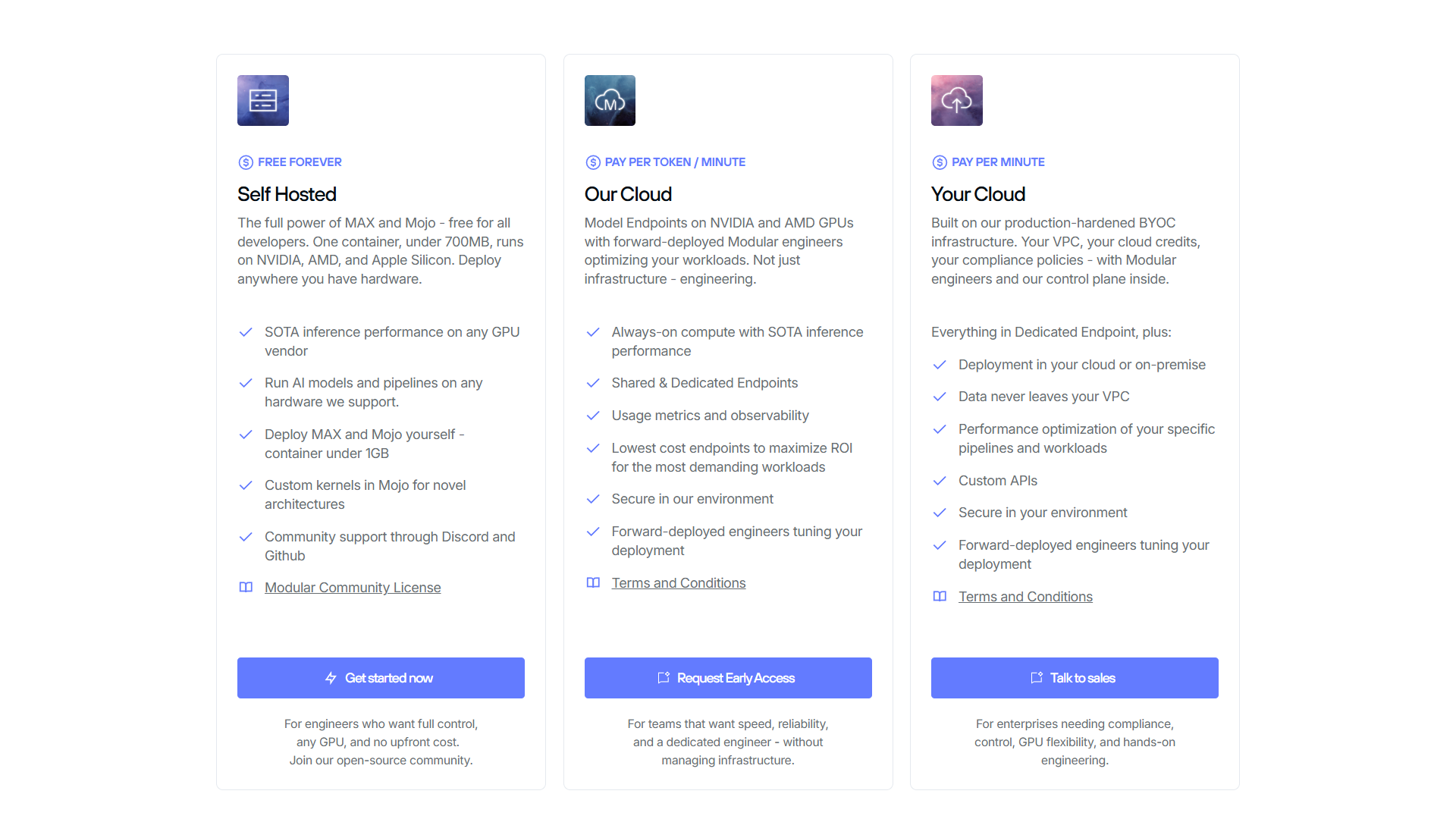
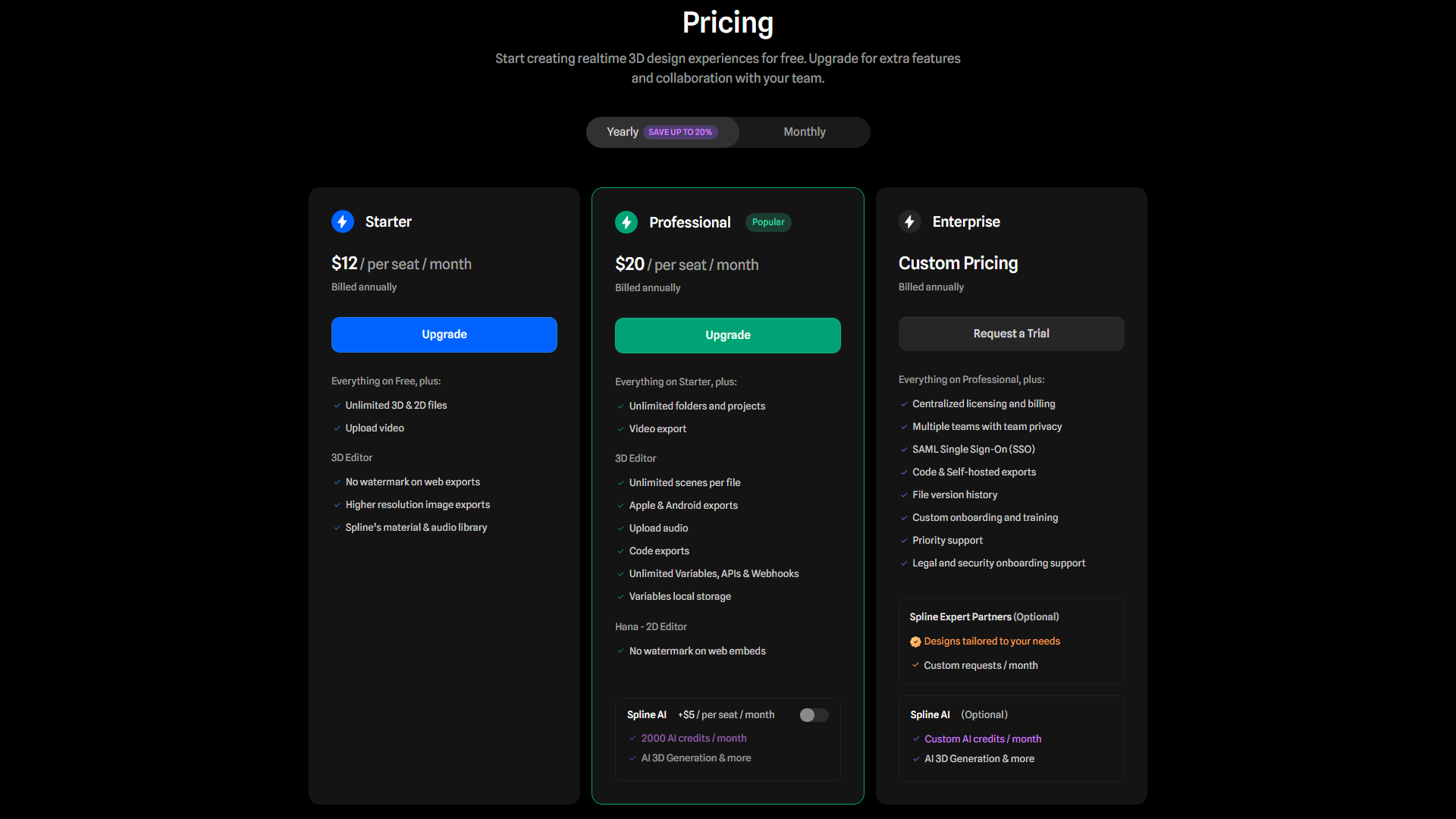
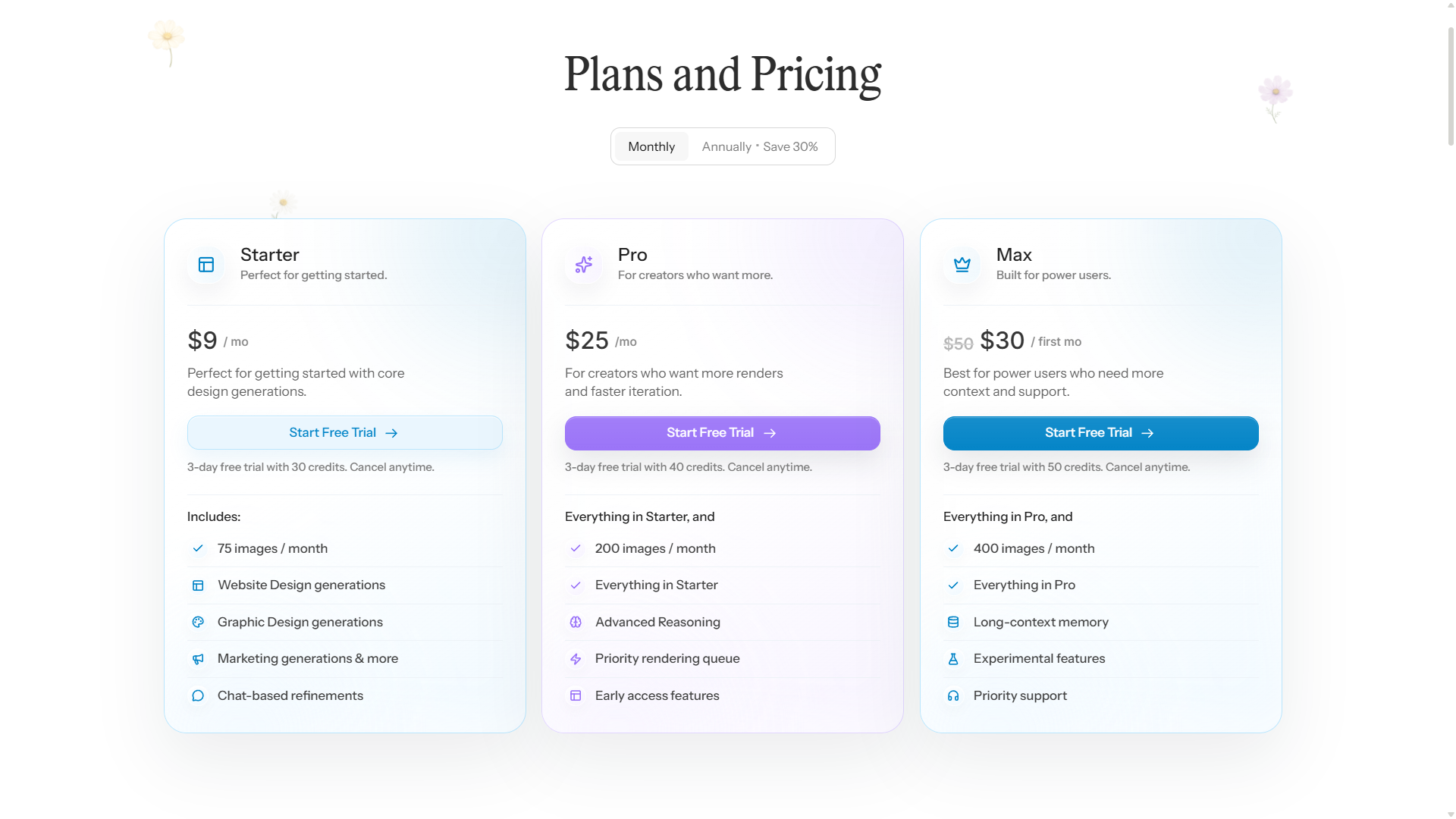
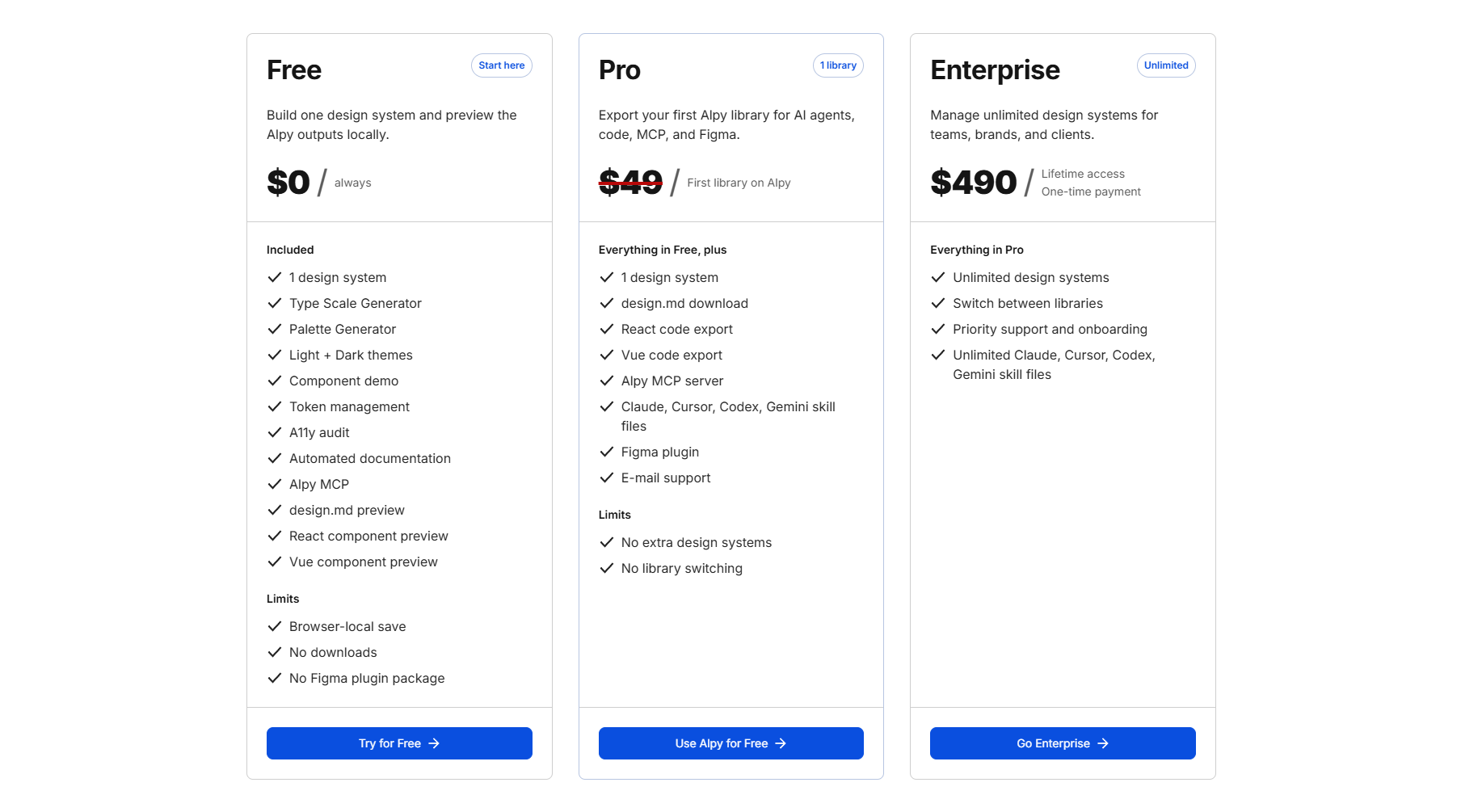
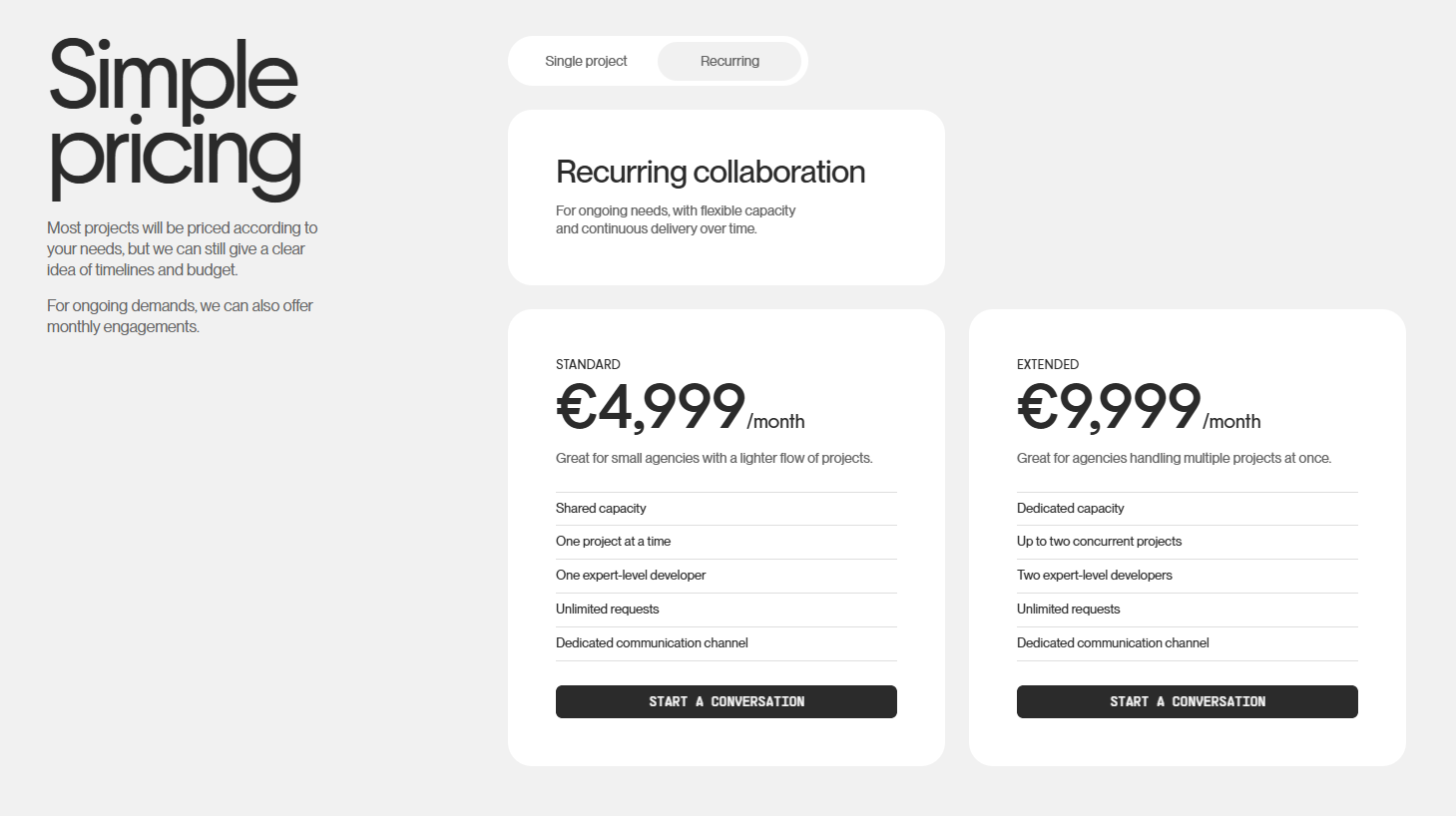
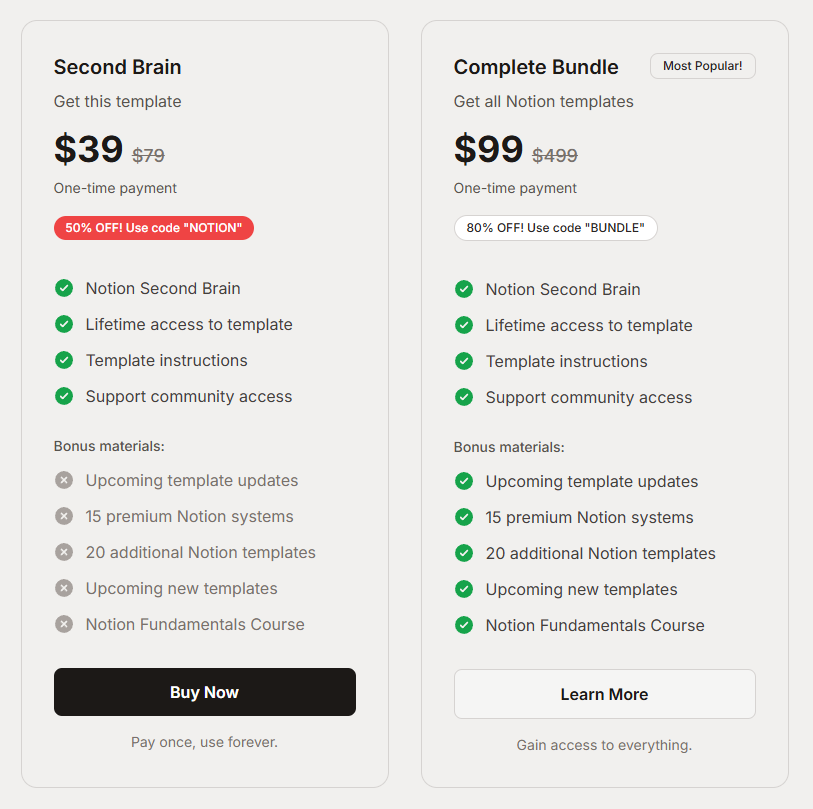
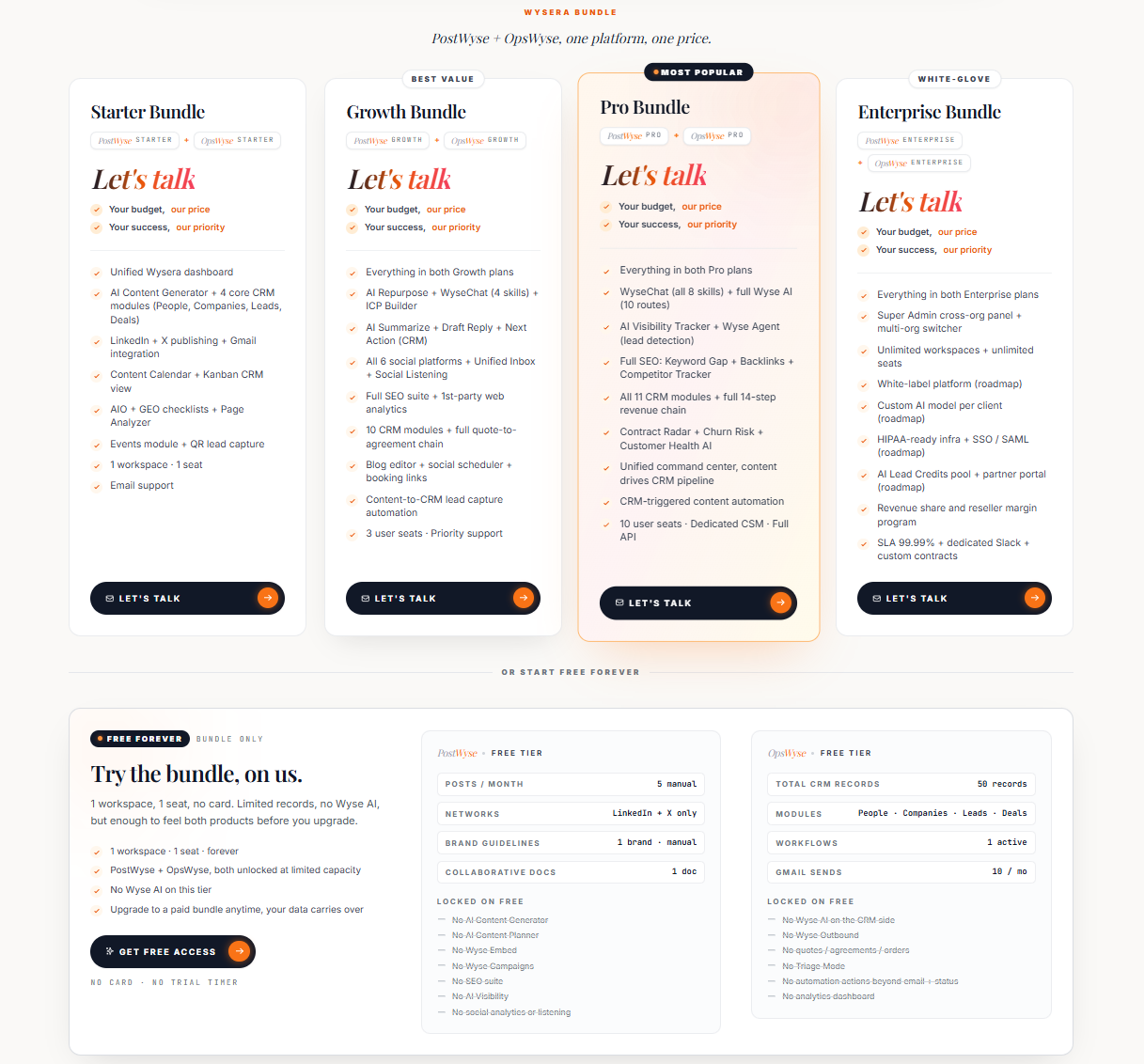
Three cards side by side, middle one elevated as the recommended tier.
When to use
Most SaaS. People expect this shape. Give it to them.
Anatomy
- Toggle: monthly / yearly (with savings badge)
- Three cards: Free, Pro, Team (or similar)
- Recommended tier: 1px accent ring, slight scale-up
- Feature list with check icons, grouped by theme
- CTA per card; quiet footnote with VAT/billing note
How the industry does it
2 examples · credited
Prompt
Build a three-tier pricing section. Above the grid: a small "Pricing" eyebrow, a 40px headline, and a billing-period toggle (Monthly / Yearly, with "Save 20%" badge on Yearly). Three cards in a 3-col grid (stacks on mobile). Each card: rounded-2xl, padding 32px, 1px border rgba(255,255,255,0.08). Middle "Pro" card has a 1px brighter border, a tiny "Most popular" pill at the top, and a slight scale (1.02). Each card has: tier name, price (large 48px), per-period suffix, one-line description, primary CTA, and a feature list with check icons grouped under faint sub-labels (Core / Collaboration / Support). End with a quiet line of small print under the grid.Polish & tuning
2 of 4 unlockedMotion
Ease-out for entrance, ease-in-out for state. 200ms hover, 400–600ms layout. Stagger children at 30–60ms so groups feel intentional, not synchronized.
Spacing
Pick one scale (4 or 8) and don't mix. Section padding 96–128px desktop, 48–64px mobile. Headline sits ~24px above the subhead; subhead ~32px above the CTA cluster.